
Inter Branch Transactions
Debtors >Reports >Report list
Inter Branch Transactions shows inter branch credit notes and invoices filtered by user region, transaction source and branch transactions.
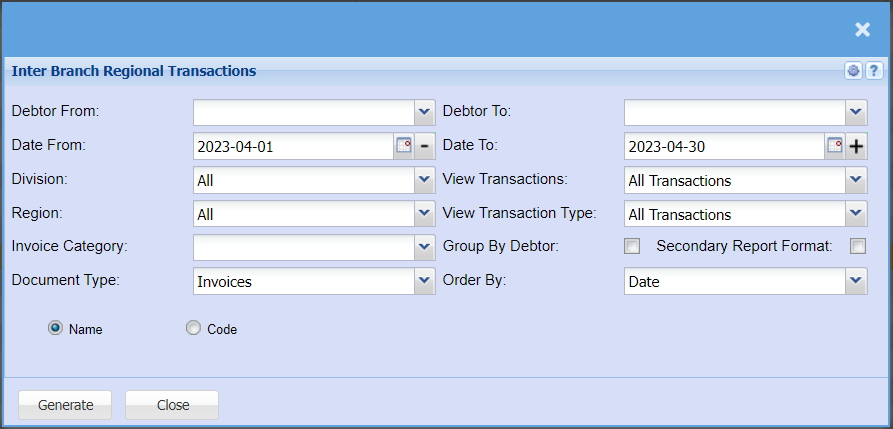
| Debtor From / Debtor To | Select a Customer/Debtor you wish to view the report from. Select the Customer/Debtor you wish to see up to in the report. |
| Date From / Date To | Choose the date range for which you want to view the report from / Select a date range of when you want to see up to on the report. |
| Division | If you have set up divisions for your debtors, you can pull the report for all your debtors or you can select a specific Division from the drop-down menu. |
| Region | You can pull the report for all your debtors, or you can select a specific Region from the drop-down menu if you have set up Regions for your debtors. |
| Invoice Category | |
| Document Type | You can select to pull a report for Invoices, Credit Notes or both |
| View Transactions | Here you can select to pull all transactions, or you can choose to pull only system transactions or imported transactions. |
| View Transaction Type | |
| Group By Debtor | |
| Secondary Report Format | |
| Order By | Select the order you want your report to be generated in by selecting either Date, Description or Reference. |
No Comments