
Status Age Analysis
Debtors>Reports>Report List
Age analysis grouped by status
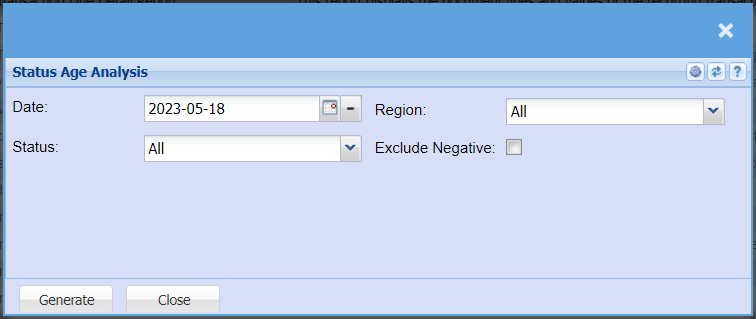
The report on status age analysis
| Date | Select the date for running the report |
| Region | You can pull the report for all your debtors, or you can select a specific Region from the drop-down menu if you have set up Regions for your debtors. |
| Status | If you select all the report will pull all statuses. If you want to view report by status, select the status on the drop-down menu |
| Exclude Negative | By ticking the box means that the report will exclude negative amounts |
No Comments