
Sales Order Shipping Performance
Debtors >Reports >Report list
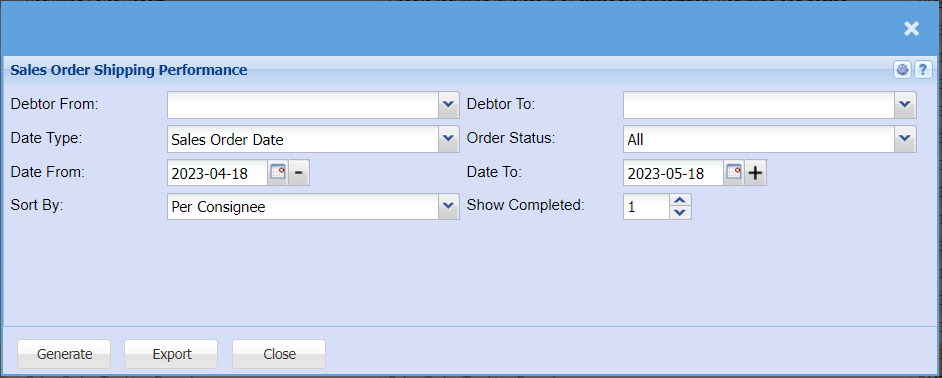
| Debtor From / Debtor To | Select a Customer/Debtor you wish to view the report from. Select the Customer/Debtor you wish to see up to in the report. |
| Date Type | Select from the drop-down menu what date you would like the report to have, you can choose from either, Sales order date, Shipment Required at Customer, ETD of ship/Aircraft, Shipment on board, ETA of ship/Aircraft, Elec Docs sent to Customer. |
| Date From / Date To | Choose the date range for which you want to view the report from / Select a date range of when you want to see up to on the report. |
| Sort By | Select from the drop-down menu if you would like your report to be sorted by, Per consignee, Shipment Required at Customer or Sales order No. |
| Order Status | You can pull a report that will show all Status of all Sales orders, or you can select a specific status to pull a report for e.g. Preparation, Confirmed, partially completed, Completed etc. |
| Show Completed |
No Comments