
Turnover by Division / Region
Debtors > Reports > Report List
This report shows the division budget as well as the total invoices less total credit notes as total sales .
Also shows the previous years sales.
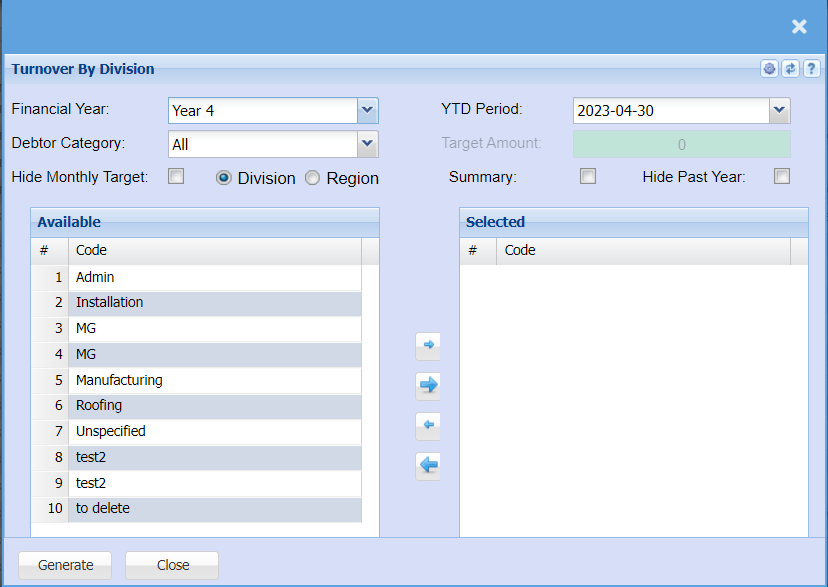
| Financial Year | Select the financial year you are running the report for |
| Debtor Category | To generate the report, the user has to select the category from the drop-down menu |
| Hide Monthly Target | Tick this box if you want to exclude the monthly targets from your report |
| YTD Period | Select the Year-to-date period you would like to pull the report for |
| Target Amount | You can add a target amount if there is a specific amount you are looking for |
| Summary | If you put the tick on the report will only pull limited information |
| Hide Past Year | Tick this box if you want to exclude the past years sales from your report |
No Comments