
Inventory Functions
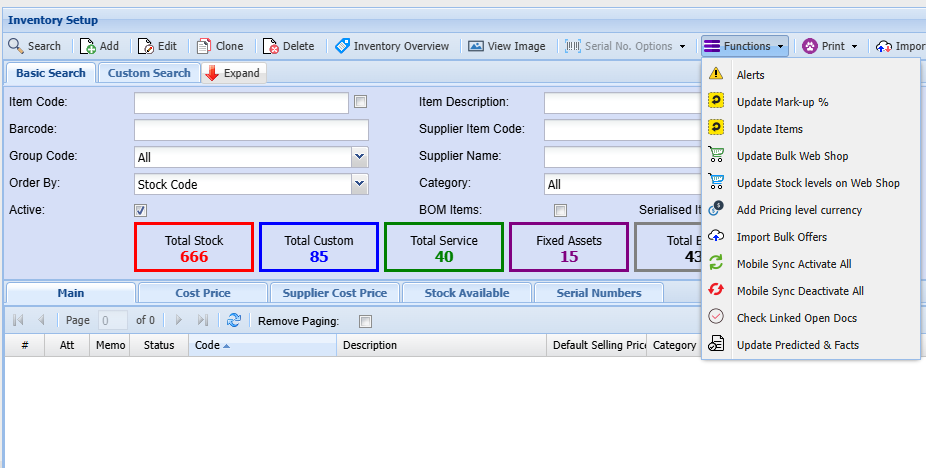
Alerts
Alerts allow an automatic pop-up to occur when selecting a specific customer, supplier, stock item and other sections within the system.
When creating the alert it will be in an active state
If you want to remove the alert, make the alert inactive or Cancel the alert
Alerts can be created across the system for various document types
Update Mark-up%
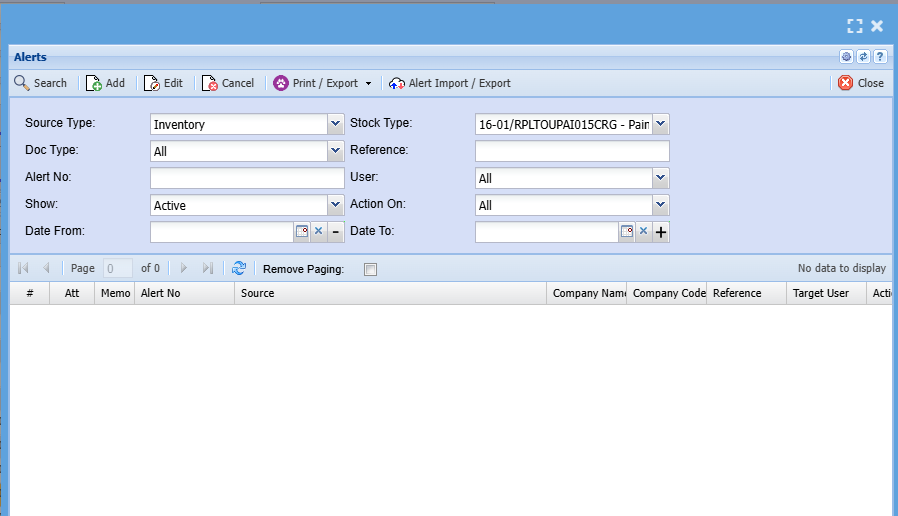
Highlight an item you want to change or update a mark-up% for, then click on mark-up%

| Group Codes | Select the correct group code on the drop down |
| Pricing Levels | Select the pricing level you want to update the mark-up percentage for |
| New Percentage | Add a new mark-up percentage |
Once complete click update
Update Items
This is a shortcut to update details on an inventory item without having to open the whole item
Update Bulk Web Shop
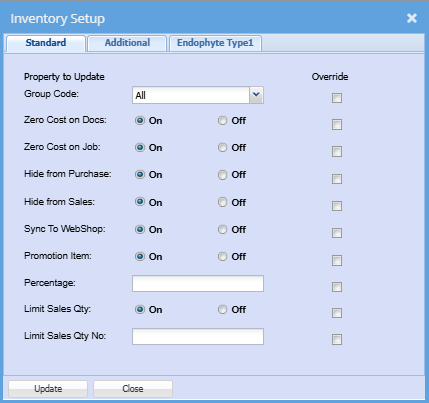
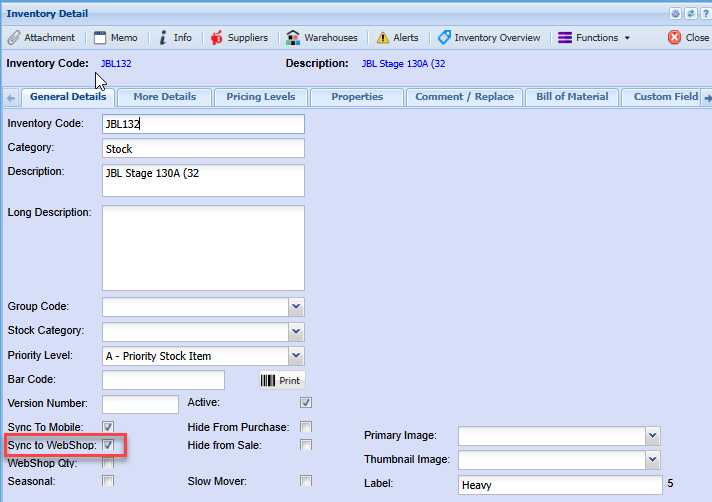
This function allows the user to activate the Web Shop indicator on all items without having to edit each item individually.
The Web Shop indicator activates items to be seen on the online web shop searches
To do a bulk update, click the Extra Drop down
Select Update Bilk Web Shop
.png)
.png)
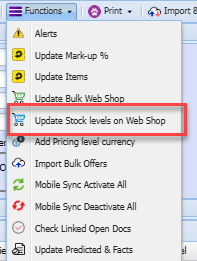
Update Stock Level on Web Shop
This is a shortcut to update all stock level on a web shop
Add Pricing Level Currency

Import Bulk Offers
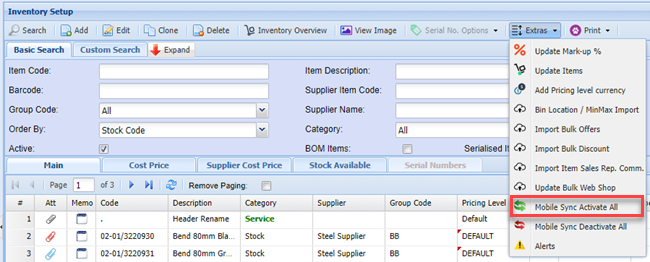
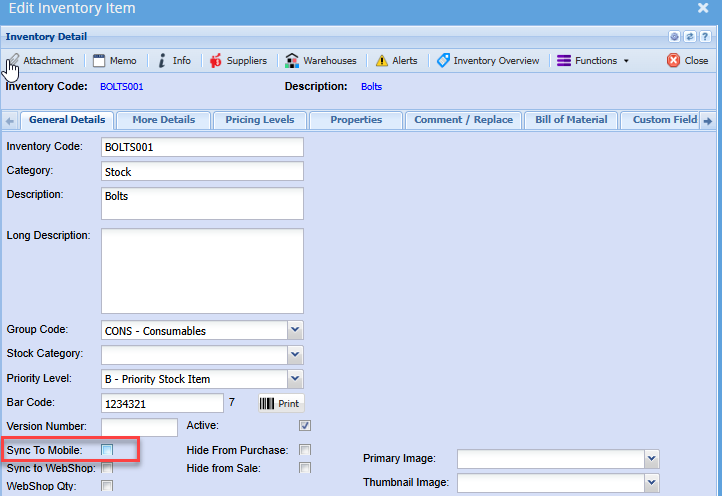
Mobile Sync Activate All
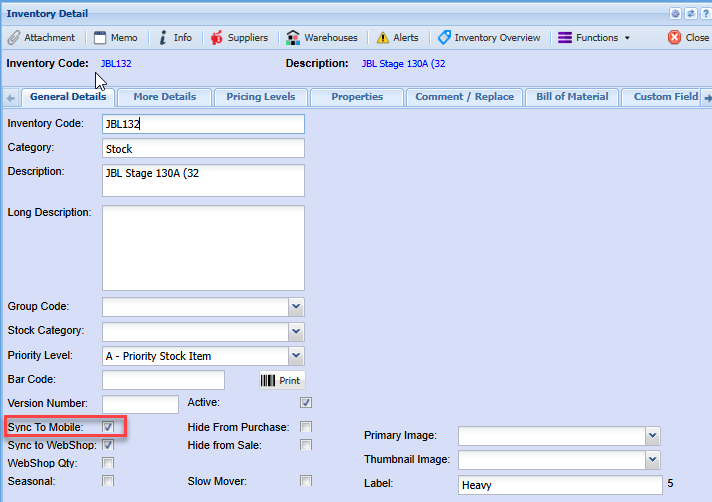
This function allows the users to update all items to sync to the Webatar mobile app
This indicator is required for searching and transaction on items using the Webatar Mobile App
Mobile Sync Deactivate All
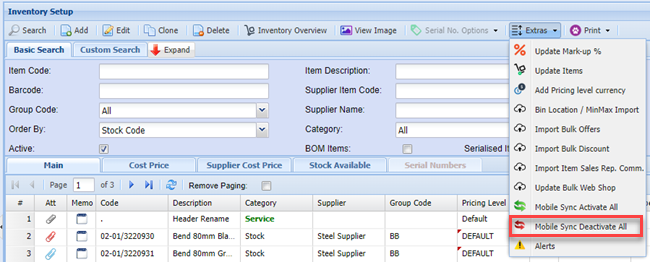
This function allows the users to deactivate the sync to mobile indicator on all searched items.
Example: If a range or group of items have been discontinued and you wish to remove these items from the Webatar App searches, this function will assist in deactivating the indicator without you editing each item individually
Check Linked Open Docs
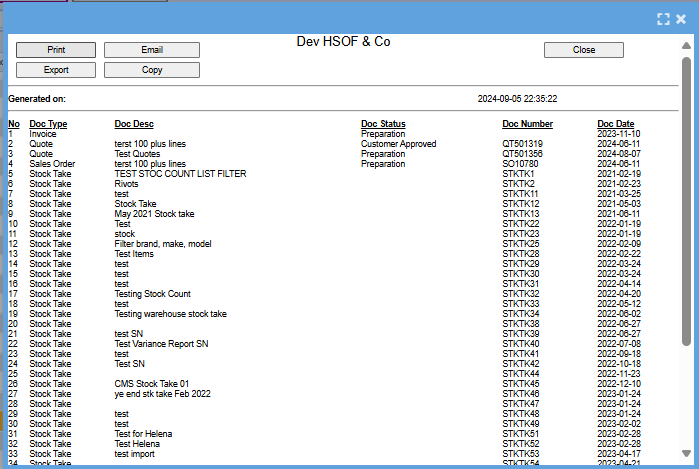
This will give a list of documents that the stock item you have highlighted is linked too
Update Predicted and Facts
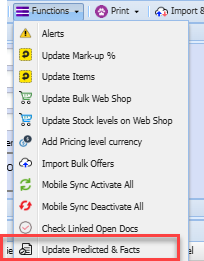
Once the update is complete you will receive an email informing you that the predicted and facts have been updated
No Comments