
Inventory / Stock Types
When setting up an inventory item, one will need to specify the type of stock item you wish to create.
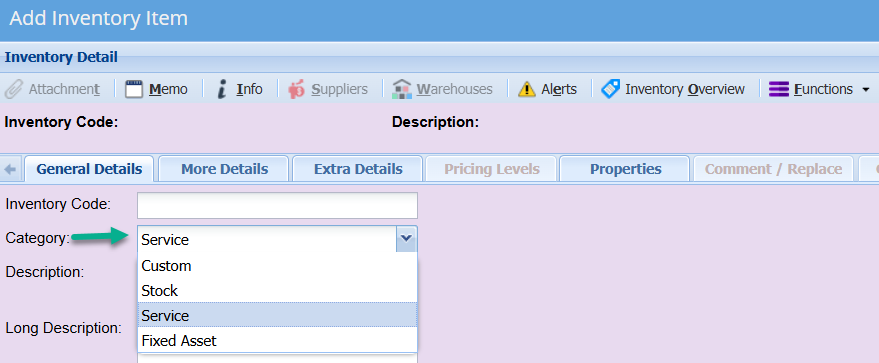
There are 4 options:
| Stock | This is a physical tangible item. If an item is setup as stock type, then stock quantity is control. you will also be able to perform stock takes on these items. If no quantity is available, you will not be able to process any documents. |
| Custom |
This is typically used for items that you do not wish to control stock on, such as consumables. It is also used for intangible items that are predominantly used for creditors purposes. e.g. if you wish to run the office expenses such as telephone account through creditors, you could set up a Custom item called Telephone Expenses which is mapped to the telephone expenses account in the ledger. |
| Service |
This is typically used for services related items such as labour, consulting, deliver, training, etc. note, if an item is setup as a Service item, then it will not be visible on creditors module or documents such a purchases order or GRVs |
| Fixed Asset | These are your normal Fixed asset items. These items will need to be serialised. |
No Comments