
Brand Make Model Search
Video training manual 2016 - Click Here
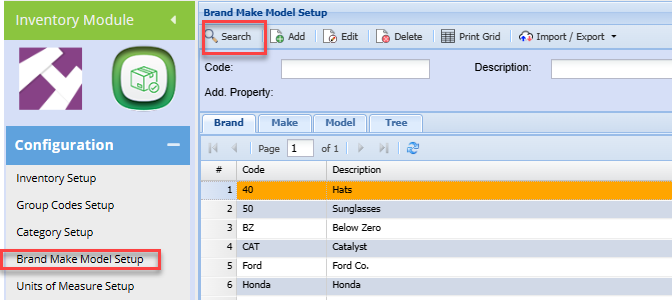
Inventory Module> Configuration >Brand Make Model Setup
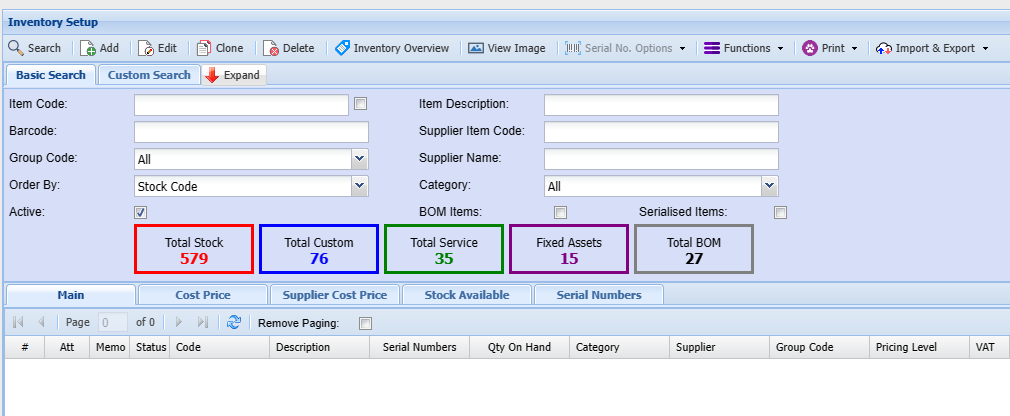
| Search | Will search according to the selected tab and will bring out the existing Items. |
| Code | Search by code |
| Description | Search by Description |
| Add | This Function will bring out a window where a user will add the brand properties |
| Edit | Allows the User to amend the added details |
| Delete | Allows the User to delete the Added details provided they have not been used or linked to other items |
| Print Grid | this will print out an Additional Inventory Properties Report |
| Brand | This is where you set up a brand |
| Make | This is where you setup a Make linking it to a certain Brand |
| Model | This is where you setup a model linking it to a certain make and brand. |
| Tree View | This is where you can view all the added brand make and models |
One can search by code or by Brand description.
alternatively. click search to see all brands.
to view Models linked to a specific Brand, double click the respective Brand.
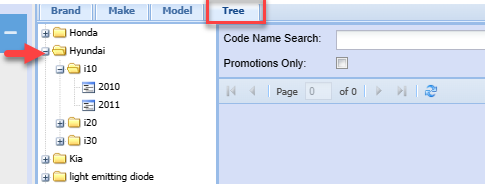
One can also view underlying Makes and models using the Tree structure.
No Comments