
Handling Unit
Handling Unit allows one to group multiple stock items together and move the full unit to multiple locations and jobs.
Handling Unit WIP
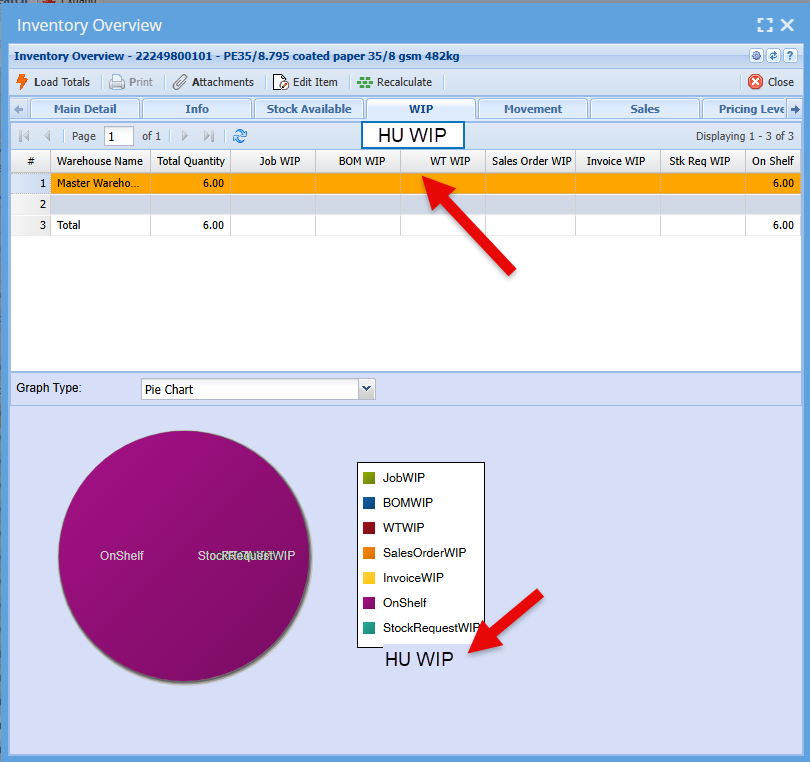
The handling unit has its own reserve stock called Handling Unit WIP or HU WIP.
When stock items are moved into a handling unit, then the items are moved from on shelf into the Handling Unit WIP.
Setup of handling Unit Type and Locations
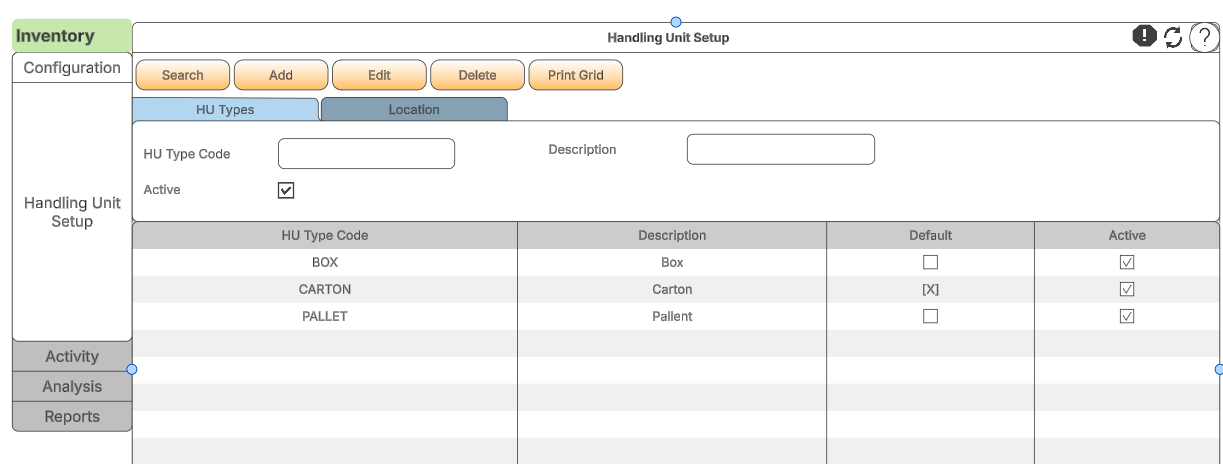
The setup of handling unit types and locations is done under the configuration section of the Inventory module.
The first setup is the handling unit types, the define what type of unit or container items will go into.
for example it can be a box, carton or pallet
Adding or editing the type
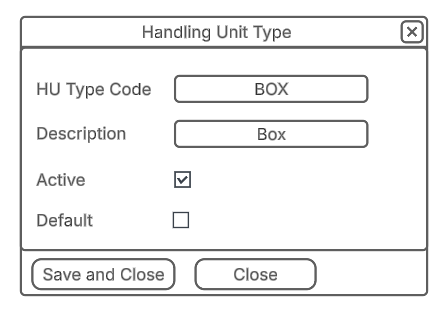
When adding or editing the handling unit type, one can decide which one will be the default.
This means that when the handling unit is added it will automatically default to Handling Unit type
Handling unit locations
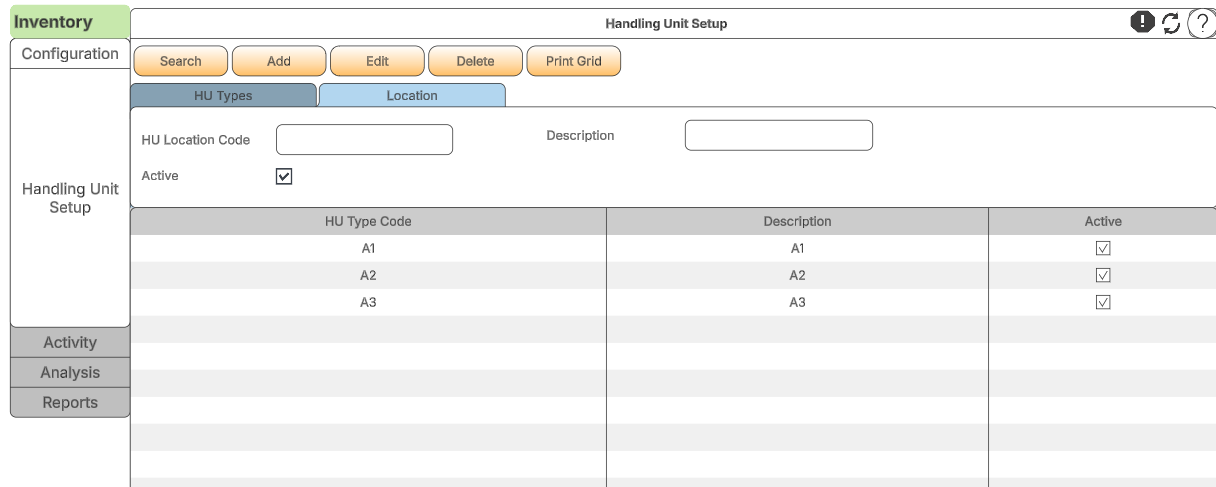
Handling unit locations are different from the warehouse locations and therefore can be defined in its own type of locations.
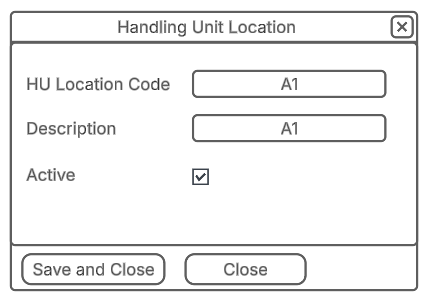
Adding or editing the Handling Unit Location
Add as many handling unit locations
No Comments