
Sales Order Picking Slip logs
When confirming a Sales Order and printing a picking slip.
Logs will be created to on picking slip screen and print picking slip.
Sales Order confirm screen will show a small Print icon to indicate that a picking slip was printed.
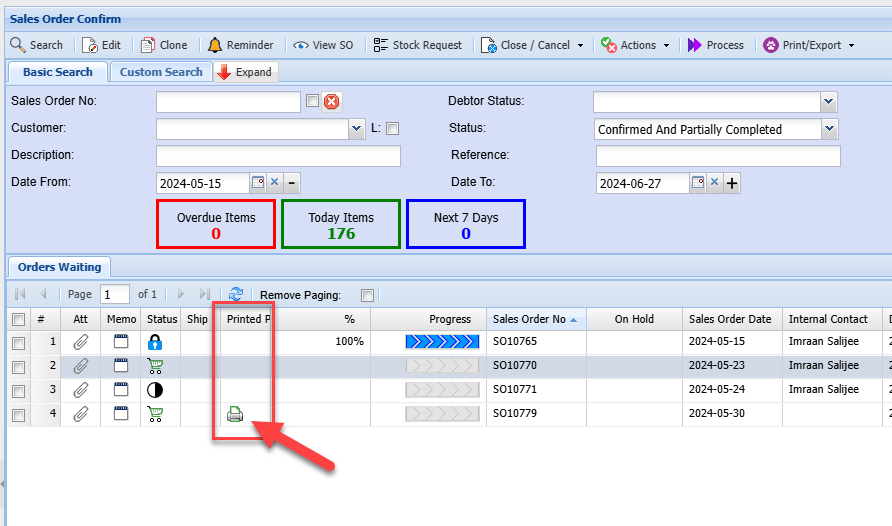
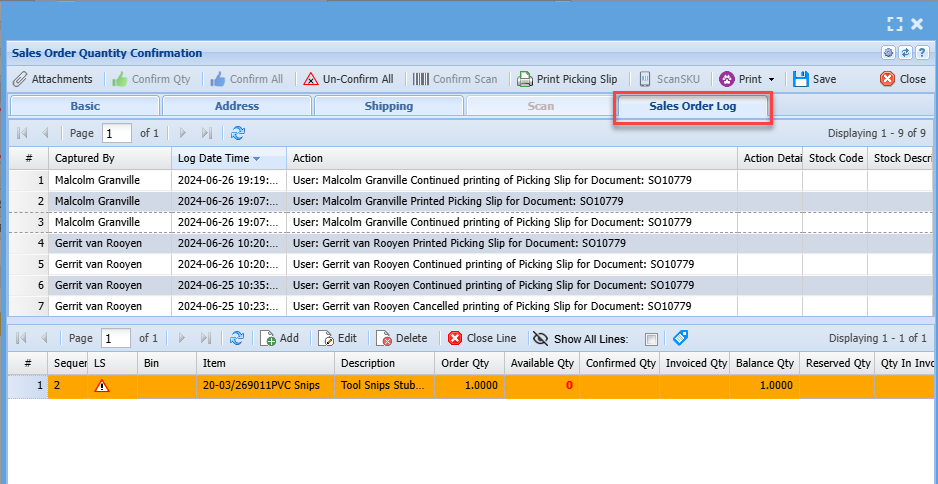
Clicking on the icon will open up the sales order log file
Best to sort Log Date Time with latest date at the top
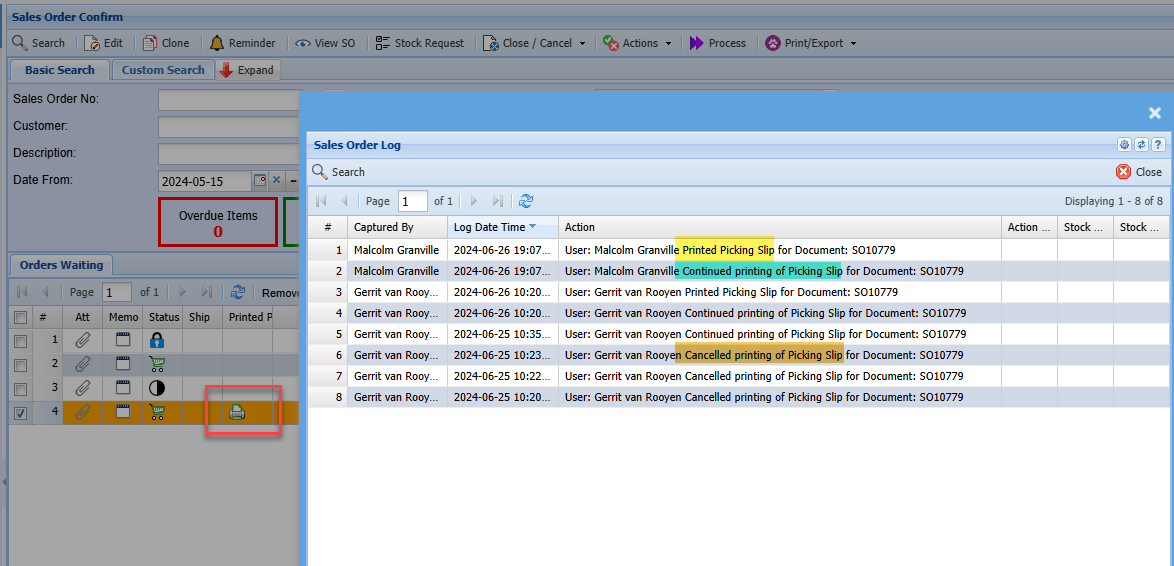
The log will log on print options for both Continue and Cancel buttons

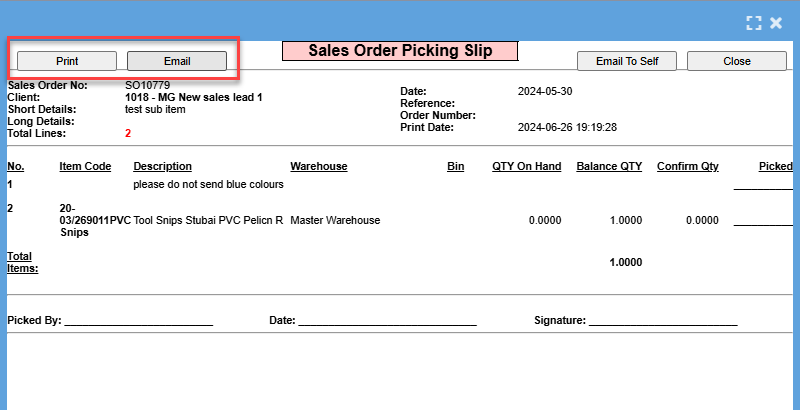
The log will log for Print and Email buttons
Print button logs that the user clicked on the print button, however this does not mean that they physically printed the document. As they could have cancelled the print button in windows.
Sales order print indicated
The sales order confirm screen shows the icon on the window to show that a print picking slip was done.
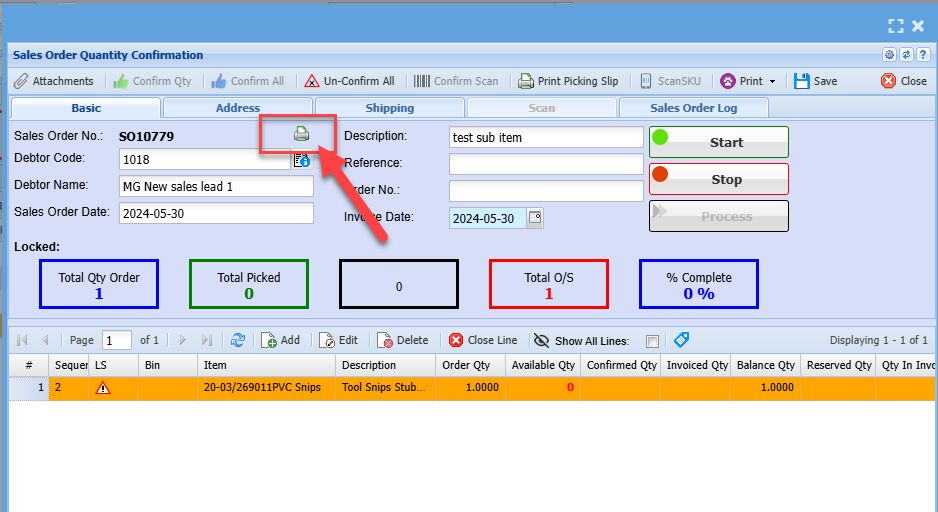
The sales order log tab will indicate the logs on the sales order
User Access log
Logs are recorded in the user access log

No Comments