
Stationery Layout Change
Go to System Configuration >Administration >Company Profiles >Amend the profile and go to More Options >Stationery
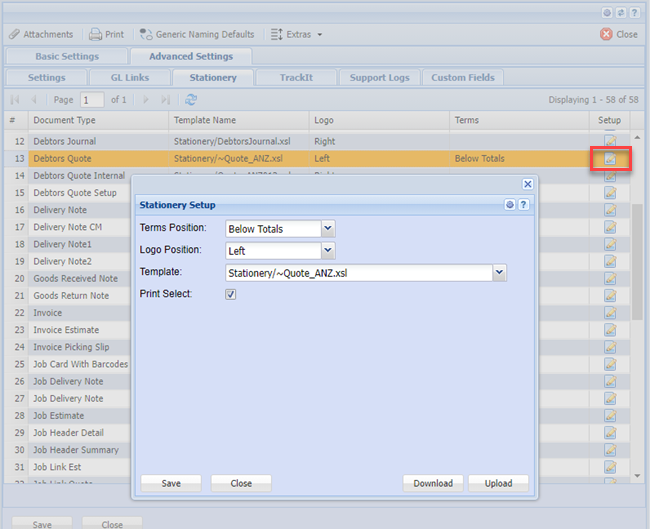
You are going to change all 3 quote layouts to be the same (lines 7,8 and 9)
Click on the button with the “…” to lookup the report
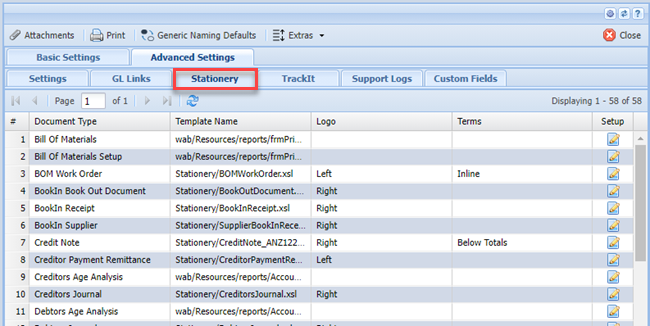
In the file template dropdown, type your search, select this layout. Do this for all three layouts. Click on Save and close till you are back to the module.
You will have to log out and log back in for the new layouts to take affect.
No Comments