
Setting up restore password
System Configuration Module > Administration> Company Profiles> Function Dropdown
More information on this button can be found at Password restore
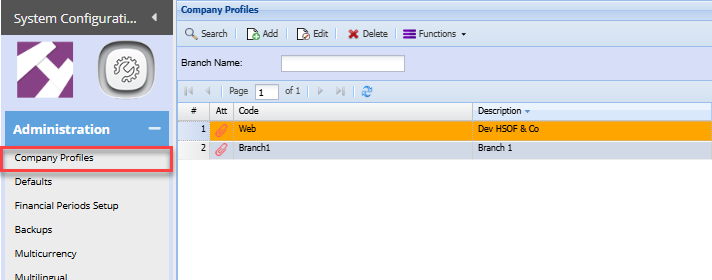
Click on the Functions Drop Down and select Set Backup Restore Password

The window below will pop up and you will enter the restore password
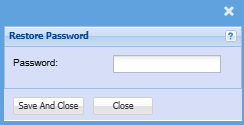
This password will be used for the following reasons:
- Restoring Backups
- Downloading Backups off the system
No Comments