
Debtors Defaults Tab
System Config > Defaults > Debtors
COD Popup on Debtor Invoices
If a customer is marked as COD, it will give you a pop up to say its a COD client when creating a sales document.
Quote, sales order, invoice and credit note
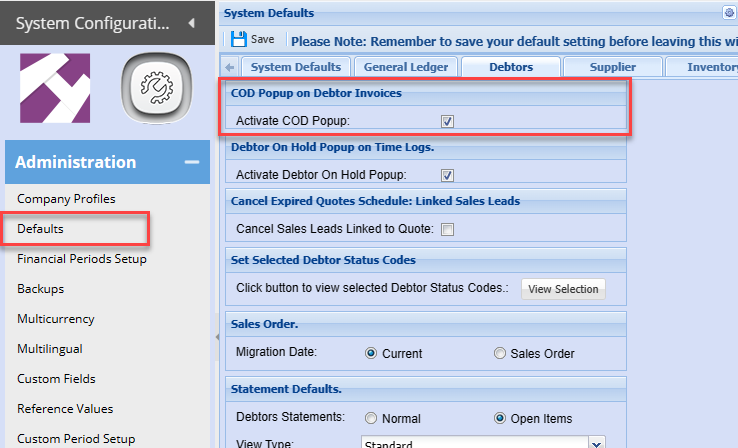
This will work with any customer that is marked as account terms equal to COD
.png)
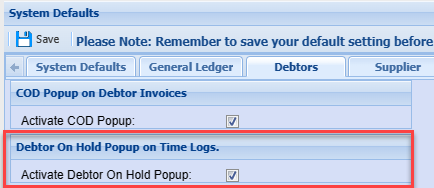
Debtor On Hold Popup on Time Logs
Activate this feature to enable a pop up on time sheets if the customer is on hold.
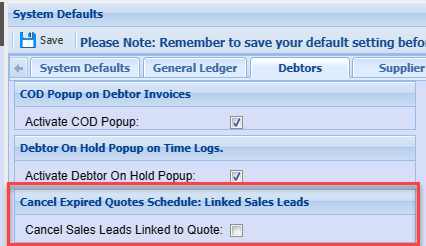
Cancel Expired Quotes Schedule: Linked Sales Leads
When the system runs the scheduled task to cancel expired quotes.
If the quote is expired it will automatically cancel the sales lead when enabled
Set Selected Debtor Status Codes
Use this function to limit the status drop down on sales documents like invoices.
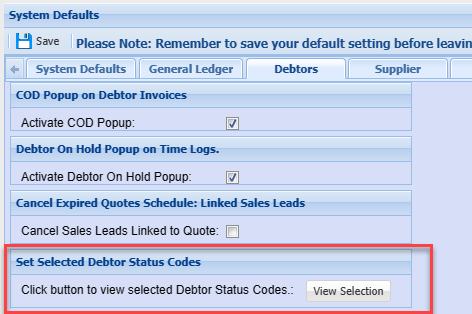
Click on the view selection button to select the status's you want shown
.png)
Invoice document limit status selection
.png)
Sales Order
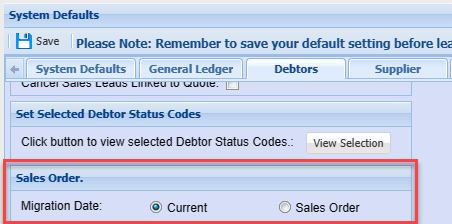
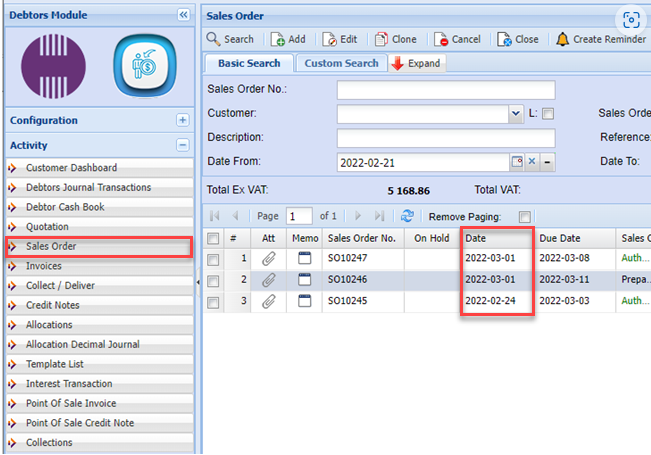
When migrating the sales order to an invoice.
Its either going to take the sales order date or its going to take the current date.
Statement Defaults
Set up statement and age analysis defaults.
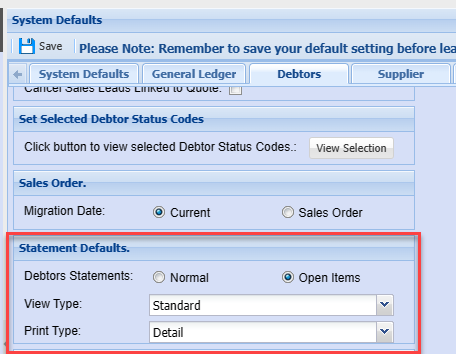
Statements
Sets the Type to Normal or Open item to Statements.
.png)
Debtors Age analysis
Sets the view type to either standard, invoice date or due date
Sets the print type to summary, basic or detail
.png)
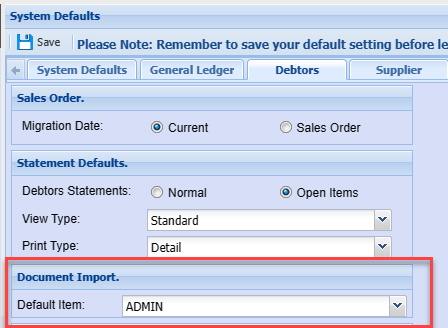
Document Import
When importing documents and the item code used is not recognized, it will use this as the default.
Log item brand against customer on Sales Order
When tick is on, on creating a sales order and authorise it, then the items on the sales order goes and checks all the brands and automatically populates the brands at the debtors setup.
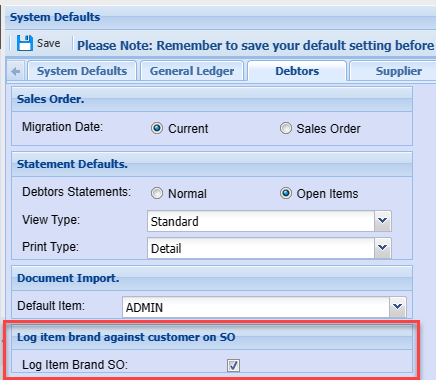
In customer setup, it will automatically select those brands that have been used in orders.
This helps maintain the different types of brands a customer is buying.
.png)
The purchase brands will be listed on the first page of the debtors set up
.png)
Sales Margin Check
This is used on debtors documents to check or enforce margins.
Setting is activated per customer
When a new customer is created, it will take these settings
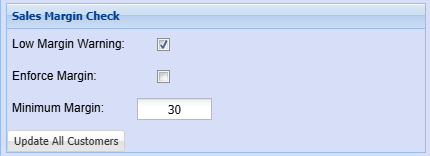
| Low Margin Warning |
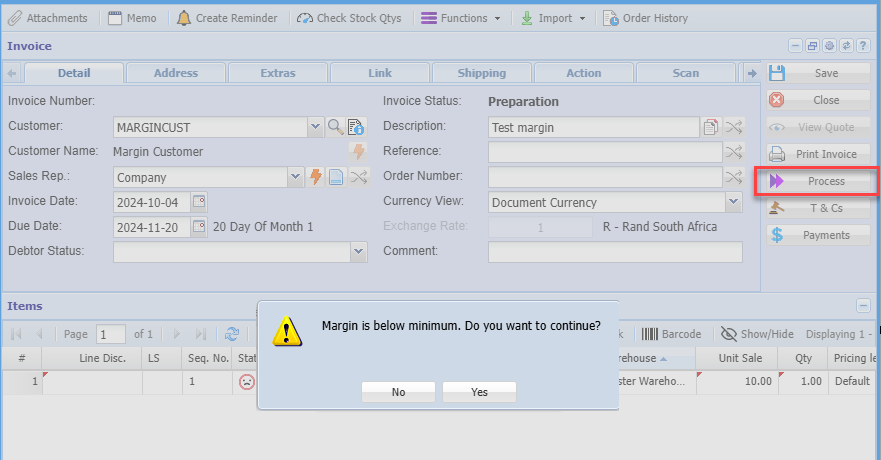
If this is enable it will check low margin on adding an item to a sales document. It will check when invoice is processed, giving a warning to proceed or not |
| Enforce Margin | Will not allow an invoice to process if the user is not a margin supervisor |
| Minimum Margin | Enter value for checking margin percentage |
| Update all Customers | Update all customers with these settings |
Margin check is on each customer
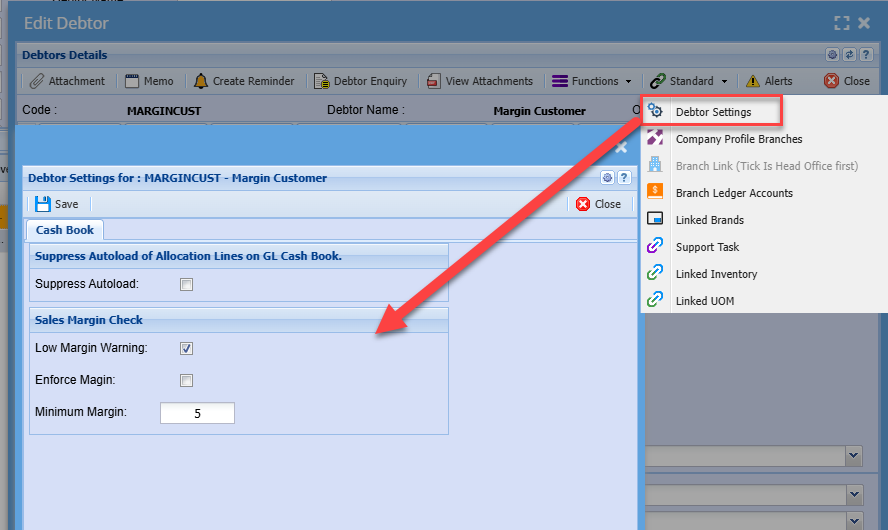
See more information on Margin checks -
No Comments