
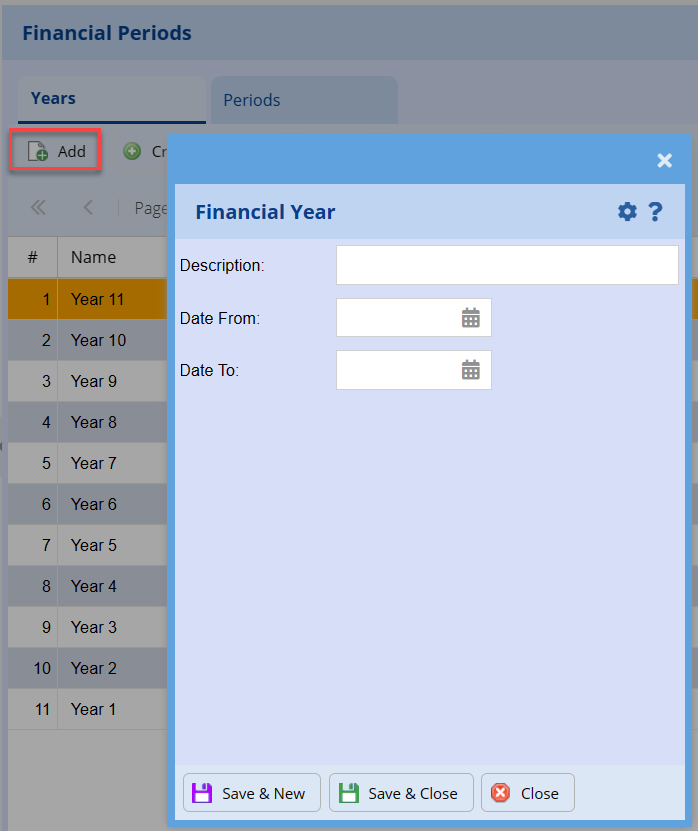
Add Financial Year
Systems Configuration > Administration> Financial Periods Setup
Click Add and fill in the information
| Description | Fill in the description (Example: Year 1) |
| Date From | Fill in the date from you wish to start |
| Date To | Fill in the date to you wish to end |
No Comments