
Create a new financial Year
Video Training Manual 2016 - Click Here
The creation of a new financial year occurs at the end of a financial year, and there are no new years and periods in the system.
If your financial year is not created, you will not be able to process any transactions
To create a new financial year, Follow the steps below:
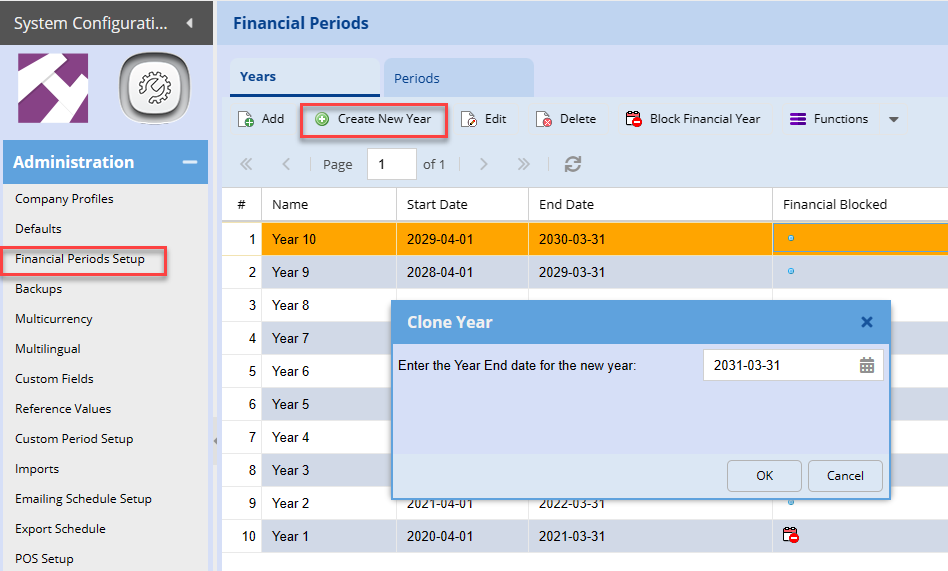
Go to System Configuration Module > Administration > Financial Periods setup
- Highlight your last year - See example below
- Click create new
- Then the window for the clone year will appear as shown below.
- Add your next financial year-end
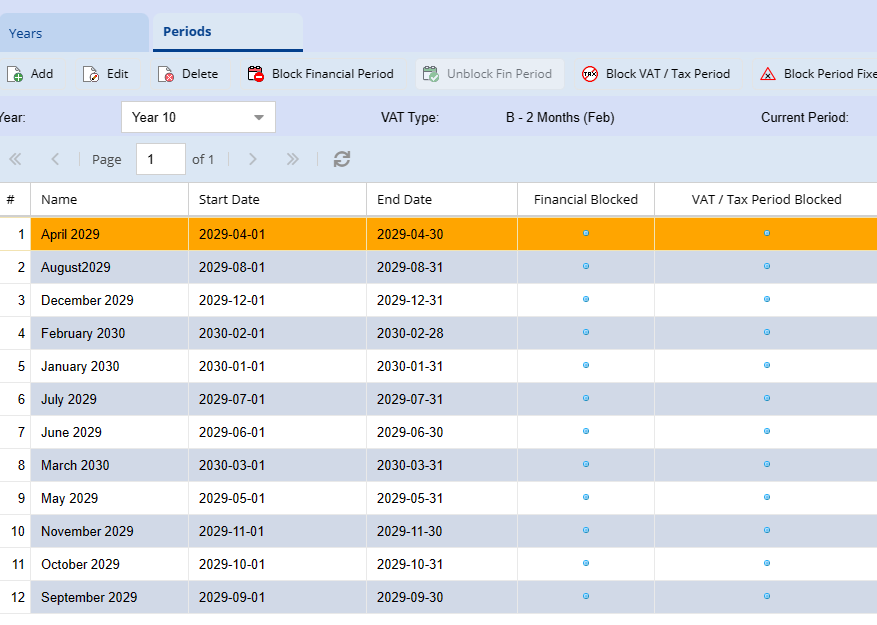
Once the year is created you can click on periods to double-check if they are created correctly.
When you are done, log out of the system then log back in
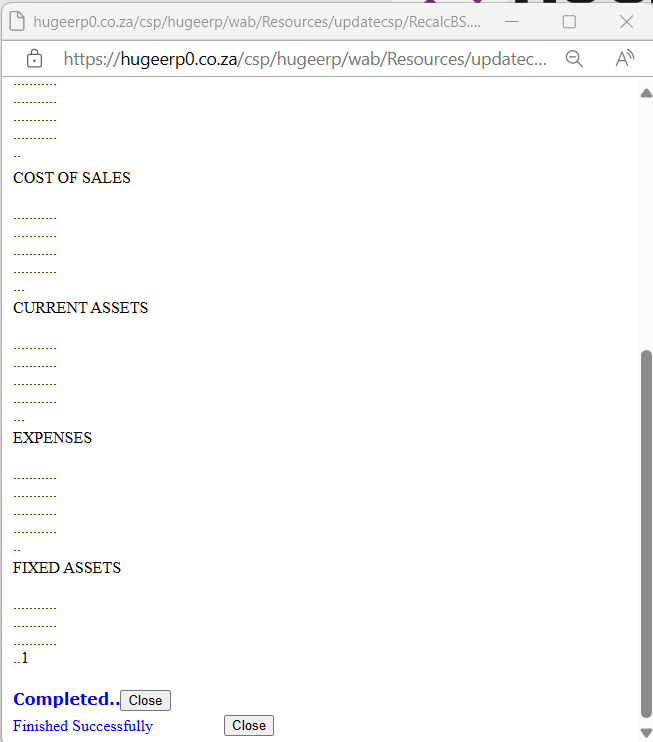
When logging back into your company this window will appear to indicate that, there are changes to the financial years or periods within the system. Click on the OK button to run the Integrity Check.

This will recalculate and integrity check all the ledger accounts in the system. Once complete click on the close button and log into the system.
No Comments