
Change customer on Job
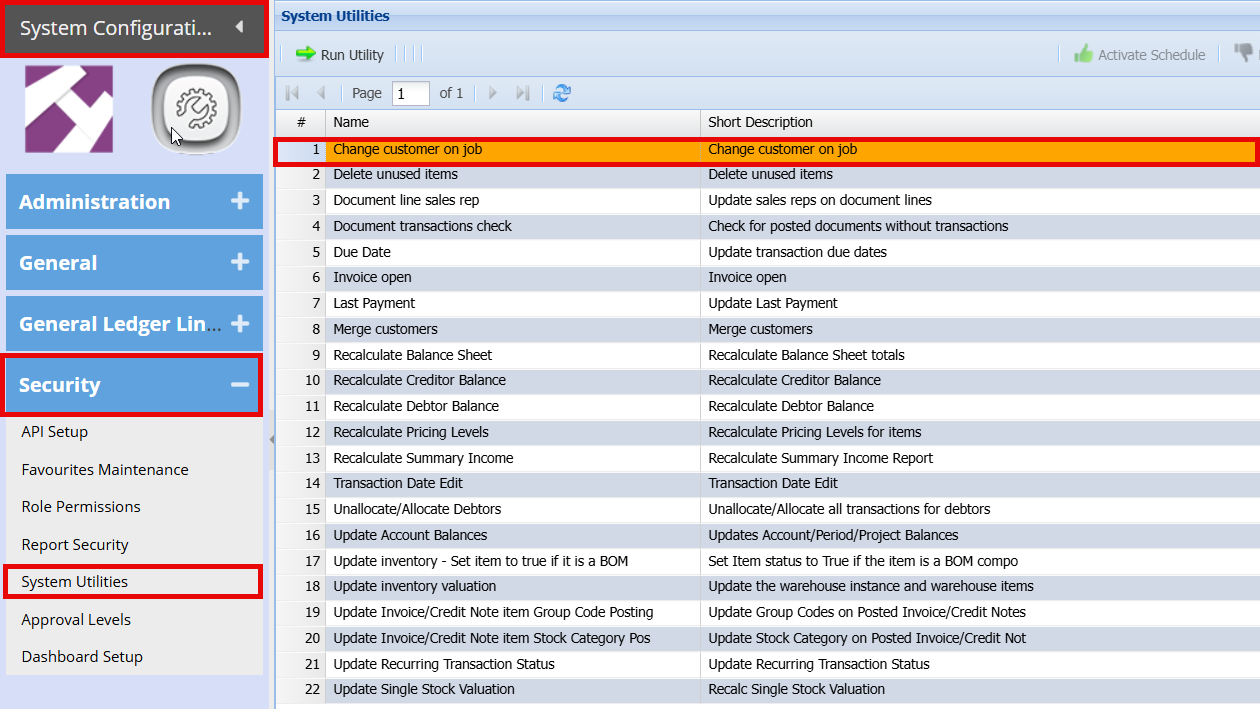
System Configuration > Security > System Utilities
The system provides a utility that allows you to change the customer on an existing job, provided certain conditions are met.
-
The customer can only be changed if NO invoices have been created or processed against the job.
- If invoices exist, this utility will not be applicable.
How to:
- Double click on the "Change Customer on Job" utility
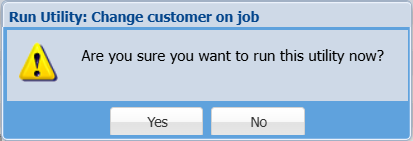
You will get a prompt that to confirm you want to change the customer.
- Click "Yes"
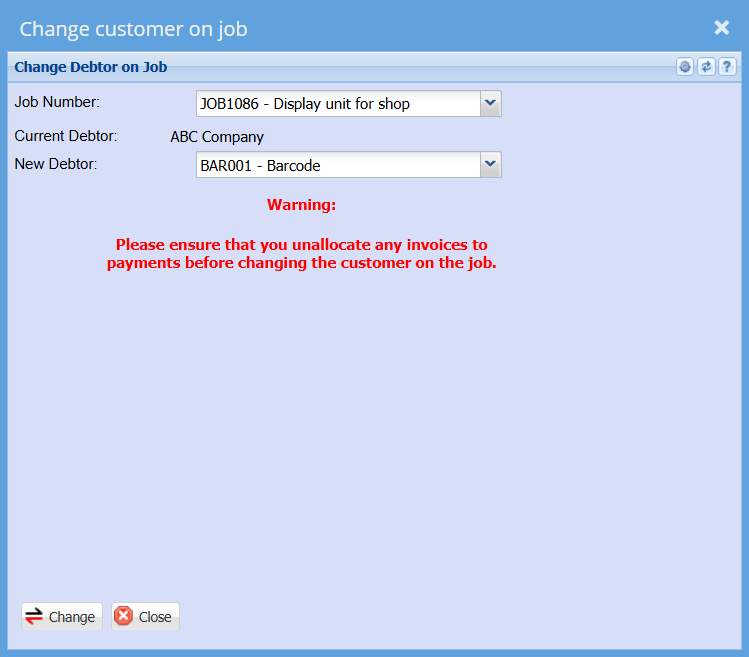
- Select the job number you want to change
- Select the New Customer
- Click "Change"
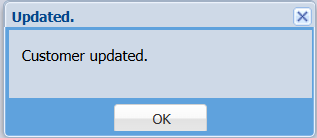
you will then get a pop up to say that the customer has been updated
No Comments