
Job Costing Sell Value
Job Search
Job Costing Module > Activity > Manage Job
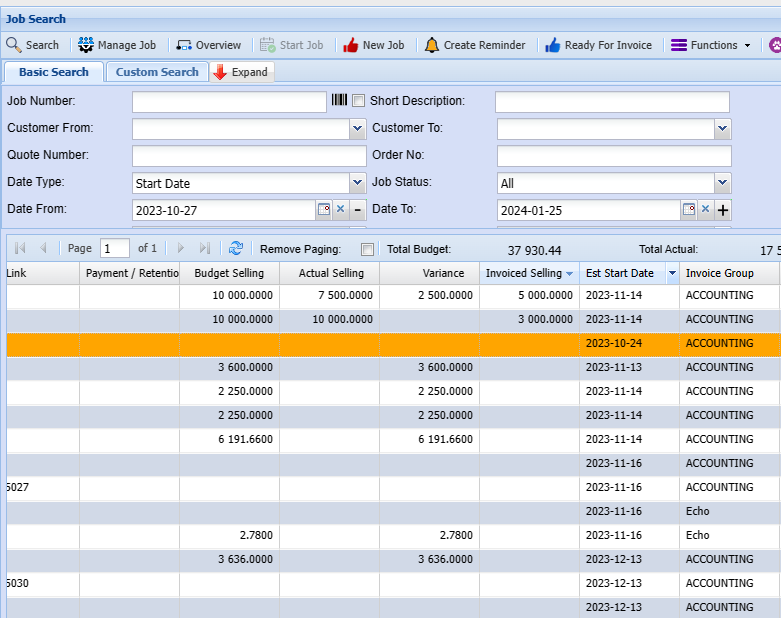
In the past, we never used to show values on the manage job screen.
We now show values on the top bar and on the grid.
The top bar shows the total budget, Total Actual and Total Invoice
This allows you to easily manage job costing values on the job search screen.

Job values are also showing on the manage job grid as shown below:
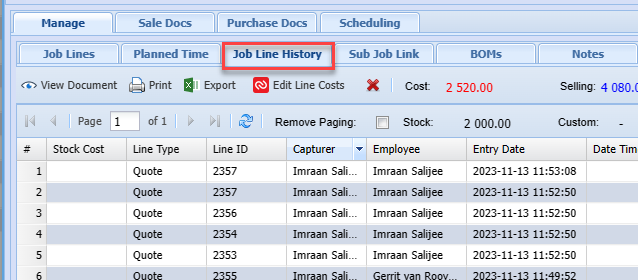
The job values also show on the job lines and job history making it easy to manage jobs and all the selling prices.
No Comments