
Shipping Methods
To be able to select shipping methods on sales documents, the respective options need to be setup
To add or edit a shipping methods go to:
Debtors module> Configuration> Add. Debtor Properties
Click the tab Shipping Methods

Click Add To create a new Shipping Method
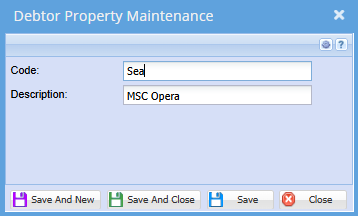
Enter a Code and Description
Click Save and Close or,
Save and New to add another Shipping Method
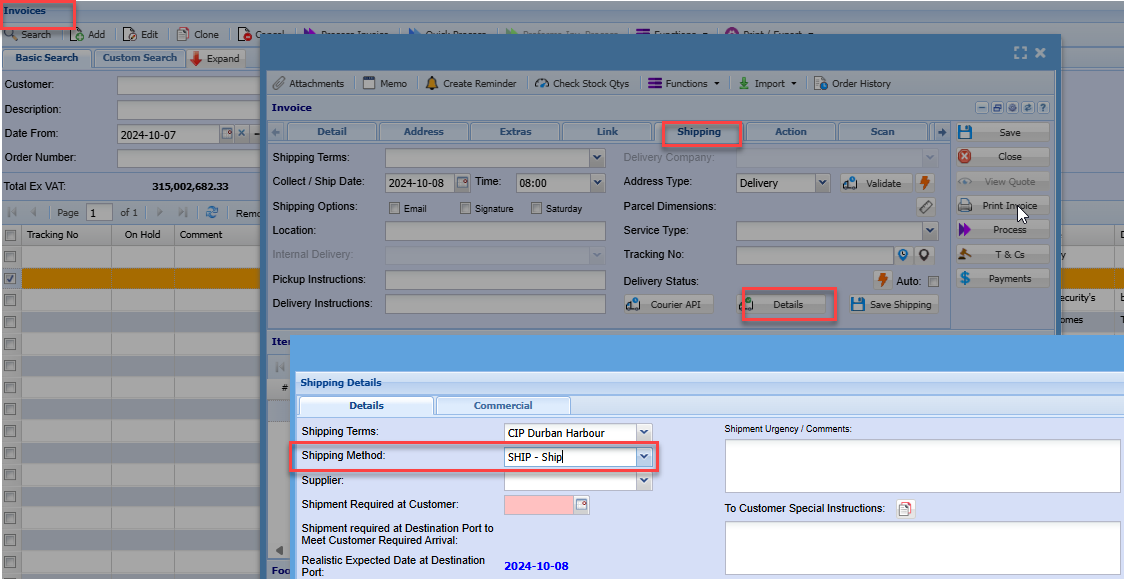
The shipping method is found on sales documents > Shipping tab
Click the Details button
No Comments