
Invoice Group Setup
Invoice group allows you to group and identify certain invoices in order to run detailed reports
To setup invoice group go to:
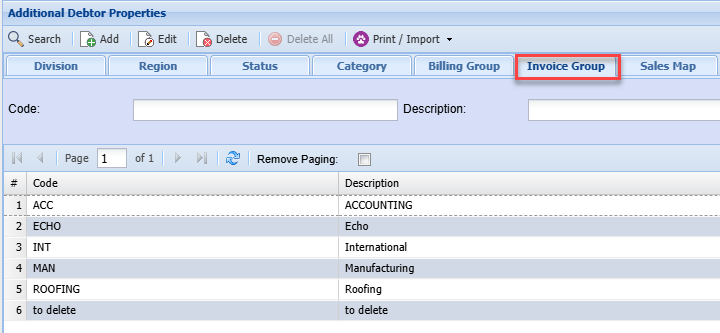
Debtors Module> Configuration> Add. Debtor Properties> Invoice Group Tab
Click add to create a new invoice group or click Edit to edit an existing invoice group
The screen below will appear
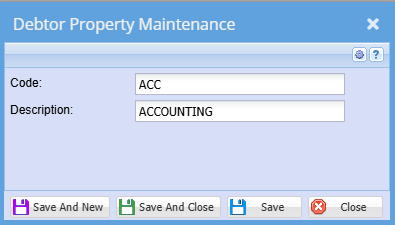
| Code | Enter invoice group code |
| Description | Enter invoice group description |
This will allow you to be able to select the group type when adding a new debtor/ customer or updating a debtor/ customer
No Comments