
Sales Rep Group Link
This option allows you to link a sales representative to a specific item group when creating a sales document.
Creating a Sales Rep Item Group Template
This allows one to setup a template for Item groups to Sales Rep, this template is used to populate against the customer
Debtors > Configuration > Sales Rep Item group Template
Click "Add"
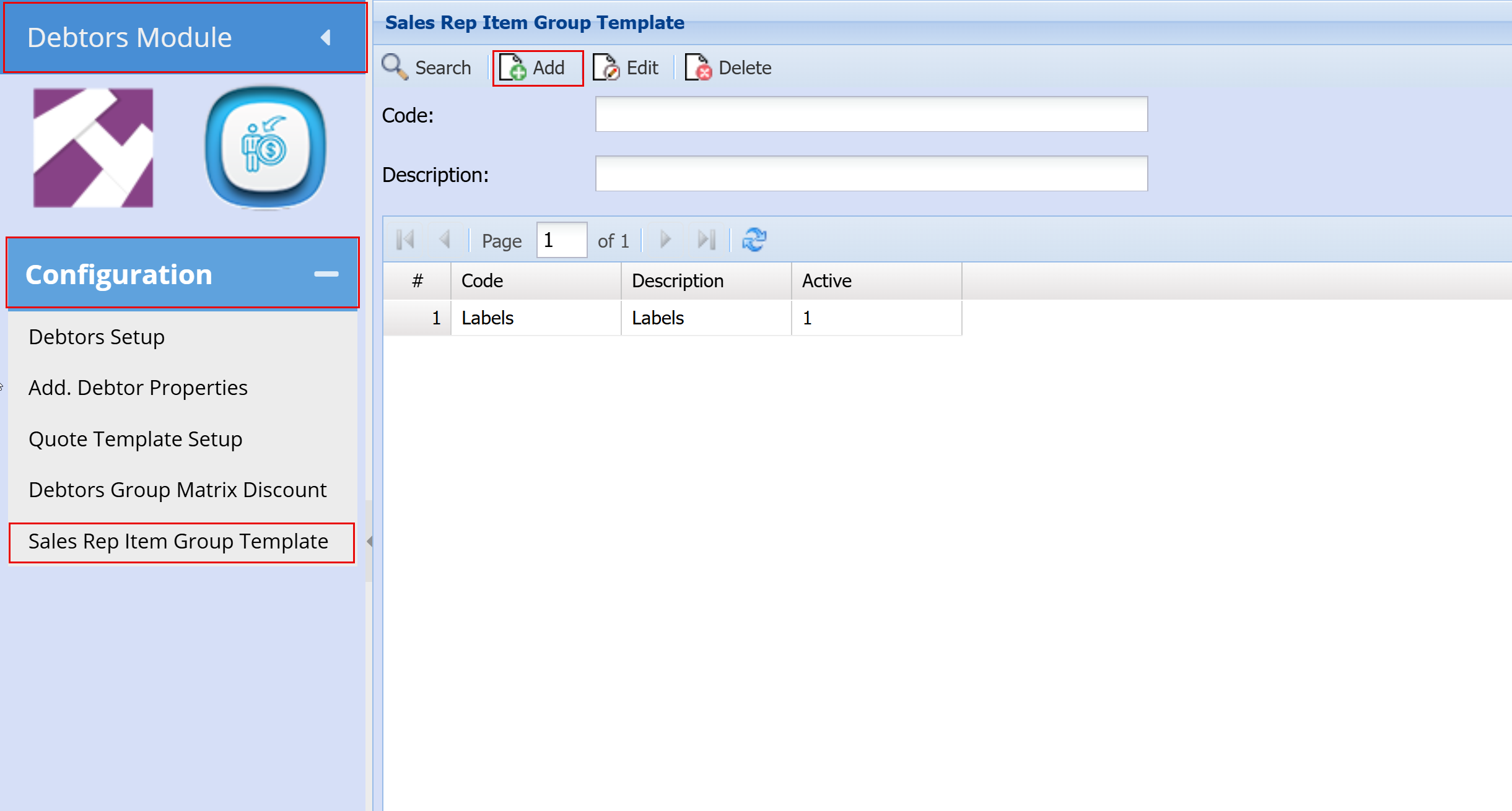
- Add "Code"
- Add "Description"
- Click "Save"
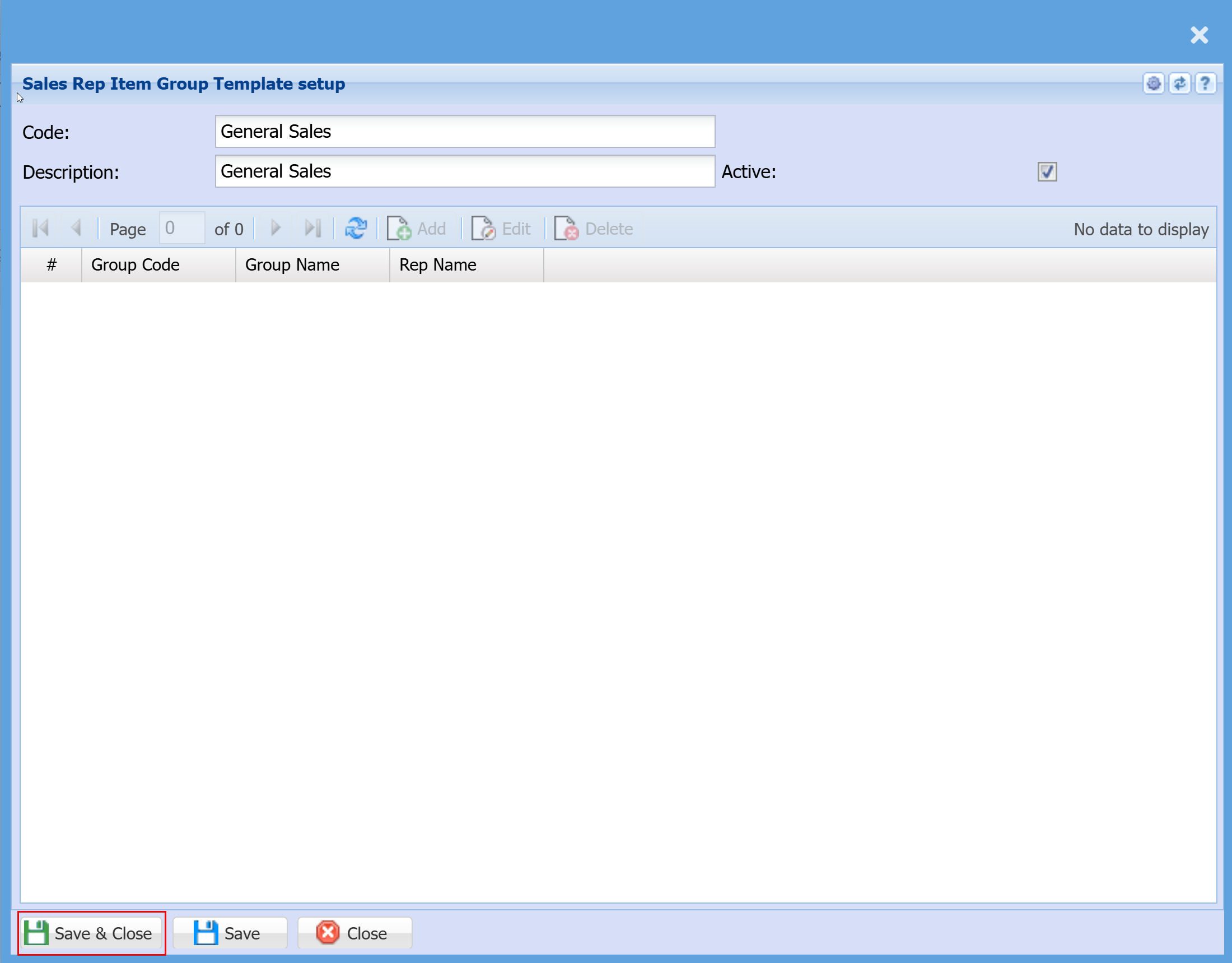
- Click "Add"
- Select "Group Code"
- Select "Sales Rep"
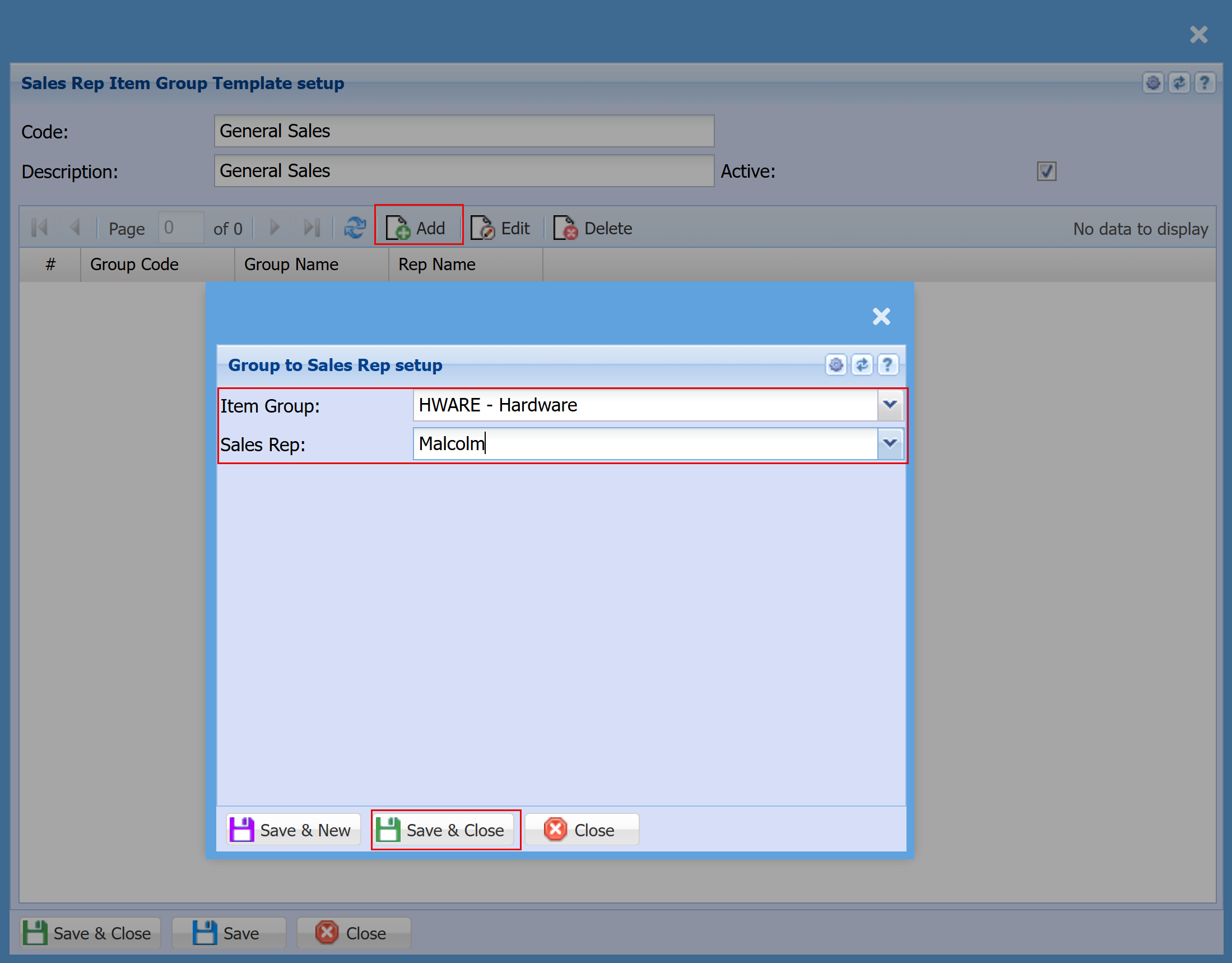
- Click "Save & Close" or "Save & New" to Save or add another Template
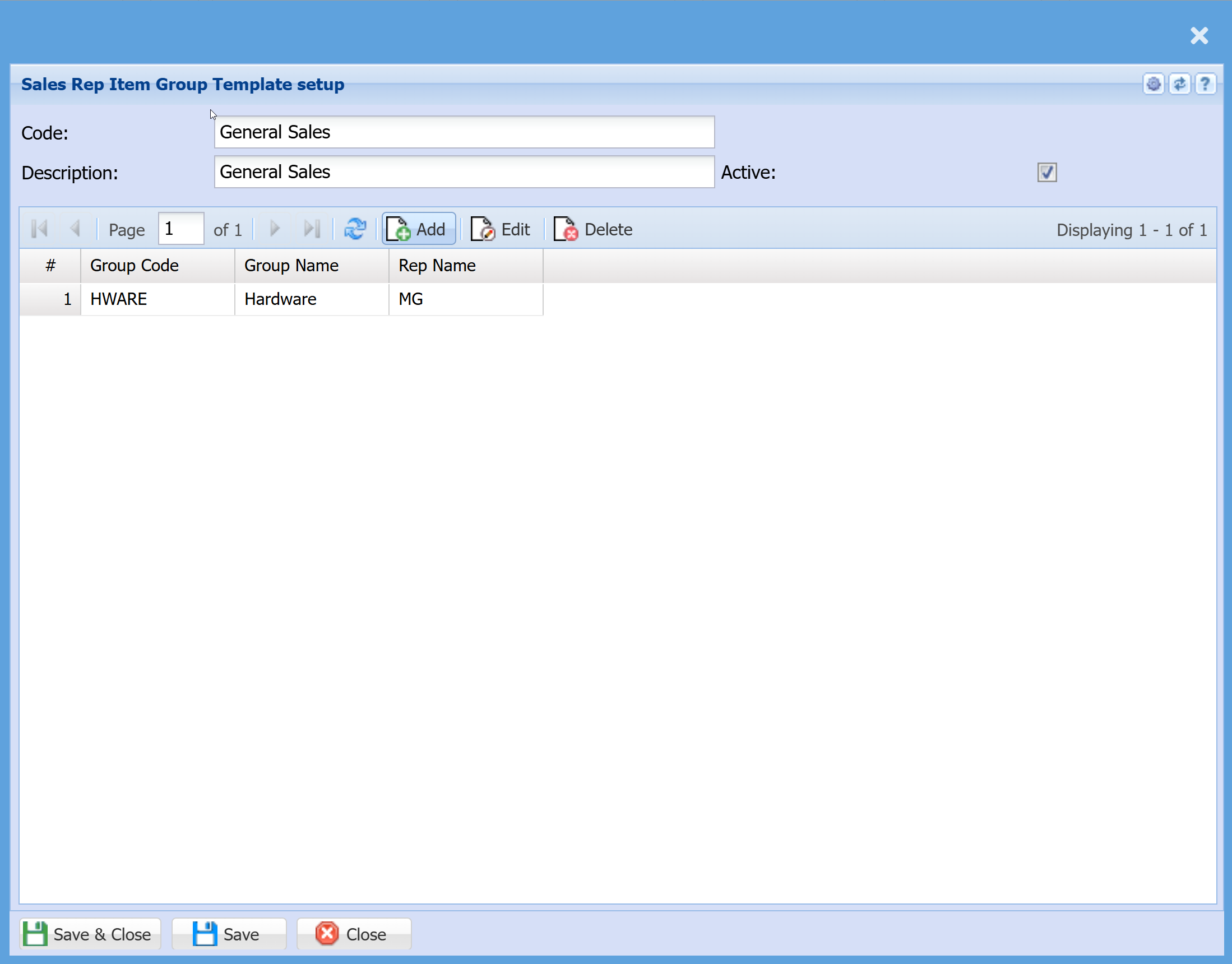
Activate the link between the Sales Rep and Item group
Debtors > Configuration > Debtor Setup
- Search for and open your customer
- Double‑click on the customer record
- Click the Standard dropdown (top right of the screen)
- Select Rep Code to Group Code
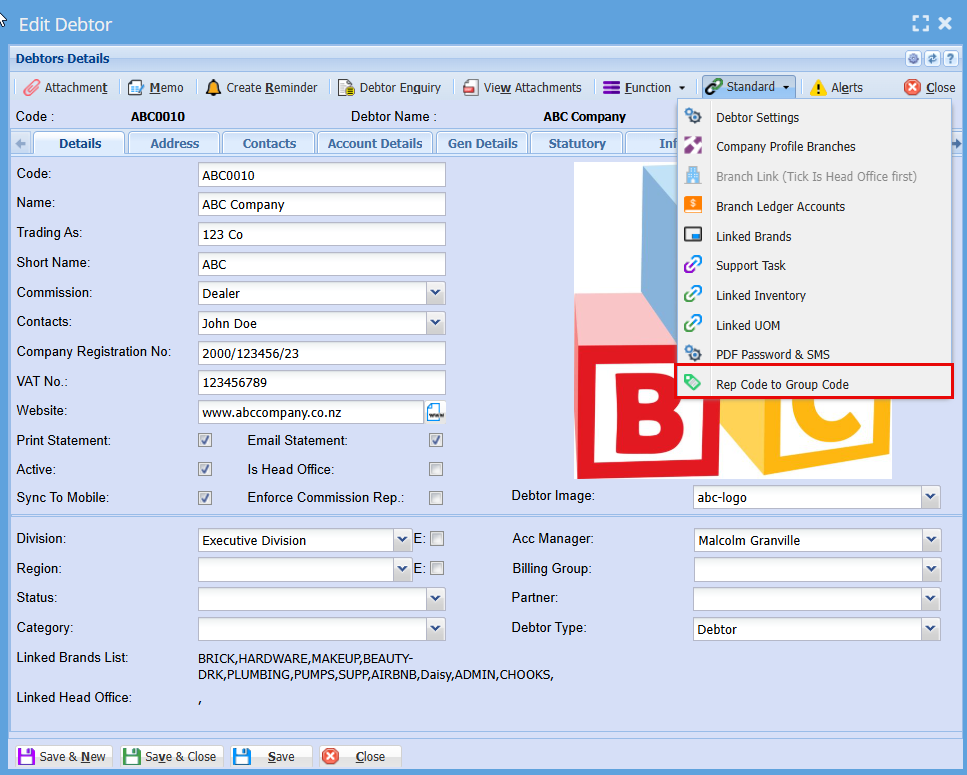
Tick the "Activate" Box
Click "Add"
If this option is not active, the system will assign the default sales representative to the document.
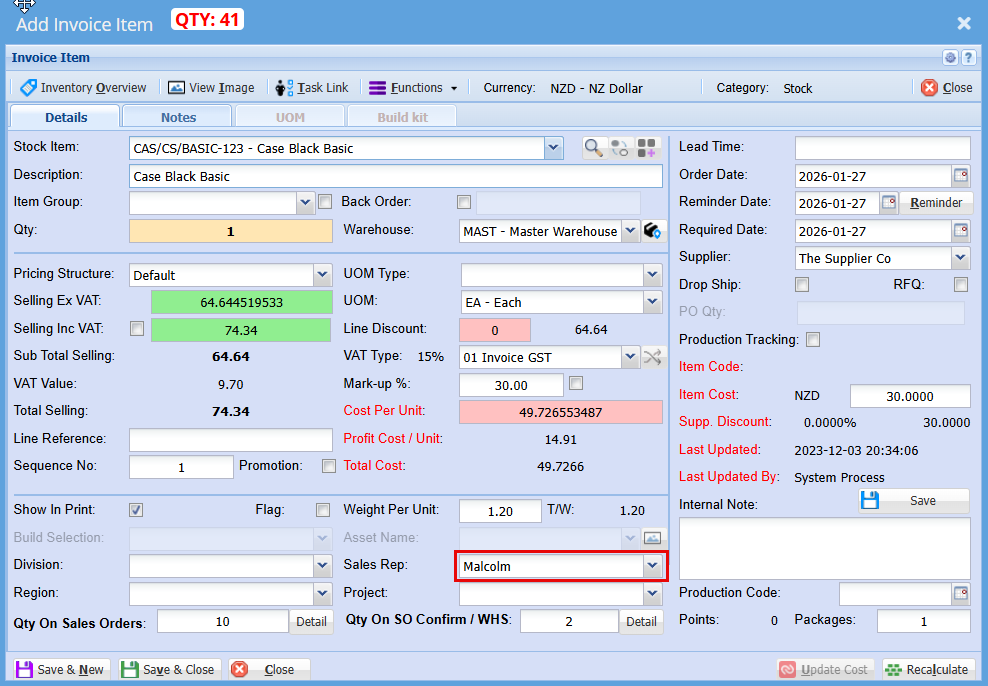
When enabled, the sales document will check the customer and the stock item’s group, then override the sales representative on the item line. This means each line item on the document can have a different rep code assigned.
Sales document will check customer, stock item on the group and then override the sales rep on the Item line
This means that per line item can have a different rep code
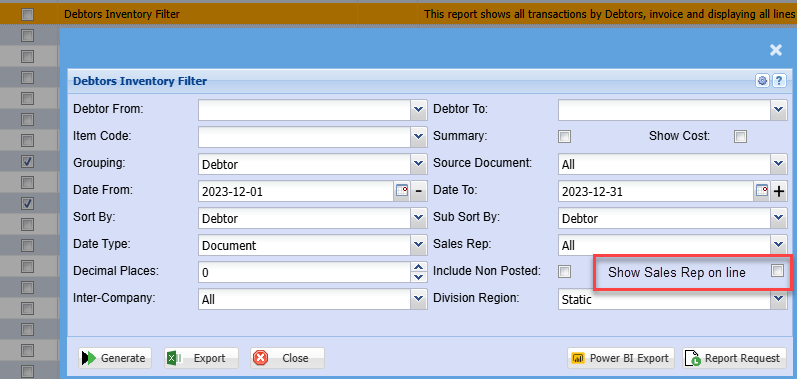
Sales report updated to view sales rep by line or by document
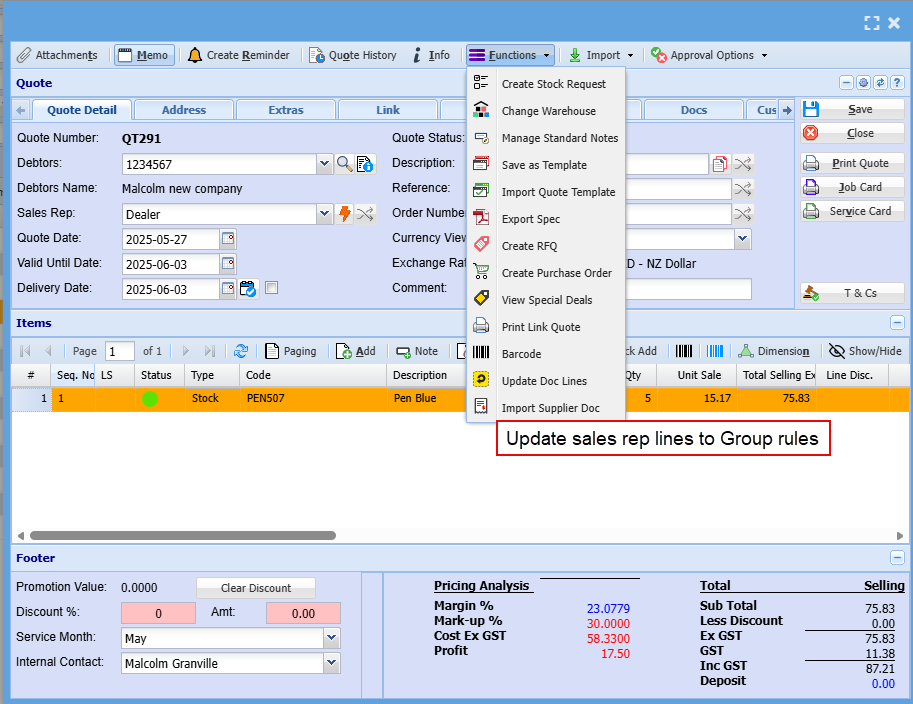
Function update
Function to update all document lines with sales reps based on group sales reps
Documents to have this rule:
- Quote
- Sales Order
- Invoice
- Credit note
Webatar quote update sales reps per line
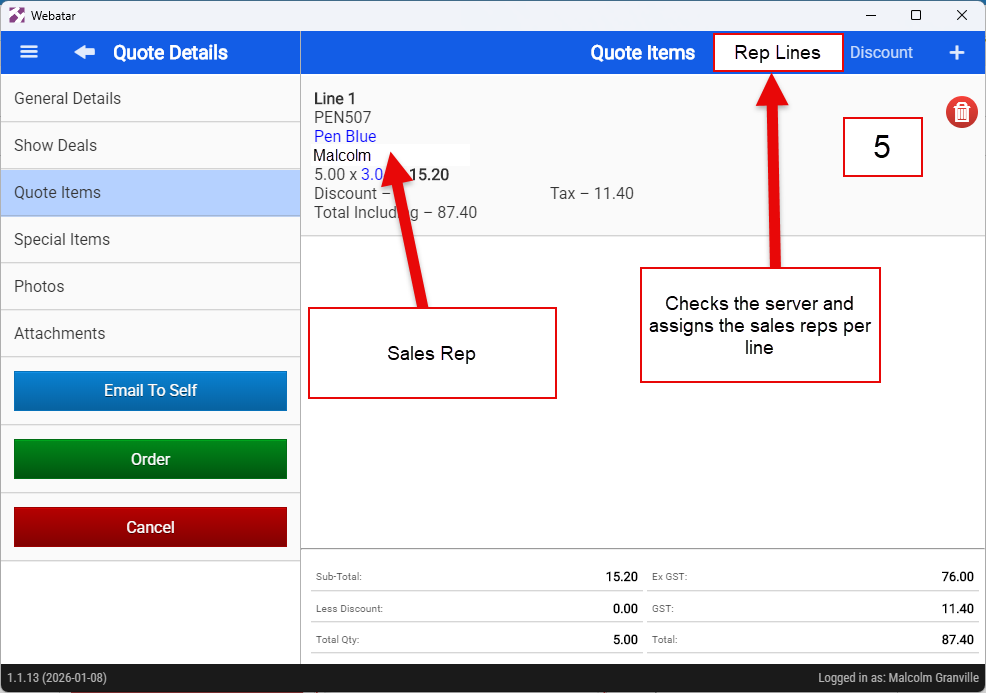
Sales rep per line
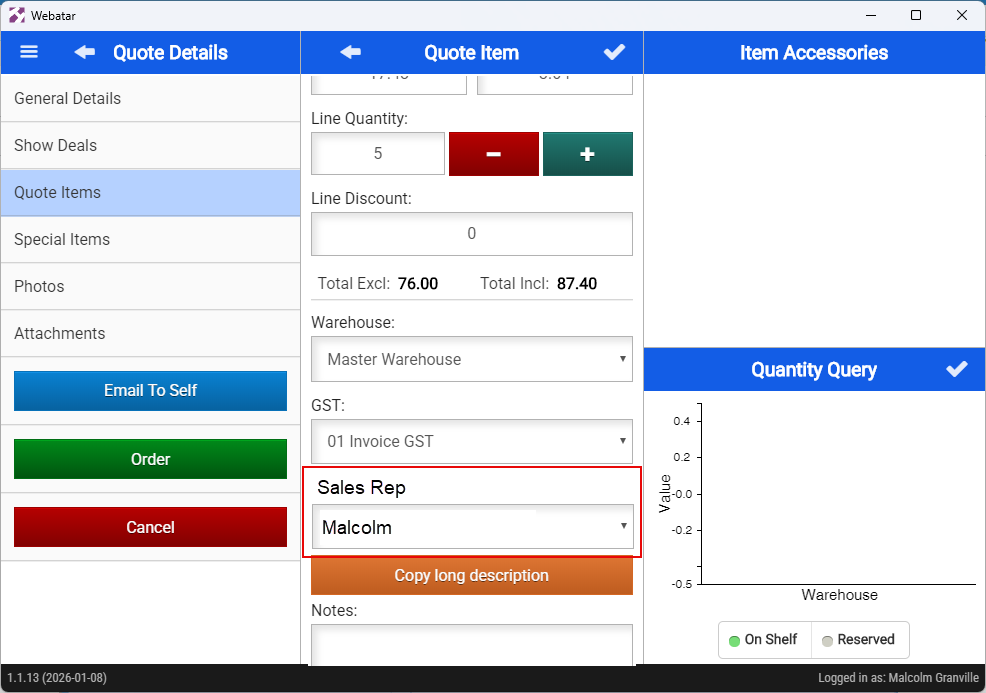
When the quote is created, the sales rep is taken from the general details default sales rep
No Comments