# Invoice Group Setup
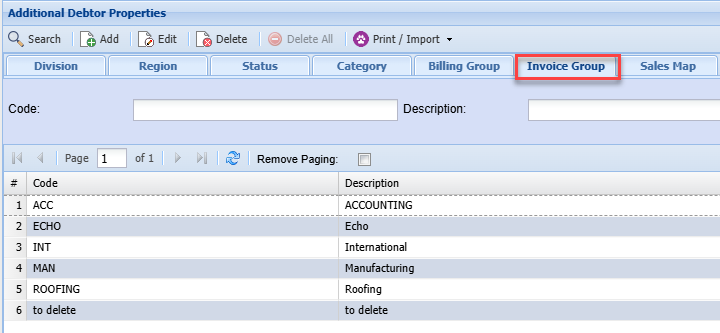
Invoice group allows you to group and identify certain invoices in order to run detailed reportsTo setup invoice group go to:**Debtors Module> Configuration> Add. Debtor Properties> Invoice Group Tab**Click add to create a new invoice group or click Edit to edit an existing invoice group
[](https://hugeerp10.co.za/hsofmanual/uploads/images/gallery/2024-06/Zxaimage.png)
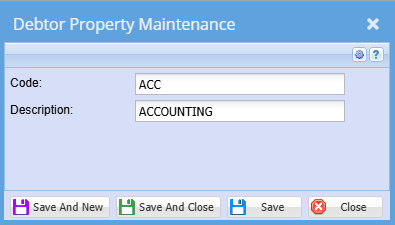
The screen below will appear
[](https://hugeerp10.co.za/hsofmanual/uploads/images/gallery/2024-06/4g4image.png)
**Code**
Enter invoice group code
**Description**
Enter invoice group description
This will allow you to be able to select the group type when adding a new debtor/ customer or updating a debtor/ customer