
Manage Duplicate Import Items
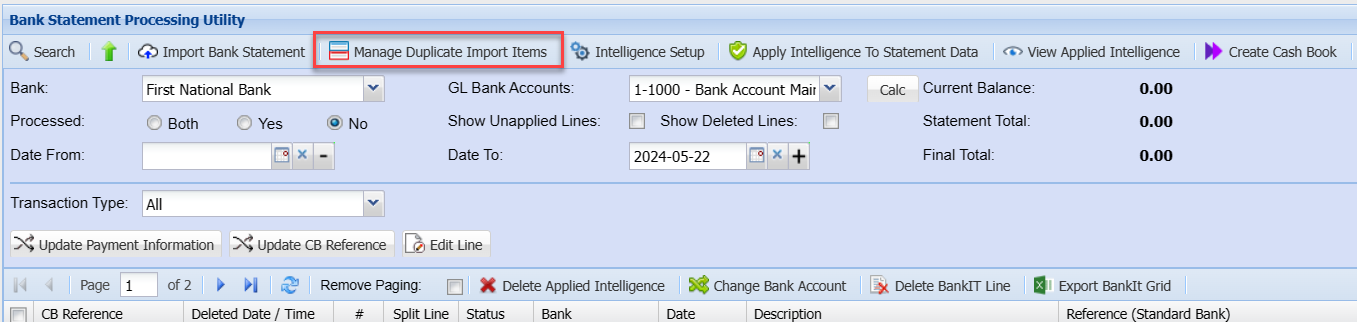
The purpose of this window is to identify and delete records that have been imported and have been duplicated.
Duplicated Items are determined by the Date and Amount being the same. However not all items that have the same Date and Amount are duplicates. Analyze the items carefully.
The Duplicate Item in the right panel must be aligned with the Original Item in the left panel. This is achieved by dragging and dropping the items to align them.
Multiple or Single items can be selected and dragged and dropped either in the same panel or the opposite panel.
Finally tick the Tick box of the Duplicate Item(s) that are to be deleted.
If a Duplicated Item has been processed it cannot selected.
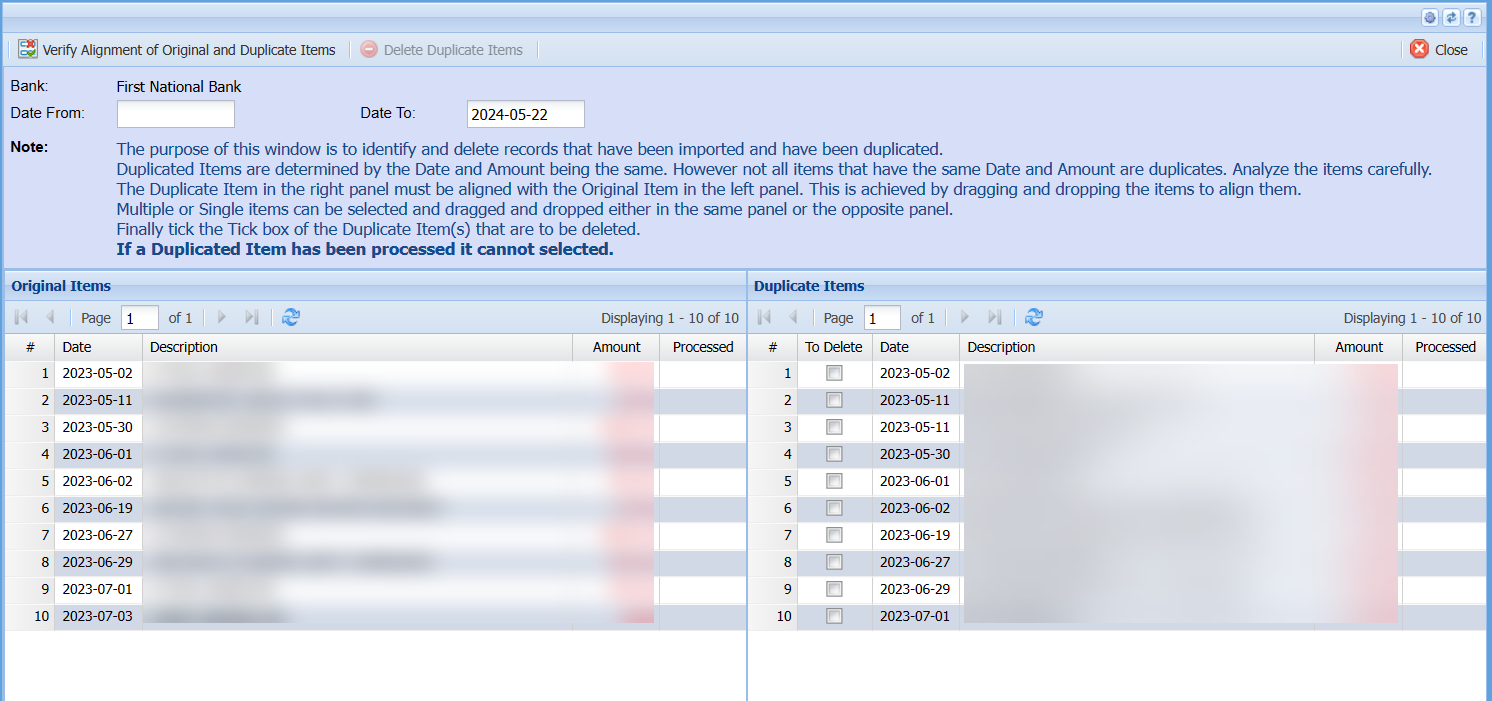
| Verify Alignment of Original and Duplicate Items | |
| Delete Duplicate Items | |
| Date From/Date To |
No Comments