
Valuation of Fixed Assets
Gives a report on the list of inventory fixed asset type items value.
Inventory module> Reports> Reports List
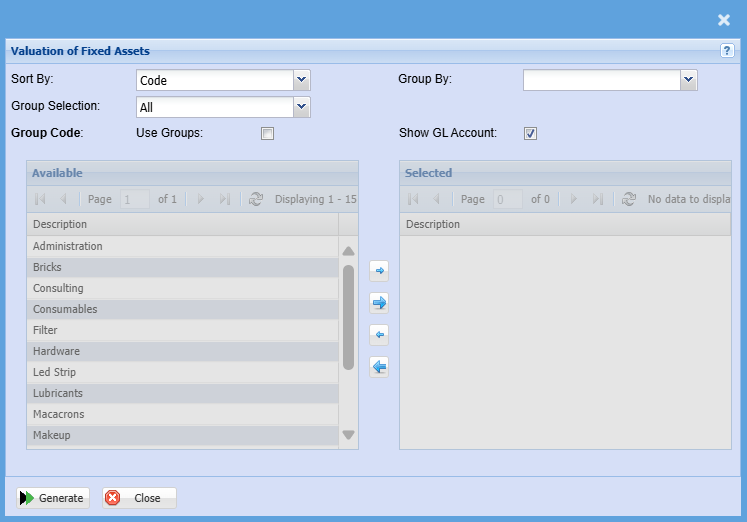
| Sort By | Sort the report by selecting one option from the drop-down menu allows the user to pull a report that will be sorted by either, Code, Description, Warehouse or Bin location. |
| Group Selection | Select a group selection on the drop down |
| Use Groups | Put a tick on if you want to pull a report by groups |
| Group Code | If you have set up Group Codes for your inventory you can select a group code from the drop-down menu to define your search to a specific group. |
| Group By |
Select a group the category you want to group by on the drop-down menu selection Group the report by Code, Description or Leger |
| Show GL Account |
Put a tick on if you want the GL code to display on the report |
| Generate Button |
Click the "Generate" button to open the report You will have options to copy, email, or print the report To view the report in an Excel document, copy the report and paste it into an Excel file |
No Comments