
Inventory Last Used Report
This report gives a list of all inventory items and the last document on which it was used
Inventory module> Reports> Reports List
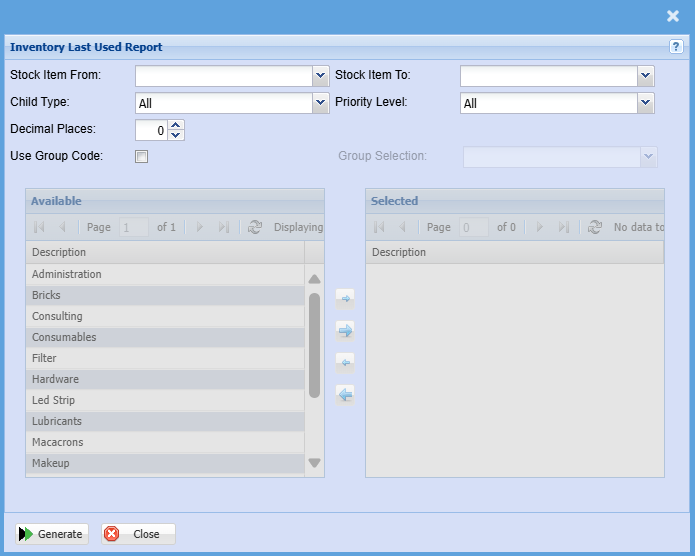
| Stock Item From / Stock Item To |
If you leave the stock item fields blank, all stock items will be displayed on the report. If you choose specific stock items, the report will sort information by stock item code rather than description. Select a stock Item on the drop-down menu. |
| Child Type | Select child type on the drop-down menu selection |
| Decimal Places |
It is advisable to set decimals to two places You can view the report with any number of decimal places. |
| Use Group Code | Double click on the code from the list to move the group codes you wish to filter your report by to the selected window. |
| Priority Level | Select priority level on the drop-down menu selection |
| Group Selection | Select group selection on the drop-down menu |
No Comments