
Inventory Group Percentage Profit
Gives a total selling versus costs per group sold and its percentage profit for a specified period.
Inventory module> Reports> Reports List
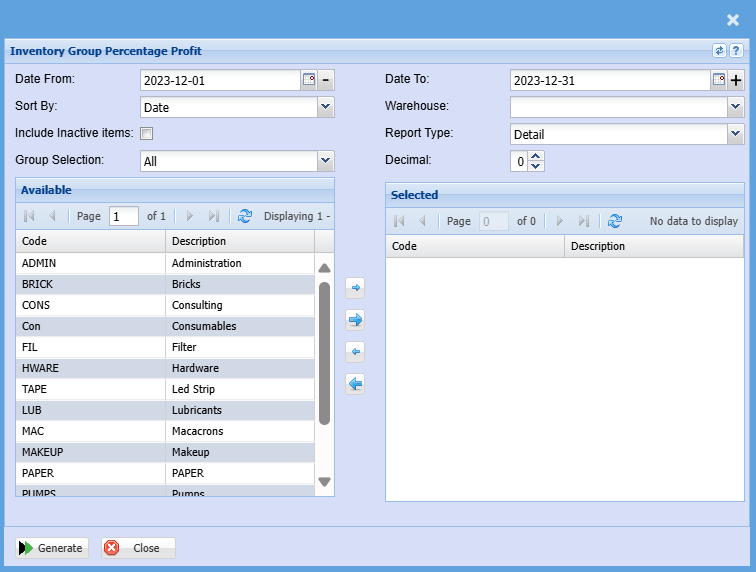
| Date From / To |
Choose the date range for which you want to view the report from. Select a date range of when you want to see the report to. |
| Sort By | Sort the report by selecting one option from the drop-down arrow, choose from Date, Doc No. Debtors Name or the Item Code. |
| Include Inactive Items | Ticking this box will include inactive items on the report when selected |
| Group Selection | Double click on the code from the list to move the group codes you wish to filter your report by to the selected window. |
| Warehouse | If you select all warehouses the report will fetch data from all warehouses. If you want to search by a specific warehouse, select the warehouse from the menu. |
| Report Type | Select the report type from the drop-down arrow |
| Decimal |
It is advisable to set decimals to two places You can view the report with any number of decimal places. |
No Comments