
System Configuration Module (SCM)
System Configuration Module (SCM) Features
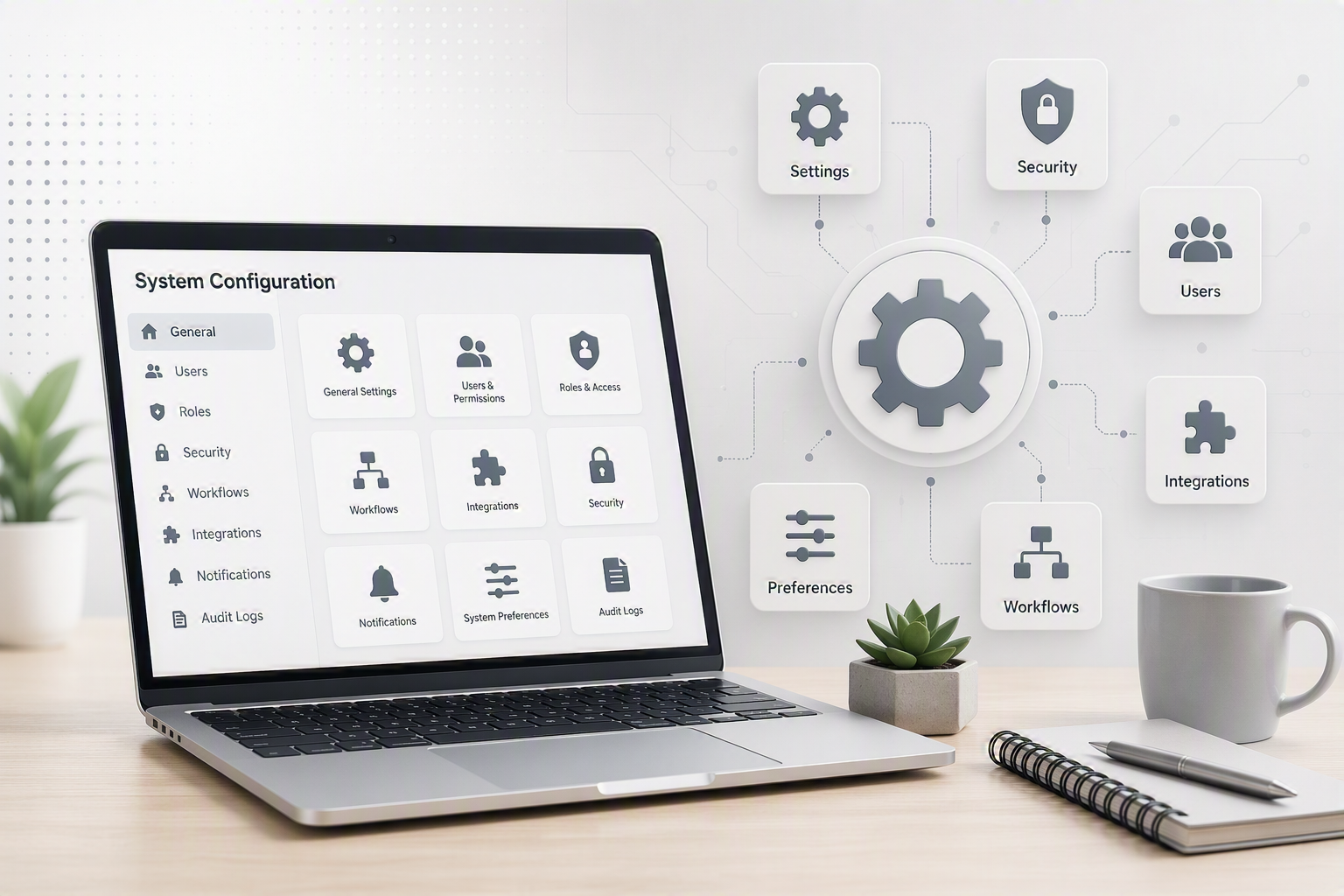
The System Configuration Module (SCM) serves as the foundation of the ERP system, providing centralised control over system settings, security, user management, pricing structures, customisation options, reporting, and integrations. Designed to simplify administration while maintaining strong governance, the SCM enables businesses to configure the system to suit their operational requirements without compromising security, control, or flexibility.
From role-based security permissions and automated backups to KPI dashboards and API integrations, the module provides the tools needed to support business growth, improve operational visibility, and maintain data integrity. Whether managing a single site or multiple branches, the SCM delivers a secure and scalable platform that enhances user accountability, business continuity, and overall system efficiency.
Key Business Benefits
- Centralized management of system configuration and administration
- Automated backups with offsite data protection
- Comprehensive role-based security and user access control
- Single sign-on session management for enhanced security
- Unlimited pricing structures for different customer groups
- Unlimited custom fields and screen customisation
- Real-time KPI dashboards and business intelligence
- Multi-branch management and consolidated reporting
- Detailed user activity auditing and traceability
- Centralized employee, document, and leave management
- Integration with third-party software, APIs, and web services
- Continuous software updates, new features, and support included with licensing
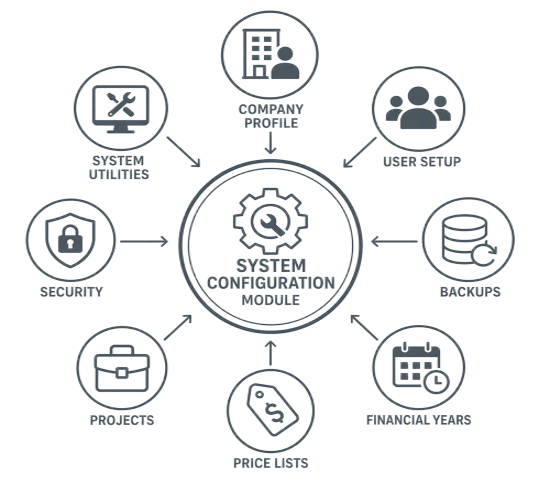
SCM Features
|
SCM Features |
Description |
Benefit |
|
System Configuration Module |
This module controls most of the system settings |
· One central point where all the setups all maintained · One module to disable for staff access |
|
Backups |
Backups are automatically scheduled to run a full back up each night
Backups are copied offsite
Backups are copied to an external drive |
· Full back ups are securely backed up and copied off site for no loss of data · Companies are able to operate without data loss or down time |
|
Security |
Application security is implemented via user roles. The system controls security from a high level on full module access, down to menus where the user cannot access a particular button |
· Company confidential information is protected. Users can only access modules and screens within the application according to the security rights assigned to them · Single user sign on per device which logs you off the other device |
|
Software Updates |
The yearly license fee includes software updates and telephonic support
Email notification of new version installed and features implemented sent to users |
The customer is always operational with the latest version and therefore latest features of Huge Software ERP |
|
Price Levels |
Create an unlimited amount of pricing sales structures for example – Wholesale, Retail and many more |
The benefit is that should a company require a wide range of pricing, the system will allow the user to set this up. |
|
Custom Fields |
The system caters for unlimited number of custom fields. Examples are: Drop Down Menus, Text boxes, Text Areas, Attachments, Check boxes and Horizontal Lines. |
Custom screens and tables means a company and its users can set up the application in a format best suited to their requirements |
|
KPI Dashboards |
The system caters for multiple dashboards which can either be viewed as a grid or graph
This data can be automatically updated with a timer |
· The company can view a snapshot off important information at the click of a button · The KPIs can be viewed on a big screen TV for staff to view for increased performance |
|
Branches |
Provides the flexibility to have a multiple number of branches with one set of books. Reports can be generated per branch or consolidated |
Allows each branch to view their own Customers, Suppliers and Inventory transactions |
|
Employees and Users |
The management control of users, their access into the system, their passwords, photos, legal documents and control of leave can be done here. |
Security levels can easily be changed by management, allowing/denying employees access to the system sections |
|
User Report |
This report gives a detailed log of each user and where they have gone within the system, minute to minute |
· Ensures proper system control · Allows trace ability of users within the system · This can be viewed as a staff productivity tool |
|
APIs and Web services |
The system allows for integration with external sources of information. Some of the APIs available are Mail Chimp, Shopify, Hawks GPS and many more |
· Integration of other software applications · More features to expand your centralized database |
No Comments