Debtors (Customer) Module (DM)
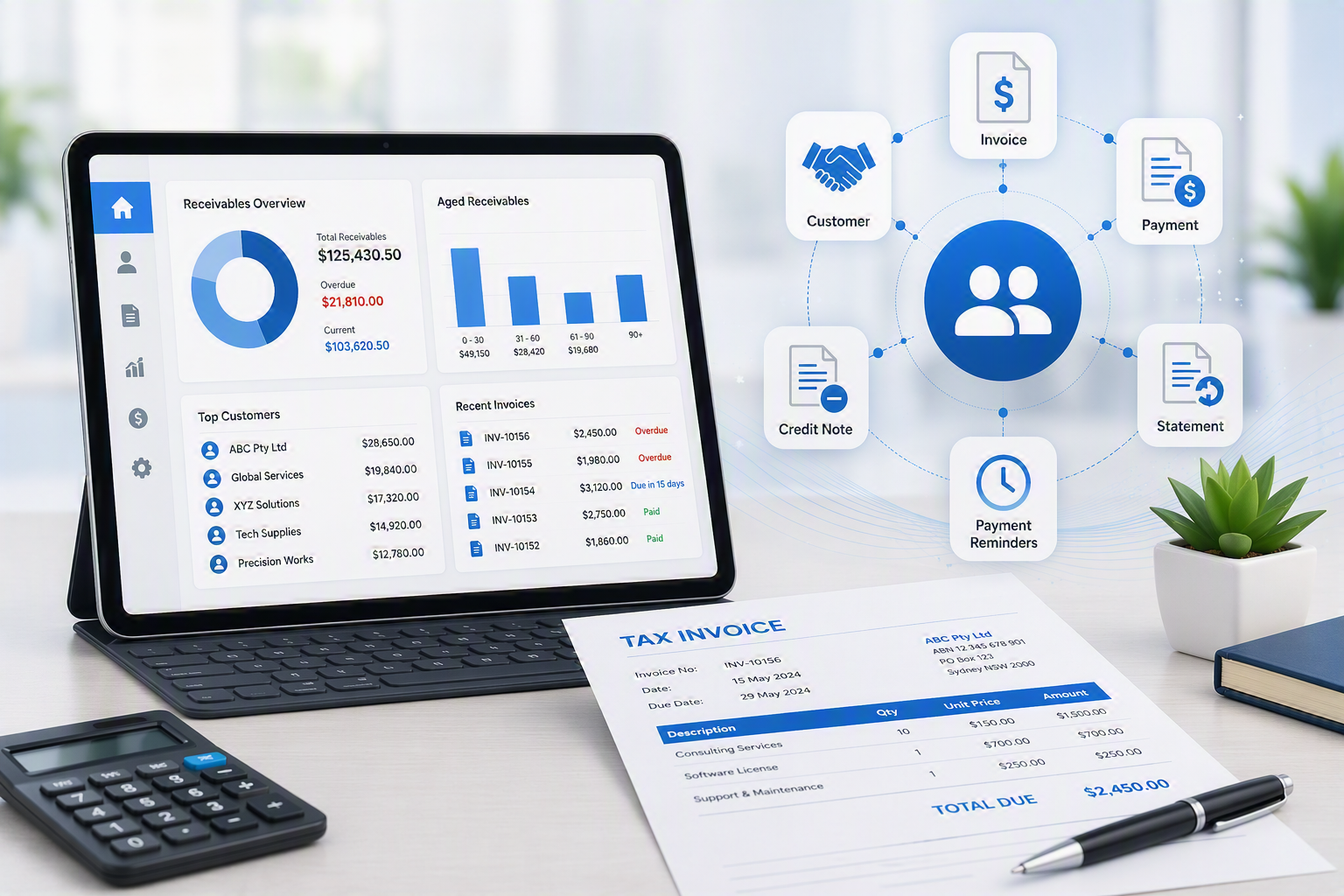
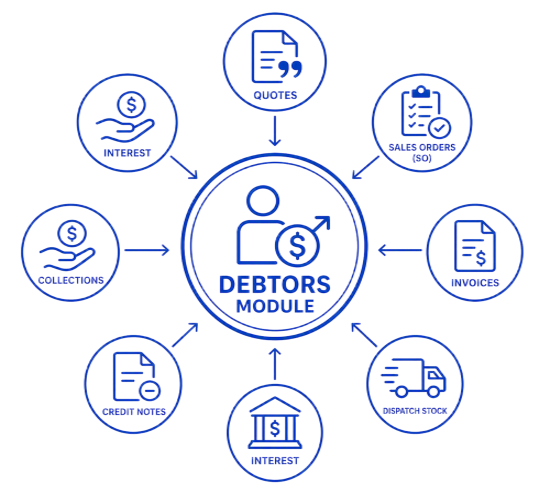
The Debtors (Customer) Module provides a complete customer management solution, fully integrated with the General Ledger to streamline sales, customer service, and account administration. From customer setup and maintenance through to quotes, sales orders, invoicing, credit notes, collections, and reporting, the module delivers complete visibility and control over customer transactions.
The system supports the entire sales process, allowing quotes to be converted into sales orders and invoices while managing backorders and fulfilment. Comprehensive customer records, transaction history, and account analysis provide instant access to critical information, enabling faster response times and informed decision-making.
Real-time dashboards, KPI tracking, and reporting tools provide visibility into customer activity, sales performance, and outstanding accounts. Combined with collection management and detailed customer analysis, the module helps improve cash flow, strengthen customer relationships, and increase overall sales efficiency.
Key Benefits
- Centralised management of customer accounts and transactions
- Complete sales workflow from quote to invoice
- Improved visibility of order status and fulfilment progress
- Reduced double handling through integrated sales processes
- Comprehensive customer history and document tracking
- Real-time dashboards, KPIs, and sales performance monitoring
- Faster access to customer information and transaction records
- Streamlined credit note and invoice management
- Enhanced customer analysis and reporting capabilities
- Improved collections management and cash flow control
- Better decision-making through real-time business insights
- Increased customer service efficiency and responsiveness
Debtors / Customer Module (DM) Features
|
DM Features
|
Description
|
Benefit
|
|
Customer Module
|
The most used module in the system to track sales and customers
|
|
|
Customer maintenance
|
A customer account can contain multiple contacts and can be linked to a head office account
The system allows customers to be aged by date of statement or date of invoice PER customer including due ageing periods
|
|
|
Quotes and estimates
|
Quotes go through an internal authorisation process before being sent to the customer
Quotes can be migrated to Sales orders, Invoices or Jobs
All quotes are recorded and cannot be deleted except to be cancelled but then a reason needs to be put on the quote
|
· Valuable sales tool as the company can control a quote status and follow up on orders processed and orders lost
· Saves time recapturing the data
· Improves sales management
|
|
Sales Orders
|
Create an order from a Quote
Monitor back orders of stock to a client
Pick and manage stock in warehouse
|
|
|
Pro Forma Invoices
|
When running stock control, we advise not to run negative stock, instead create a pro forma invoice
|
|
|
Customer Analysis
|
Allows the user to view all transactions related to a customer in one screen – view quotes, pro forma invoices, allocations, cashbooks and journals
|
|
|
Credit Notes
|
Invoices needing to be credited can be directly imported into a Credit Note
|
· This saves time and avoids recapturing the data
· Reduces inaccurate data capture
|
|
Invoices
|
Create invoices from Quotes, Sales Orders or directly
Invoices can be customer invoices, Job percentage invoices or Job usage invoices
|
|
|
Customer Reports
|
There are many customer reports to analysis your customer and product sales. Each report has multiple filters and outputs to choose from
|
|
|
Full Customer Document History
|
View all information and documents on a customer.
A one global view of the customer
|
· Quick access to customer information
· Reduces time having to find documents
|
|
Dashboards
|
Create multiple dashboards for KPIs in the company
Put these on a TV in a central location to monitor progress of KPI
|
· Great productivity motivator
· Quick view of organization
· Saves time running reports
|
|
Collection Tracking
|
Create a snapshot of your age analysis
Track customer payments and estimated date of payments.
Create notes and comments of customer feedback on when payments will be due
|
· Allows for greater collections
· Increases cashflow in company as collections are collected on time
|

No Comments