
General Ledger Module (GLM)
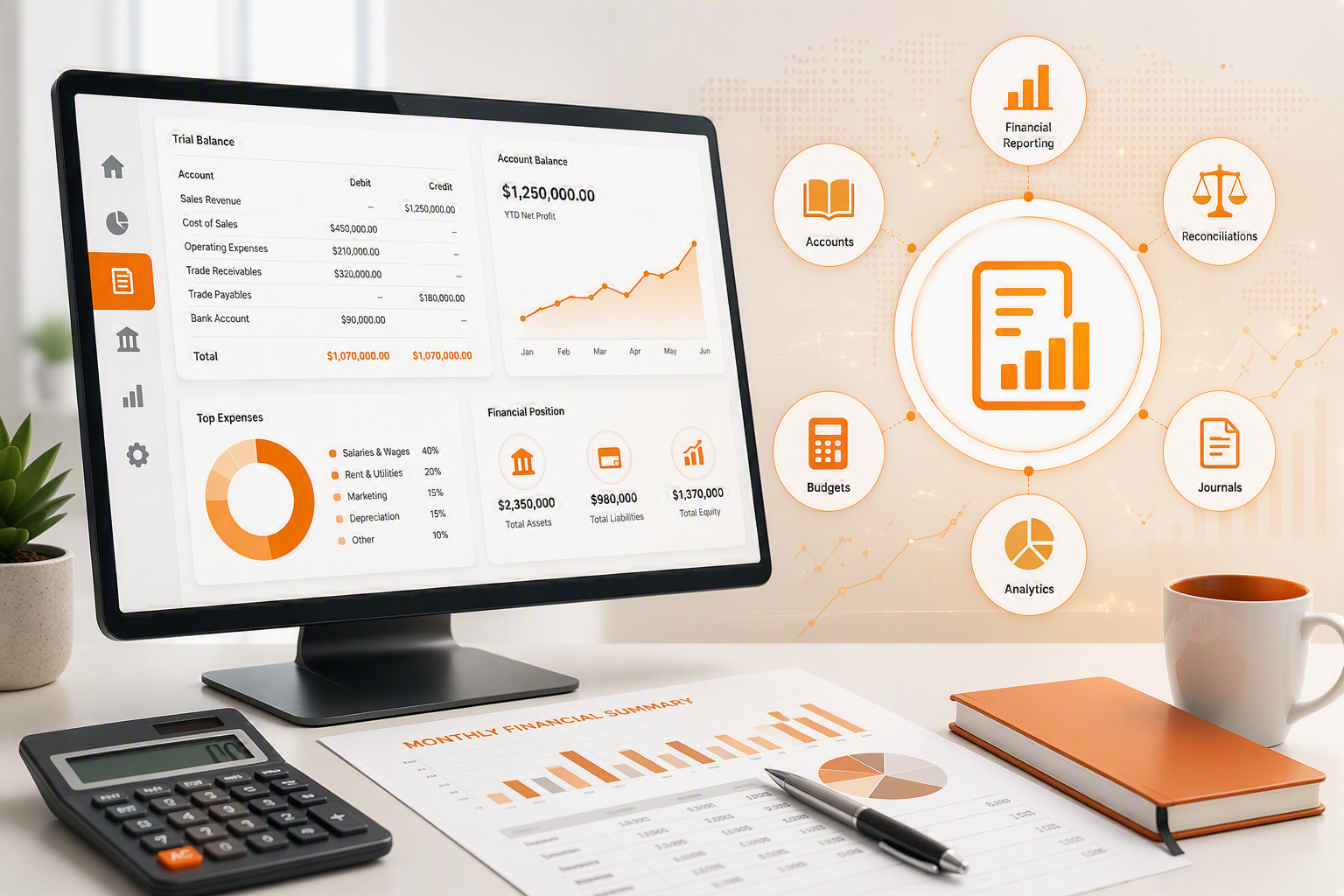
The General Ledger Module provides a complete financial management solution and can be implemented as a standalone accounting system or as part of the wider ERP platform. It includes General Ledger Maintenance, Journals, Cashbooks, Bank Reconciliations, Bank Statement Imports (BankIT), Account Analysis, and Financial Reporting.
The module supports unlimited account hierarchies, allowing businesses to structure and analyse financial information to any level of detail. Built-in authorisation workflows for journals and cashbooks improve financial control by ensuring transactions are reviewed before posting. BankIT streamlines the import of bank statements through intelligent allocation rules, reducing manual processing and improving efficiency.
Comprehensive Bank Reconciliation functionality retains historical reconciliations for future review, while powerful Account Analysis and Financial Reporting tools provide visibility into business performance through detailed reports, graphs, and trend analysis. Together, these features help management make informed decisions, maintain financial accuracy, and support business growth.
Key Benefits
- Can be deployed as a standalone financial management solution
- Provides core accounting functionality including journals, cashbooks, and bank reconciliations
- Supports unlimited account hierarchy levels for detailed financial analysis
- Allows ledger maintenance without losing historical transaction data
- Strengthens financial controls through transaction authorization workflows
- Automates bank statement imports and allocations using intelligent rules
- Reduces manual processing and improves accounting efficiency
- Stores and retains completed bank reconciliations for future reference
- Delivers graphical and detailed financial analysis tools
- Provides comprehensive reporting for management decision-making
- Improves visibility of business performance, trends, and profitability
- Supports informed strategic planning and sustainable business growth
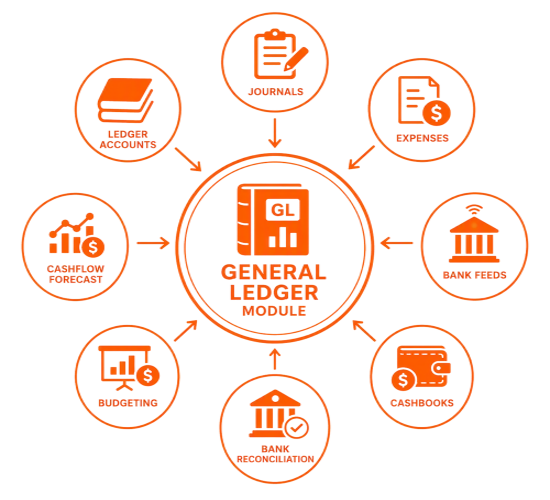
General Ledger Module (GLM) Features
|
GLM Features |
Description |
Benefit |
|
General Ledger |
General Ledger can be sold as a standalone module. |
Ideal solution for small businesses wanting to save money and only require journals, cashbooks and bank recon features. |
|
General Ledger Maintenance |
Unlimited amount of tree levels allows a reconciliation to contain many Add On accounts.
Codes of ledger accounts can be changed even after the transactions have been posted. Once changed, the system will still retain a full history of accounts. |
With unlimited tree levels information can be easily accessed and analysed, eg. The company’s phone bill can be broken down into several Add On accounts such as ADSL, fax, surcharges etc.
(The unlimited amount of tree levels is a unique feature). |
|
Journals |
Journals are controlled via an authorisation process. A clerk can capture the transaction and the financial manager can release into the books after verifying the information.
Journals can only be posted if they balance. Journals can be created on the fly without complicated set up for batches. |
Authorisation process assists companies in correction of Journals before processing to books. On-going journal posting saves time. |
|
BankIT |
Huge ERP bank file import with intelligence rules |
· Quickly import your bank statement · Teach the system the allocations for quickly cashbook creation |
|
Cashbooks |
Cashbooks are controlled via an authorisation process. A user captures the transaction and the manager releases the transaction into the books after verifying the data.
Cashbooks cater for splits on ledger accounts. Cashbooks can be created on the fly without complicated setups for batches. |
Improved financial control and reduction of errors.
A split ledger account allows for more detail in the cashbook eg Multiple ledger allocation from one purchased slip
|
|
Bank Recons |
Retains cashbook balance and bank balance |
When saving, there is no need to print as the system stores a copy of the reconciliation for both standard bank recon print outs as well as what was reconciled.
(Most other applications require the user to print the bank reconciliation as this cannot be retrieved from the system). |
|
Account Analysis |
Allows for detailed analysing of all accounts.
This analysis feature allows every ledger account to be analysed including output to line graphs and bar charts. |
More detailed management reports enable better business management. |
|
Financial Reports |
Allows management to run various reports in order to analysis the business |
Business analysis down to transaction level ensures hands-on management and business expansion |
No Comments