
Customer Relationship Management (CRM)
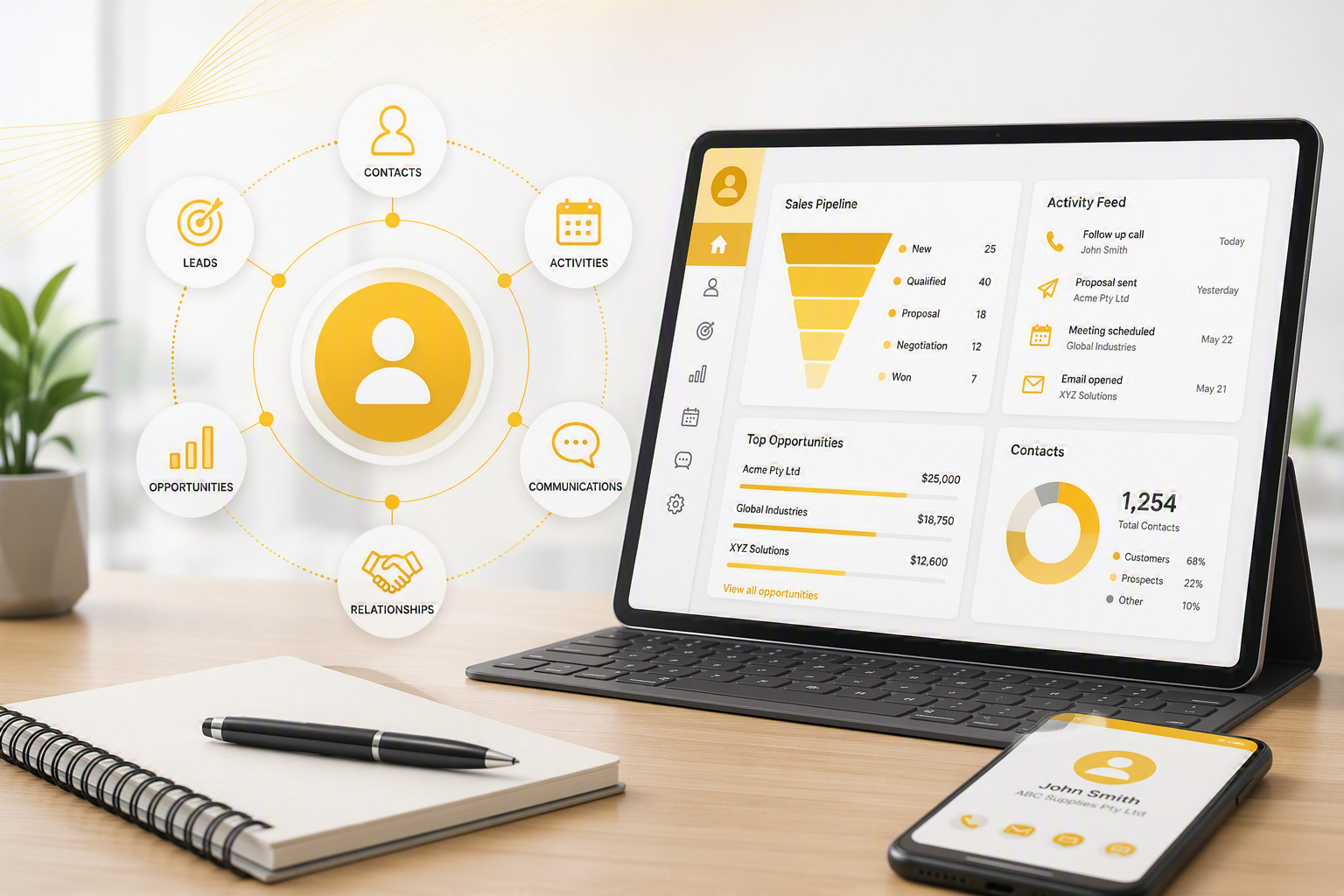
The Customer Relationship Management (CRM) Module provides a central platform for managing customer interactions, sales opportunities, support requests, communications, and follow-up activities across the business. Fully integrated with the ERP system, the CRM links directly to customers, suppliers, jobs, inventory, and accounting records, ensuring all information is accessible from a single source.
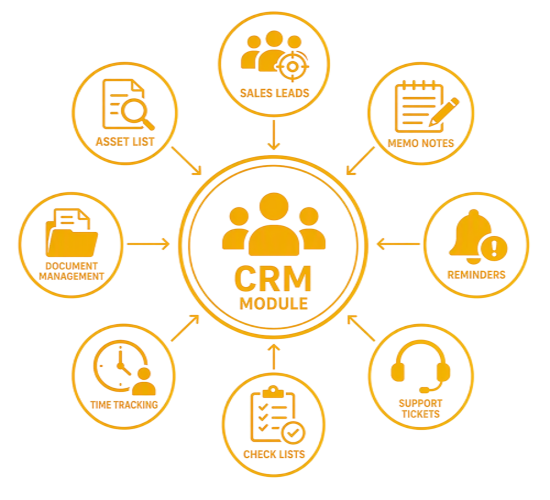
The module captures and tracks every customer touchpoint, including emails, calls, notes, support tickets, time logs, book-ins, and sales leads, giving staff complete visibility into customer relationships and ongoing activities. Built-in alerts, reminders, and checklists help teams stay organised, meet deadlines, and maintain consistent service levels.
Integrated lead management, time tracking, support logging, and marketing tools allow businesses to manage the entire customer lifecycle from prospect to ongoing support. SMS and email mailing capabilities further enhance customer engagement, while detailed activity histories improve accountability and service delivery.
Key Benefits
- Centralised customer relationship management across sales, support, and after-sales service.
- Complete visibility of customer interactions, communications, activities, and history.
- Improved lead management and sales pipeline visibility to increase conversion rates.
- Automated alerts, reminders, and task management to improve responsiveness and accountability.
- Integrated time tracking and support logging for accurate billing and service management.
- Structured workflows and checklists to maintain consistency and quality control.
- Targeted SMS and email marketing using centrally managed contact databases.
- Enhanced customer satisfaction and business growth through improved communication and service delivery.
Customer Relationship Module (CRM) Features
|
Interactions Features |
Description |
Benefit |
|
CRM Module |
Control communications to all areas of your business from sales to support to after sales service |
Happy customers Increased company customer base |
|
Customer Activities |
View all information relating to a customer interaction via emails sent, memo notes, time logs, support logs, checklists, Bookins |
Easy tracking of customer and supplier communication. |
|
Alerts |
Creating of alerts against various documents, customers, suppliers, stock items and many more |
Instant notification for staff to be aware of notes against areas of concern |
|
Reminders |
Allows a user to capture a list of items which need to be completed |
User can keep a list of items outstanding to complete and tick off completed items |
|
Contact and Networking Setups |
Create multiple lists of contacts and general database lists for marketing purposes. Once a customer purchases one can promote the contact to the customer list |
One database controlling a list of general contacts and networking lists |
|
Bookins |
Keep track of client assets coming in and out of your office |
Customer stock control within your company |
|
Sales Leads |
Tracking of presales for sales representatives. Check status of customer progress within the sales cycle Check value of sales pipeline |
· Control of sales leads will equal to greater closure of sales for the business |
|
Time Tracker Clocks |
Clock into the system with clock in and out on App Use Barcode scanning to clock onto jobs |
Speed up capturing of time via barcode and clock in Promote clocks to time logs |
|
Time Logging |
Log Time at customers. Promote this to an invoice. Keep track of time at a client Promote to a job cost |
Excellent for Consultants, Technicians, Field and Production staff, Accountants, developers and any company capturing time against clients |
|
Support Logging |
Log Support enquiries from customers. Allow automatic support logs via email from a client. |
Keep track of support calls from customers. Control issues and handle enquiries |
|
Checklists |
Create multiple checklists of procedures
Add photos and indicate whether tasks are complete |
· Control of workflow for tasks to be completed by staff member · Prechecks to a job · On the job process checks |
|
SMS Mailing List |
This gives the ability to create SMS mailing groups from information within the application. |
SMSs can conveniently be sent to SMS mailing groups directly from within the application. |
|
Email Mailing List |
This gives the ability to create mailing groups from information within the application. Email lists can be exported to Mail Chimp |
Emails can conveniently be sent to mailing groups directly from within the application or from an external program called Mail Chimp |
No Comments