
Calculator
At the top of your screen of any module, you will have direct access to the Microsoft office calculator.

Since Huge ERP is a browser-based software, it doesn't have permission to directly call functions within Windows, as this would violate Microsoft's security protocols. Thus, when you attempt to use the calculator, a pop-up will appear. To proceed, check the “Always allow” box and click “Open.” If you clear your cache, you may need to repeat this process each time you access the calculator.
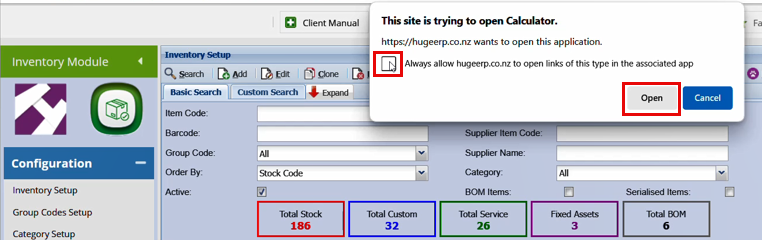
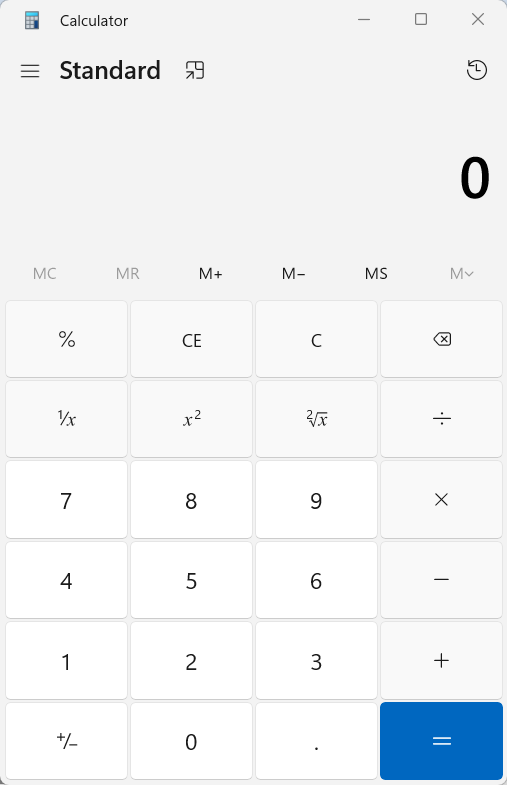
Once you click Open, you will see the Windows calculator pop up in a new window.
No Comments