
Barcode Labels Integration
The system now allows you to print barcodes.
You will see the barcode icon across the system.

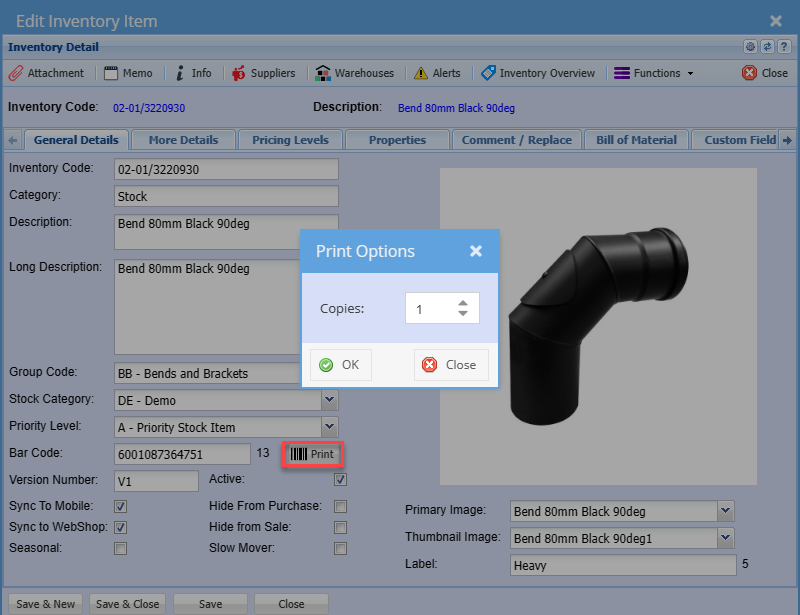
For example, on the inventory module, when you click on the print button a prompt will appear, allowing you to specify the number of copies you wish to generate.
When you click OK a physical printing of a barcode label, displays the layout containing information specific to the selected item.
For this feature to work you need to set up a barcode template in the system configurations
The places that we currently integrate with are:
- Inventory set up
- Assets scanning
- Barcode printing Scan
- Debtor documents
No Comments