
Create a Quote From Sales leads
Create a quote
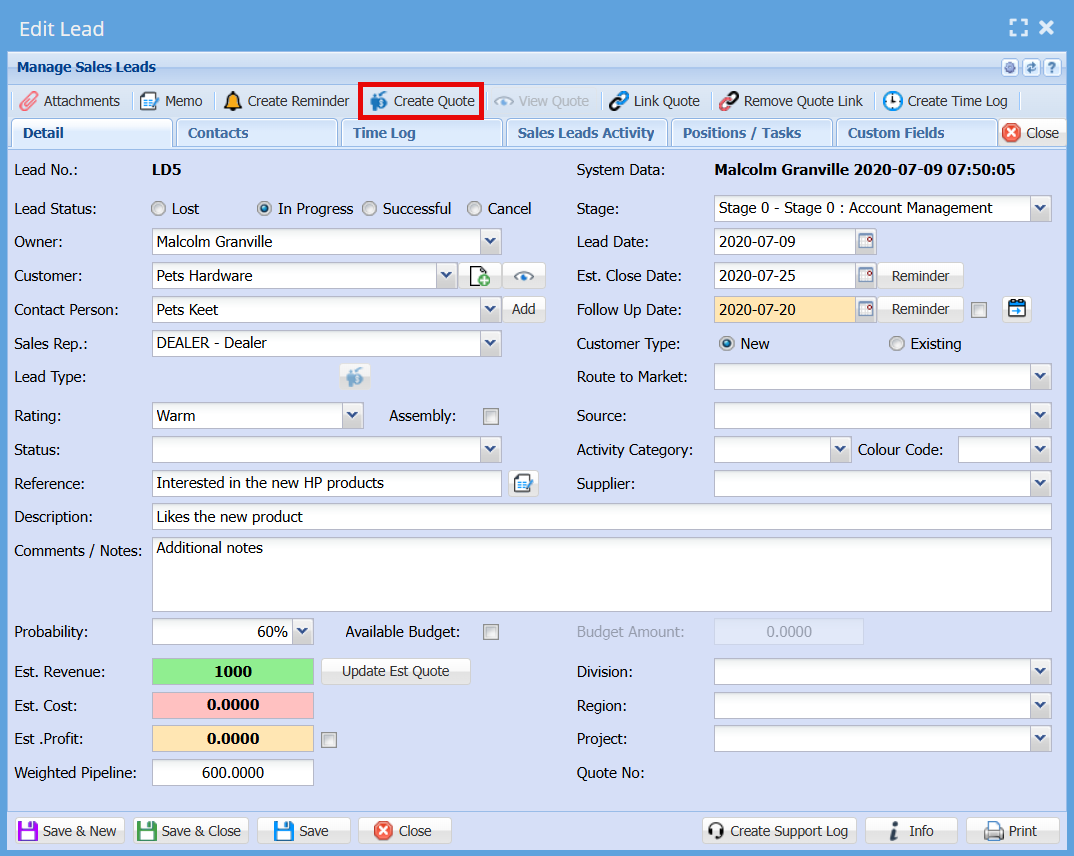
The system allows users to generate a Quote directly from an existing Sales Lead, helping streamline the sales process and avoid re-entering information.
Click on "Create Quote" button
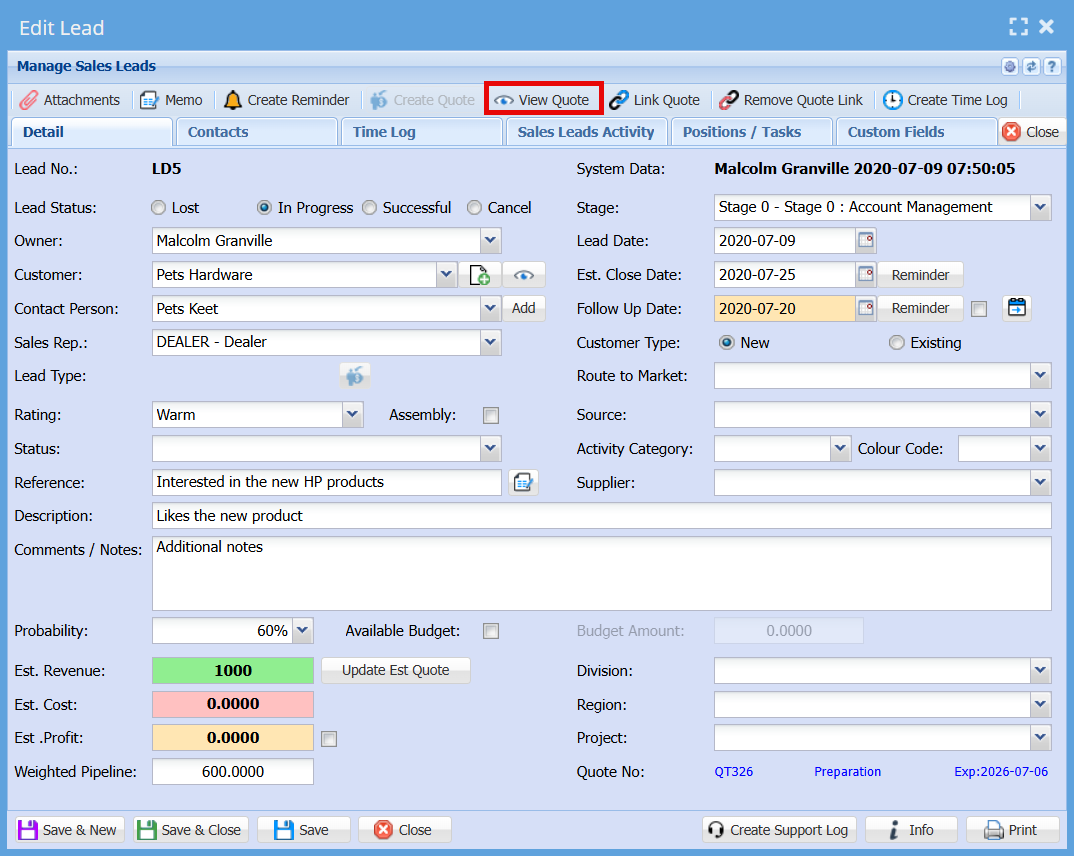
View Quote
Once a quote has been created and linked to a Sales Lead, it can be easily accessed using the "View Quote" function.
Only one quote can be linked to a Sales Lead at any given time.
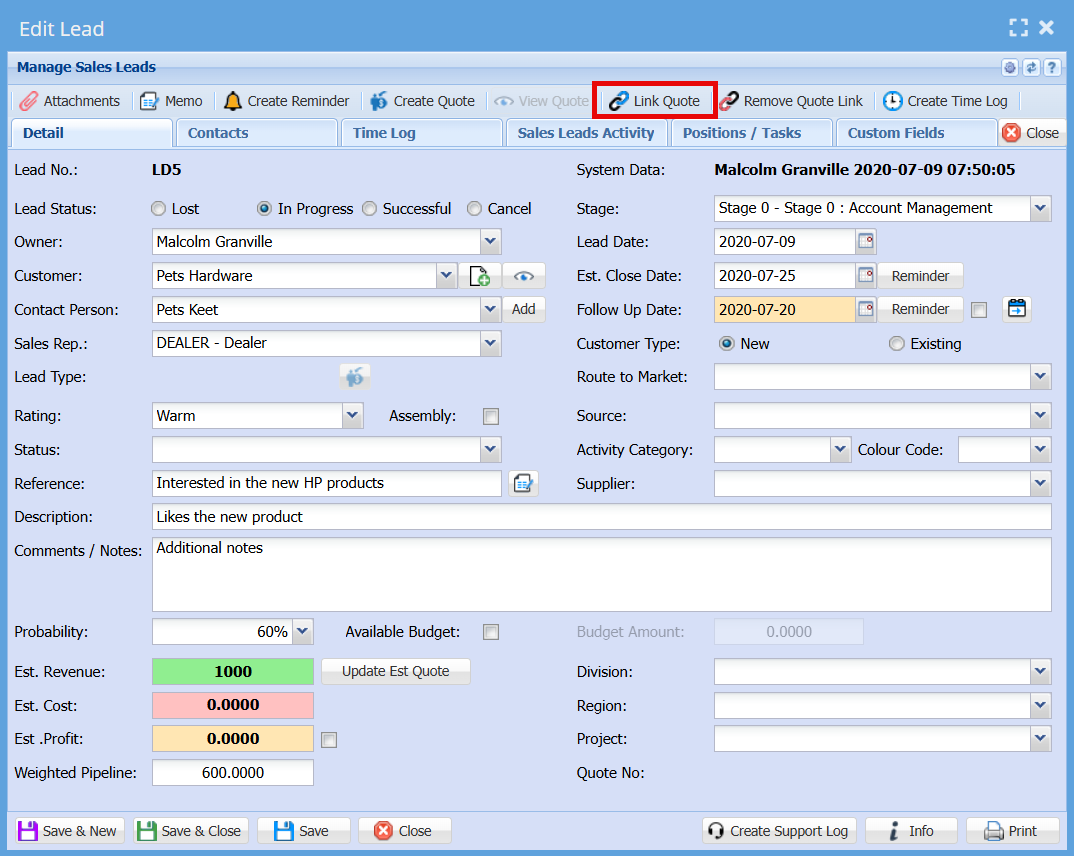
Link Quote
The Link Quote function allows you to connect an existing quote to a Sales Lead after the quote has already been created in the Debtors module.
When to Use Link Quote
- Use this option when a quote was not created directly from the Sales Lead.
- For example, if a quote was created separately in the Debtors module, it can still be linked back to the relevant Sales Lead for tracking purposes.
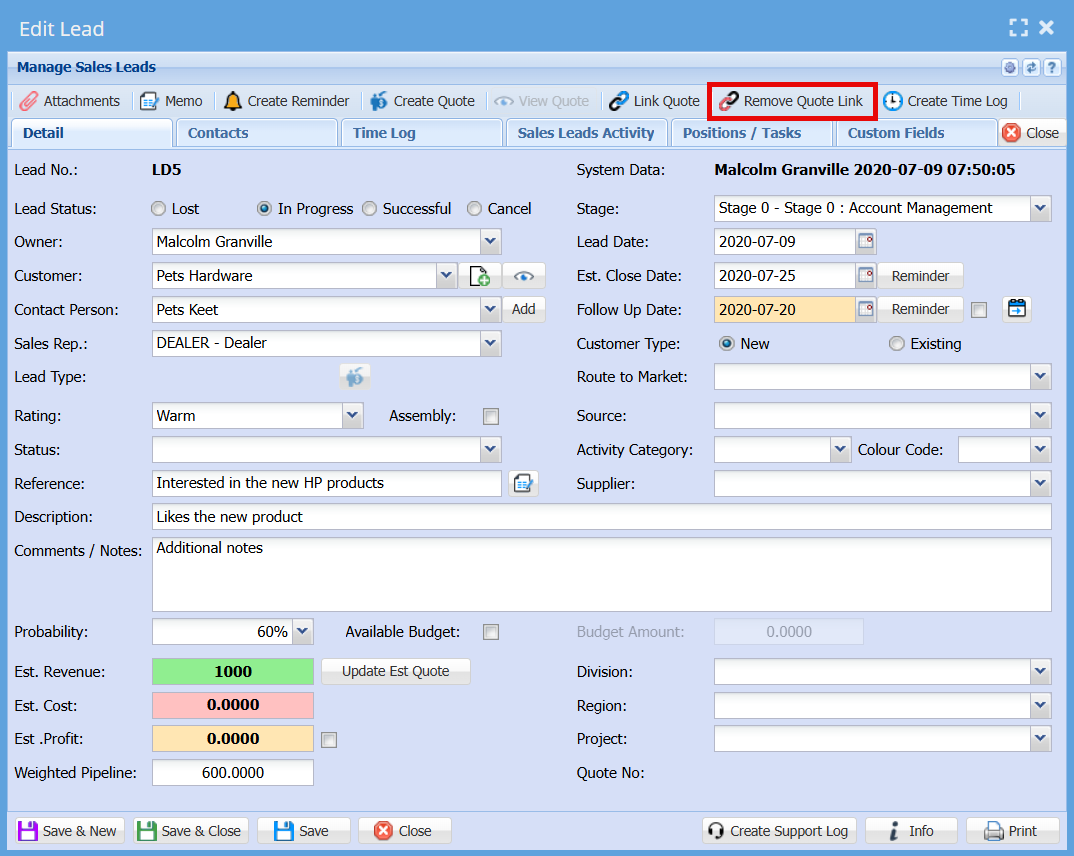
Remove Quote Link
The Remove Quote Link function allows you to disconnect a linked quote from a Sales Lead.
- Open the Sales Lead in Edit Lead mode
- Click the Remove Quote Link button on the top navigation ribbon
- The system will remove the association between the Sales Lead and the quote
When to Use Remove Quote Link
- When the incorrect quote has been linked to the Sales Lead
- When you need to replace the existing quote with a different one
- When the quote is no longer relevant to the Sales Lead
Important Notes
- Removing the link does not delete the quote from the system
- The quote remains available in the Debtors module and can be reused or linked to another Sales Lead if required
- Only the connection between the Sales Lead and the quote is removed
No Comments