# Create a Quote From Sales leads
#### **Create a quote**
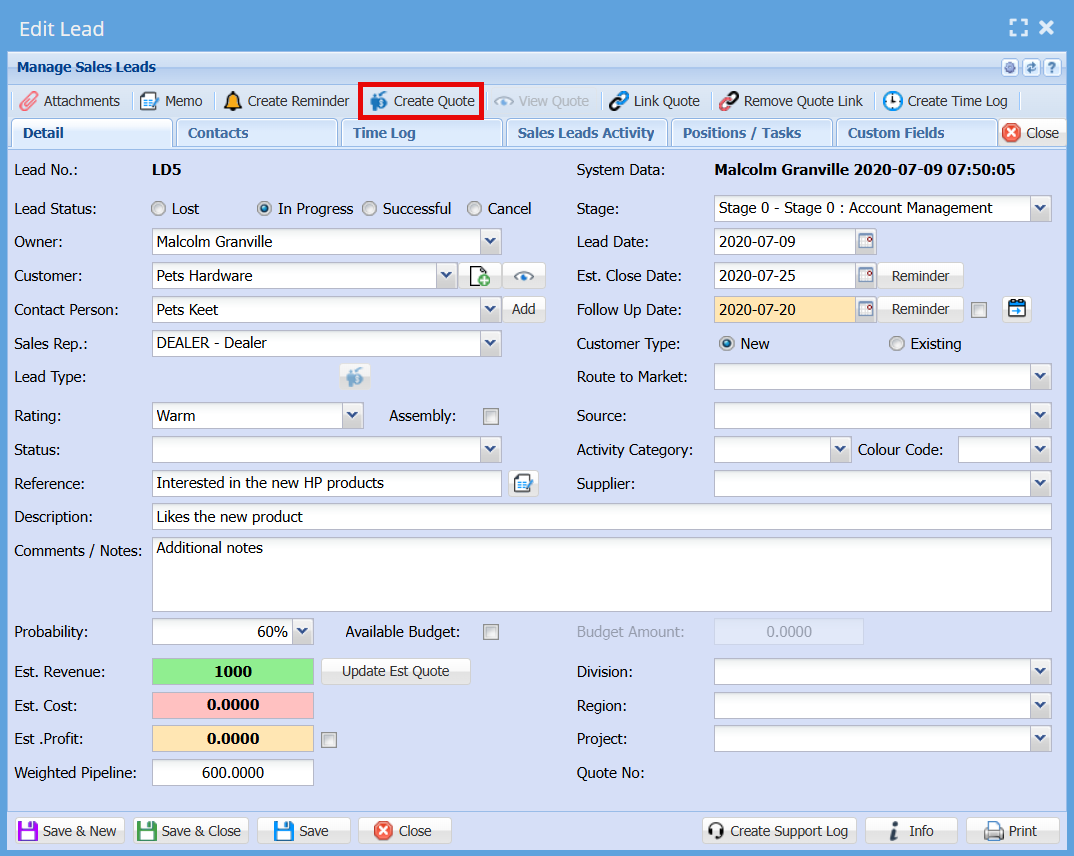
The system allows users to generate a **Quote directly from an existing Sales Lead**, helping streamline the sales process and avoid re-entering information.
Click on "**Create Quote**" button
[](https://hugeerp10.co.za/hsofmanual/uploads/images/gallery/2026-06/SF2image.png)
#####
##### View Quote
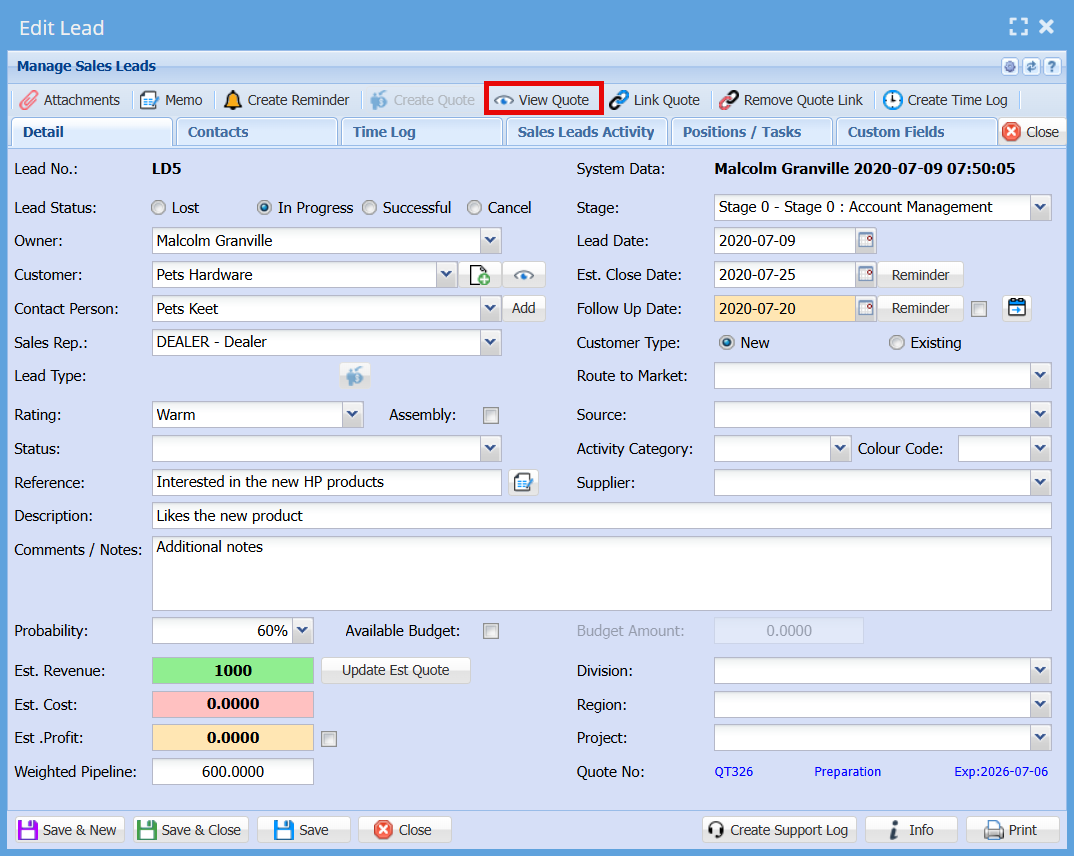
Once a quote has been created and linked to a Sales Lead, it can be easily accessed using the "**View Quote"** function.
Only **one quote** can be linked to a Sales Lead at any given time.
[](https://hugeerp10.co.za/hsofmanual/uploads/images/gallery/2026-06/UIjimage.png)
#####
##### Link Quote
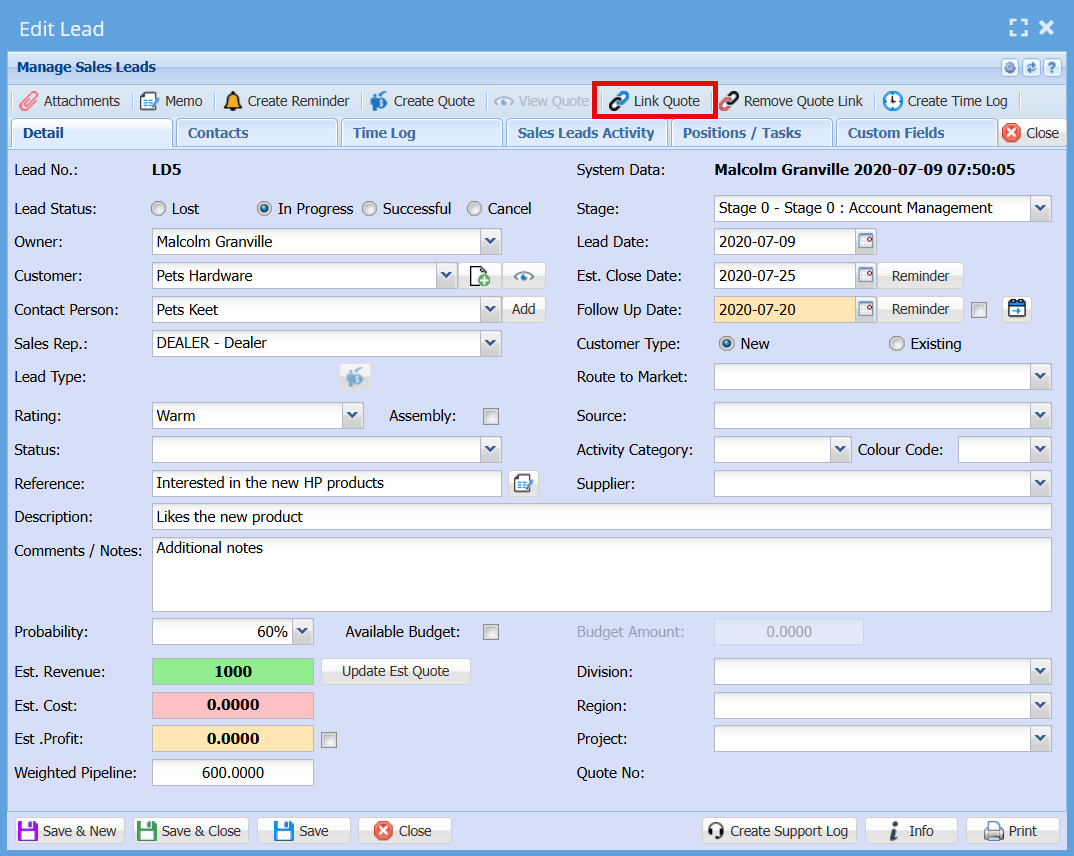
The **Link Quote** function allows you to connect an existing quote to a Sales Lead after the quote has already been created in the **Debtors module**.
**When to Use Link Quote**
- Use this option when a quote was **not created directly from the Sales Lead**.
- For example, if a quote was created separately in the Debtors module, it can still be linked back to the relevant Sales Lead for tracking purposes.
[](https://hugeerp10.co.za/hsofmanual/uploads/images/gallery/2026-06/fgRimage.png)
##### Remove Quote Link
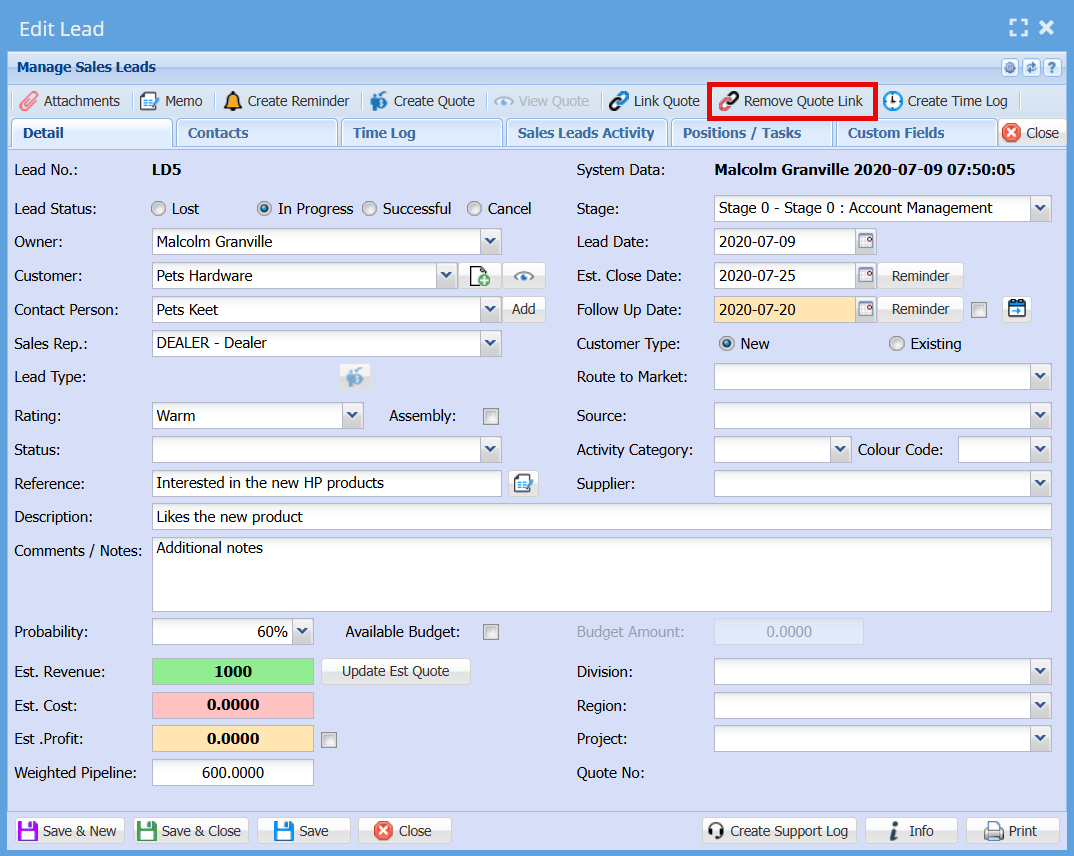
The **Remove Quote Link** function allows you to disconnect a linked quote from a Sales Lead.
1. Open the **Sales Lead** in **Edit Lead** mode
2. Click the **Remove Quote Link** button on the top navigation ribbon
3. The system will remove the association between the Sales Lead and the quote
When to Use **Remove** Quote Link
- When the incorrect quote has been linked to the Sales Lead
- When you need to replace the existing quote with a different one
- When the quote is no longer relevant to the Sales Lead
**Important Notes**
- Removing the link **does not delete the quote** from the system
- The quote remains available in the **Debtors module** and can be reused or linked to another Sales Lead if required
- Only the connection between the Sales Lead and the quote is removed
[](https://hugeerp10.co.za/hsofmanual/uploads/images/gallery/2026-06/Oy7image.png)