
CREATING THE BOM ITEM
Go to inventory module> Activity>Bill of Materials
.png)
1.Select the resultant Item
2.Select the BOM source (This is the Recipe you created above)
3.Select form Drop Down
4.Enter the required quantity of the resultant item
5.Select the Warehouse you wish this item to be stored in
Click Save and close/new
Click Search
Highlight the required BOM
.png)
Click Manage BOM
.png)
Click OK
Click Insert
.png)
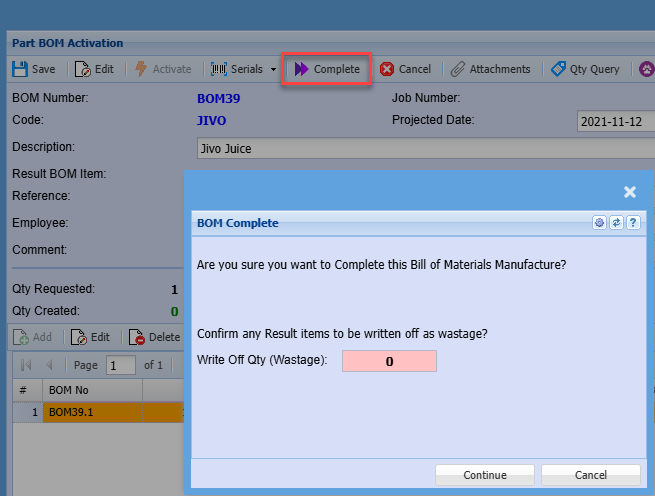
Complete Button
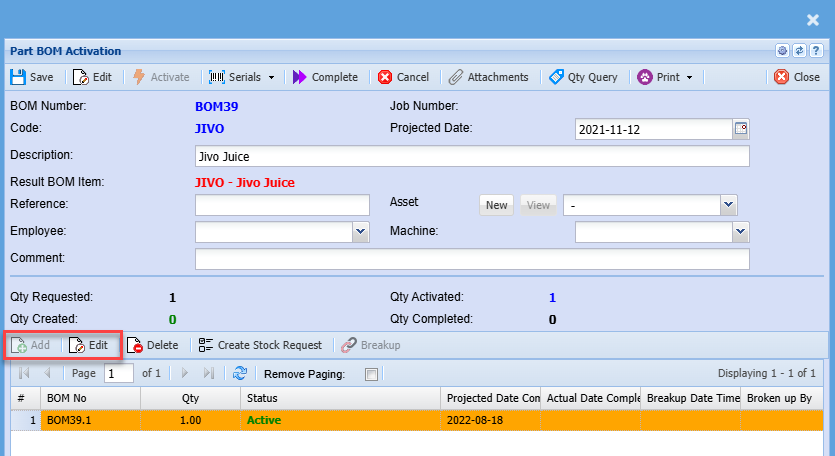
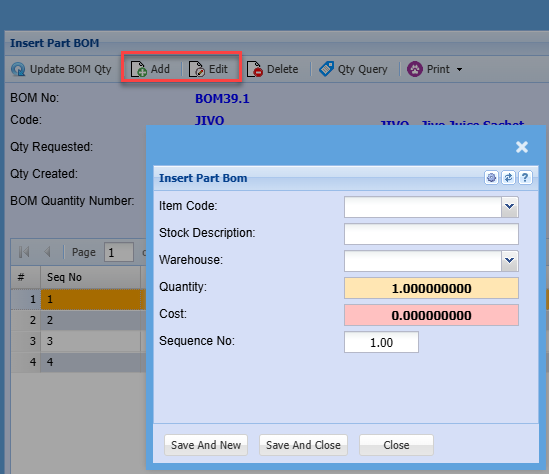
Add or Edit Line
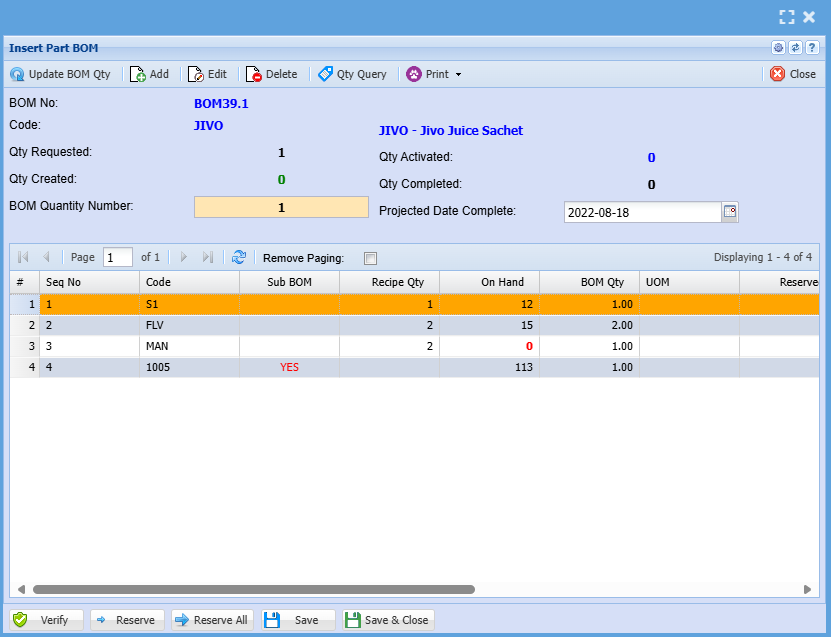
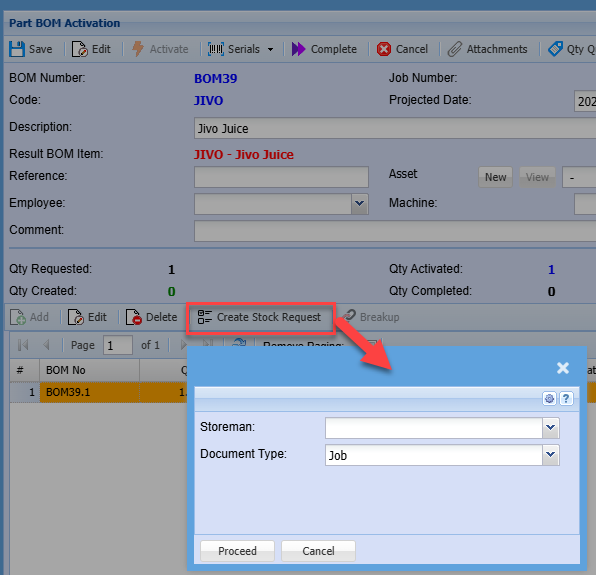
Create Stock Request
No Comments