
Stock weight change
Stock Weight change app in Webatar
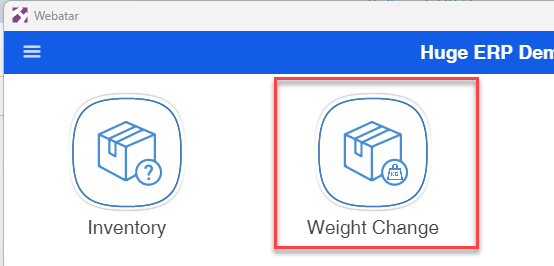
Scan or search for the stock item that requires changing
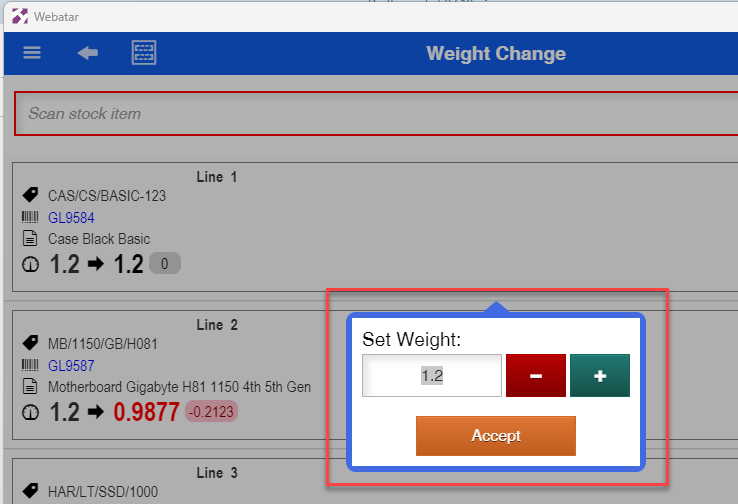
After the scan, the weight change option will appear.
Change your weight and click accept
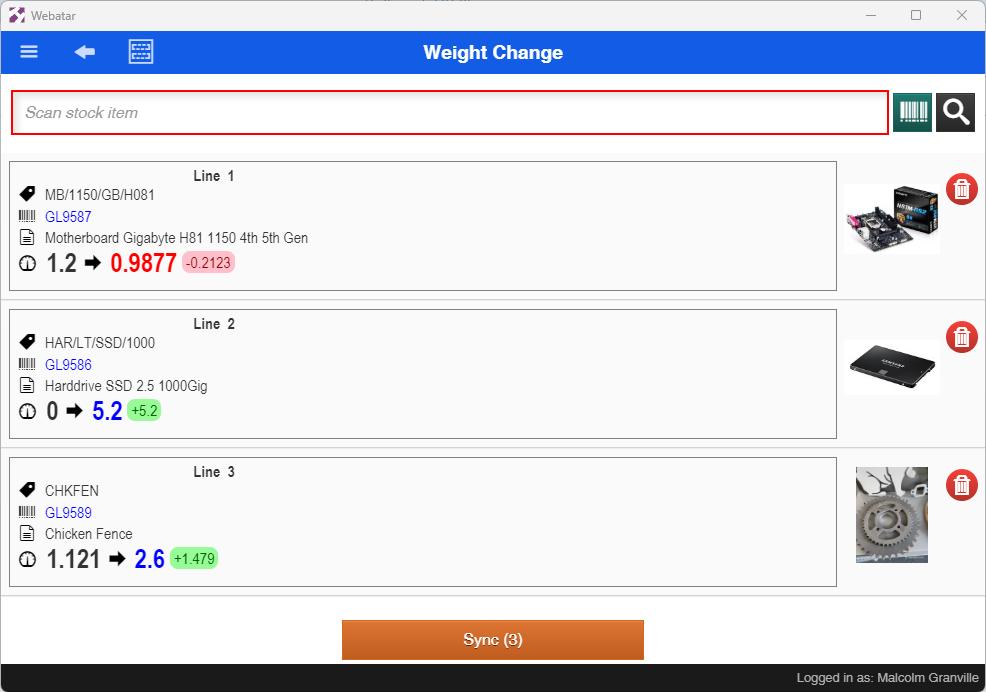
Stock items will be shown on weight change up or down from previous weight.
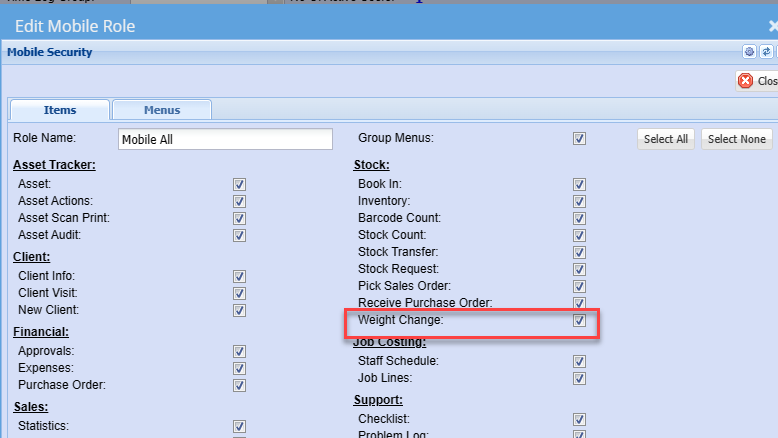
Security setup
Setup the security at the user in the main system
System Configuration >General>User setup
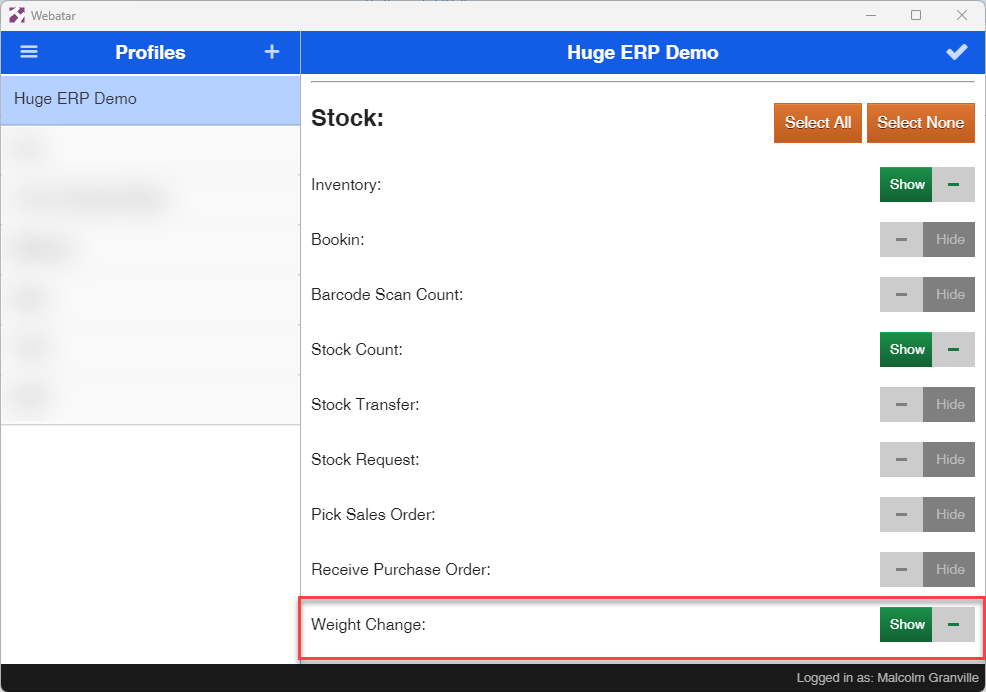
Webatar Mobile access security
No Comments