
Stock/Inventory Movement
To track the movement of a specific item you would login to the Inventory Manual.
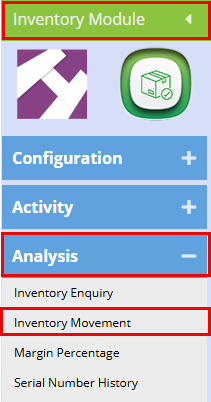
Here can search for a specific item and seen the movement over a selected time period.
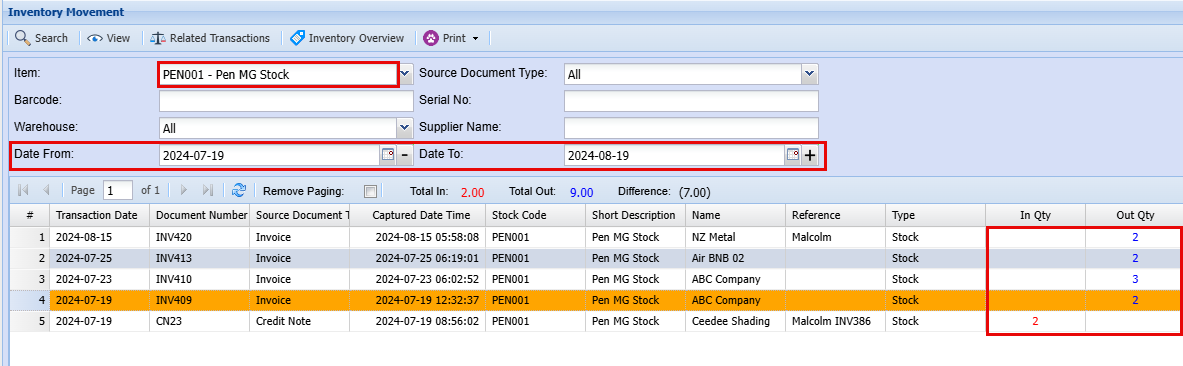
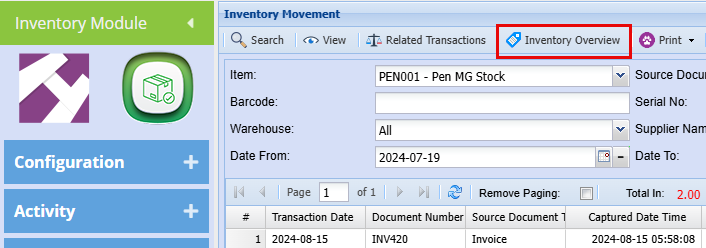
From here you can also check what stock you have on hand by click Inventory Overview at the top and then click on Load Totals.
This will give you a broad overview of your stock item including:
- How many of this specific item you currently have in stock.
- How many are on open Quotes, Sales Orders, Invoices etc.
- You can also come here to recalculate your stock should you need to.
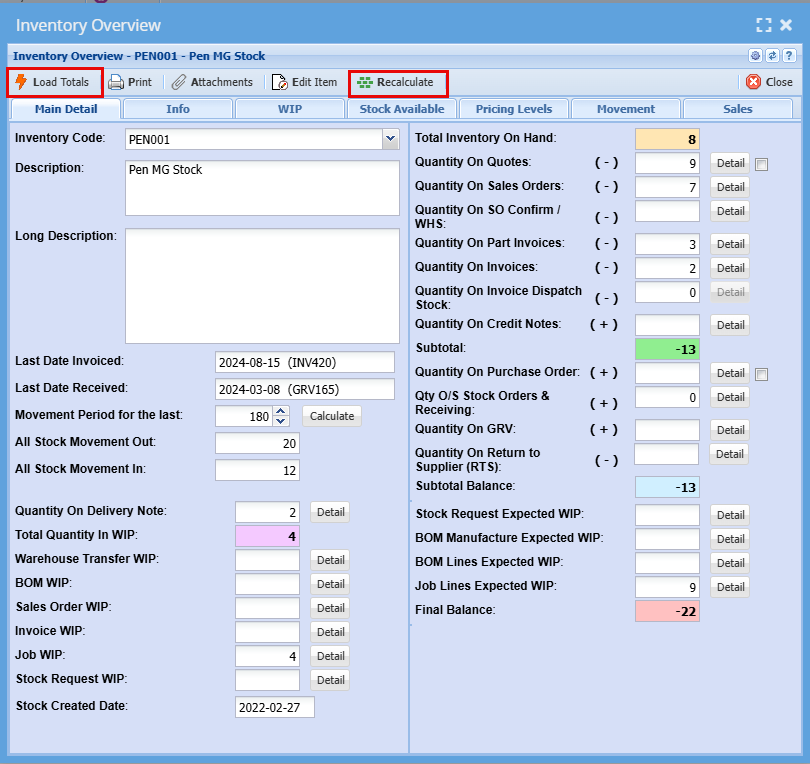
You can follow through with the tabs on top of this screen, this will provide you with additional detail on this product.
- Work in progress
- Pricing levels
- Movement
- Sales
You can also add a picture of this item or any other external information you need.

No Comments