
Samples Search
This window is the main window to search for open Sample Tests.
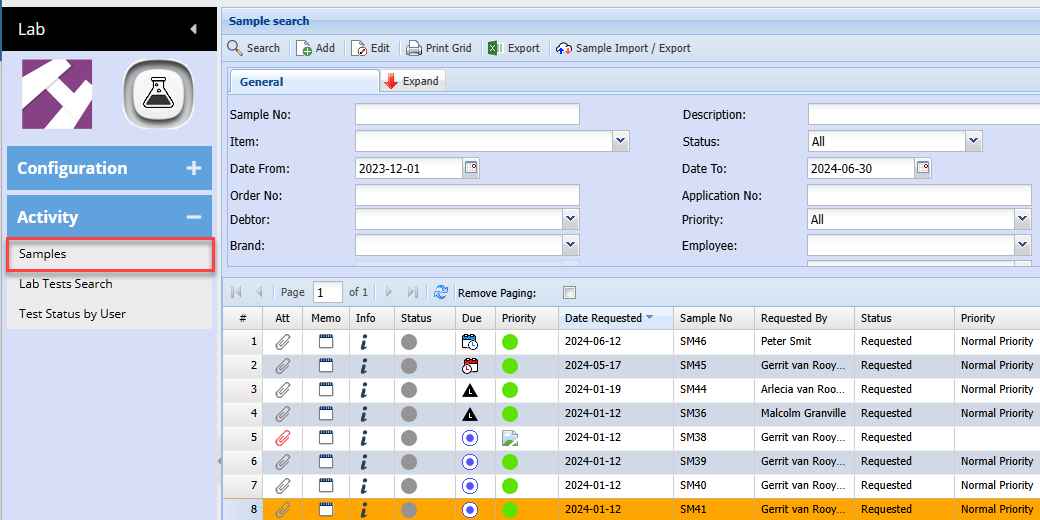
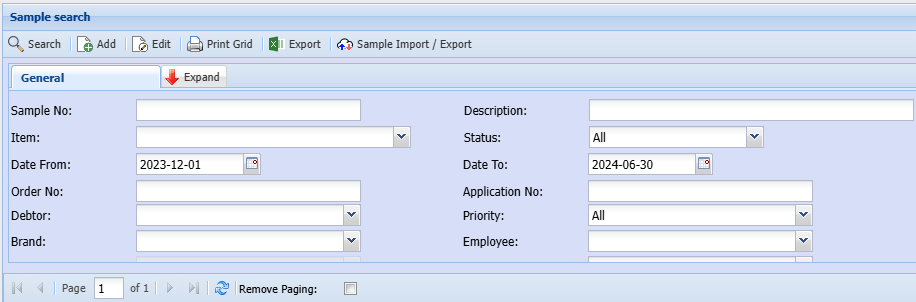
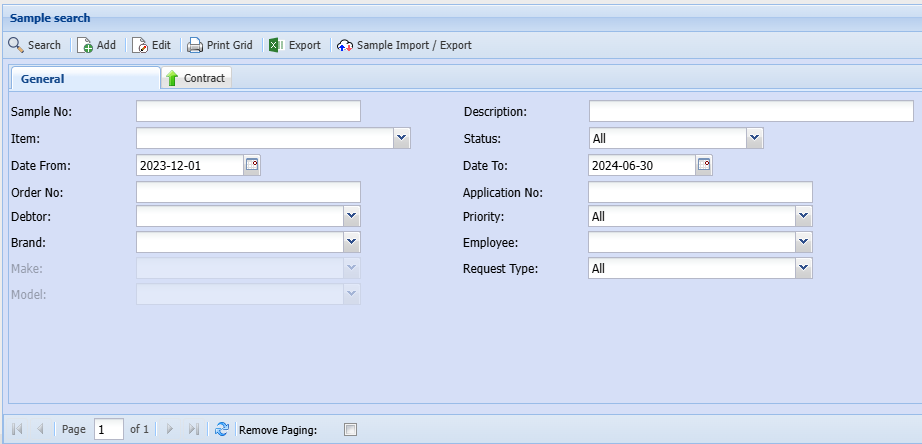
The Main visible menu will be
The grid results are as follows:
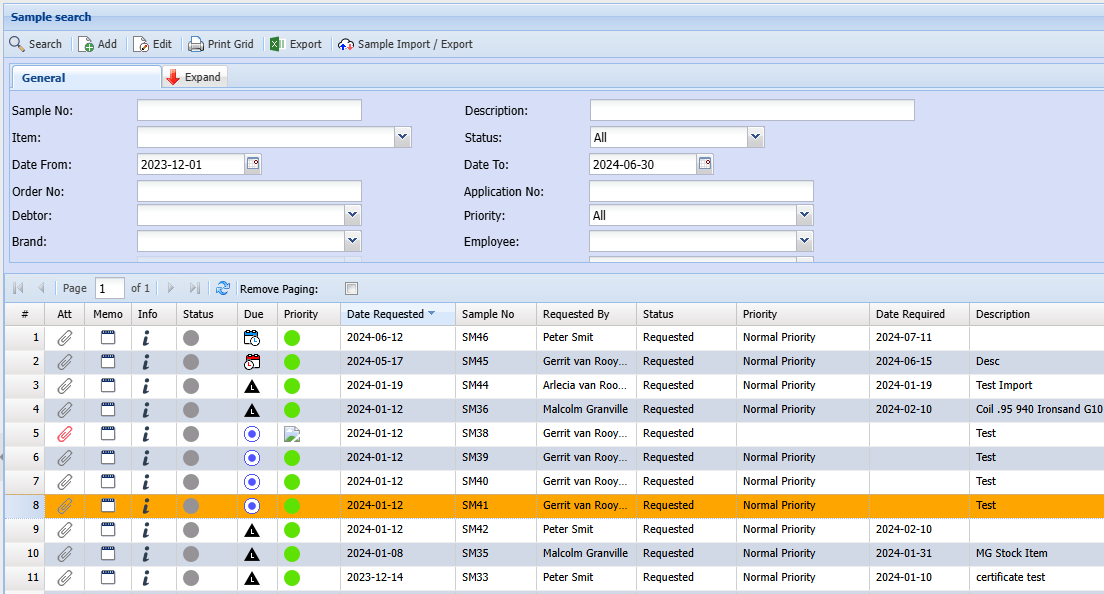
| ATT | Attachment |
| Info | Information window for more details |
| Memo | Memo note against the Lab test |
| Status | Icons indicating the status of the Lab test |
| Sample No | Sample unique number |
| Date | Date of the Lab Test created |
| Priority | Priority selected |
| Description | Description given to Lab Test submission |
| Order No | A text field where user can enter Order number |
| Lot No | A text field where user can enter Lot number |
| Application No | A text field where user can enter Application number |
| Requested By | The person who requested the Lab test |
| Customer | Customer Name |
| Status Name | The status of the Lab test but in words instead of icons |
| Item Code | The item code selected for testing |
| Item Description | The item description selected for testing |
| Brand | The Brand of the item |
| Make | The Make of the item |
| Model | The Model of the item |
| Comment | An open field where a user can enter a comment in the grid |
No Comments