
New Samples Submit upload
Uploading new samples via Excel sheet.
Uploading will ALWAYS create a NEW submission. There is no editing an existing submission
After uploading the seed items, one can submit the samples.
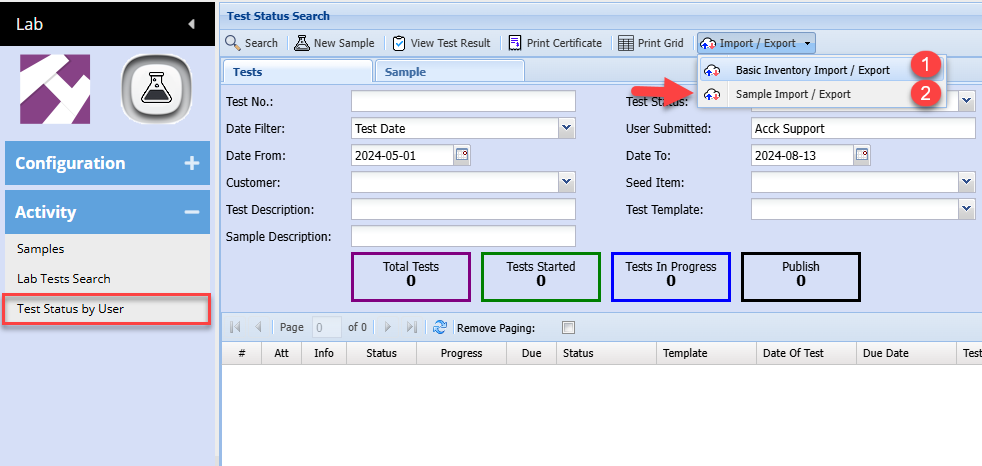
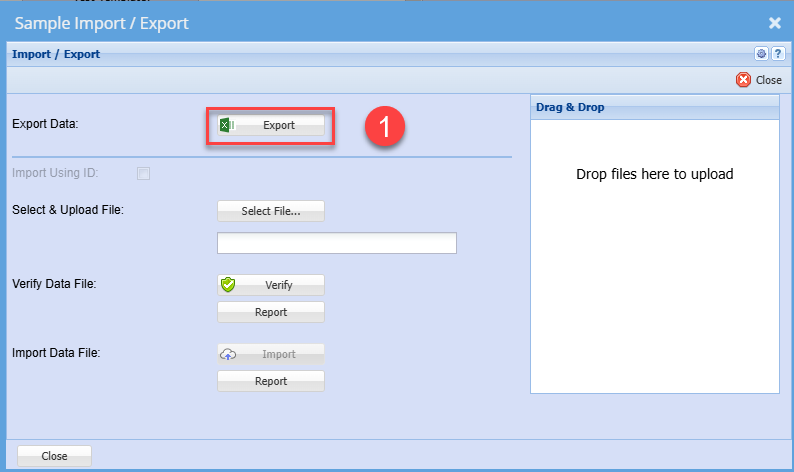
Export for template layout
See example of file layout - Lab Sample Submission.xlsx

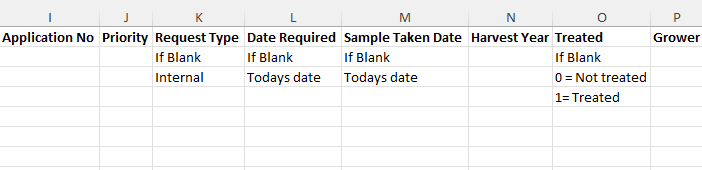

Once you have prepared the import file, save as an Excel document and close.
Importing will do the following:
- New items will be added if it does not exist
- Existing items will be updated
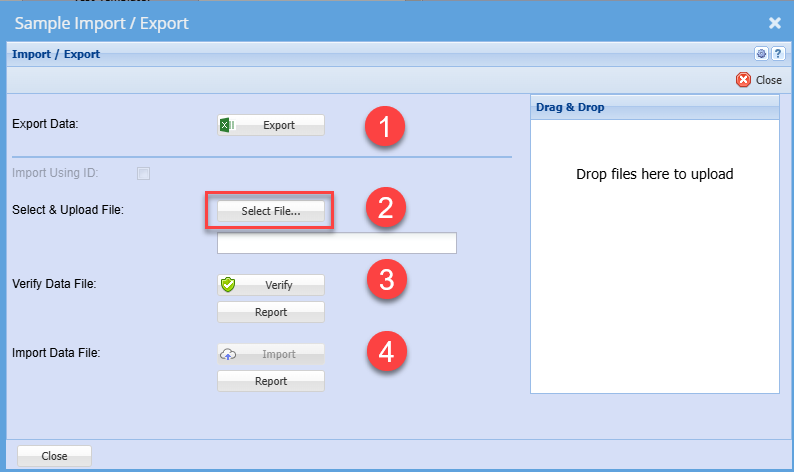
Follow steps 2 to 4 to upload new and existing items
No Comments