
Support Report
CRM> Reports> Report List
This report shows the detail of all support logs captured within the date range specified. In a list format, one can see all support logs captured and all related information on each support log, without having to open each log individually to ascertain respective problems/solutions. The report can be generated per employee or per debtor or accumulatively.
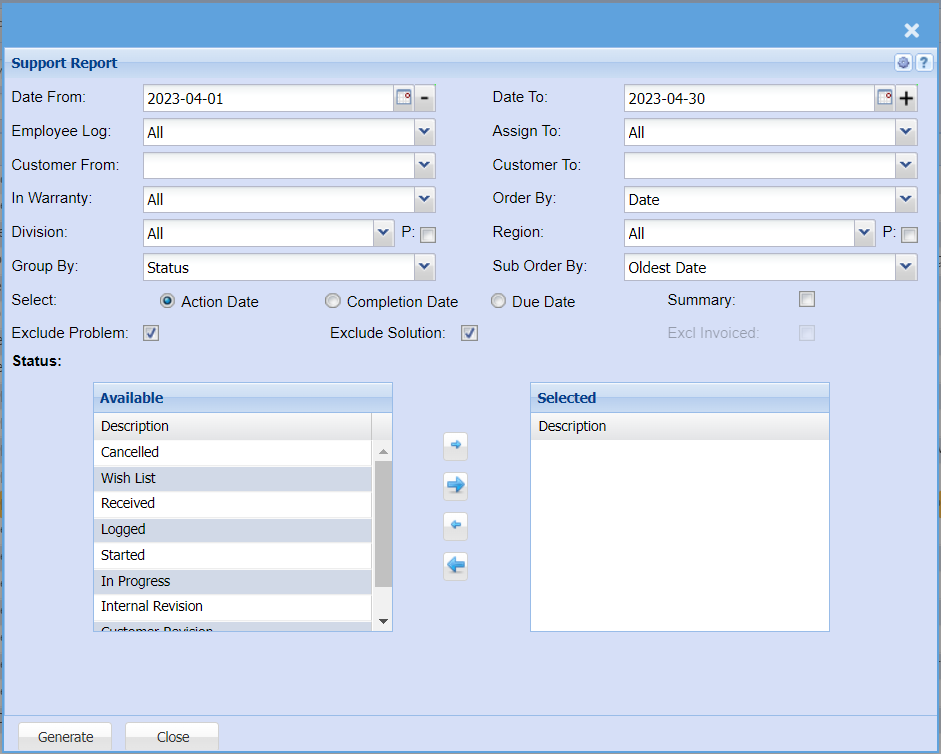
| Date From | |
| Employee Log | |
| Customer From | |
| In Warranty | |
| Division | |
| Group By | |
| Date To | |
| Assign To | |
| Customer To | |
| Order By | |
| Region | |
| Sub Order By | |
| Select - Action Date, Completion Date, Due Date | |
| Summary Tick | |
| Exclude Problem Tick | |
| Exclude Solution Tick | |
| Excl Invoiced Tick | |
| Status: | From the available column, select the ones that will appear on the report by moving them to the right-hand side column. |
No Comments