
Support Log Statistic Report
CRM> Reports> Report List
This report provides a count of the support logs captured within the Date range specified.
Ideally, if all jobs/Call outs are Logged, then this will represent the quantity of Job received within the given date range.
The report can be sorted by Employee or Task
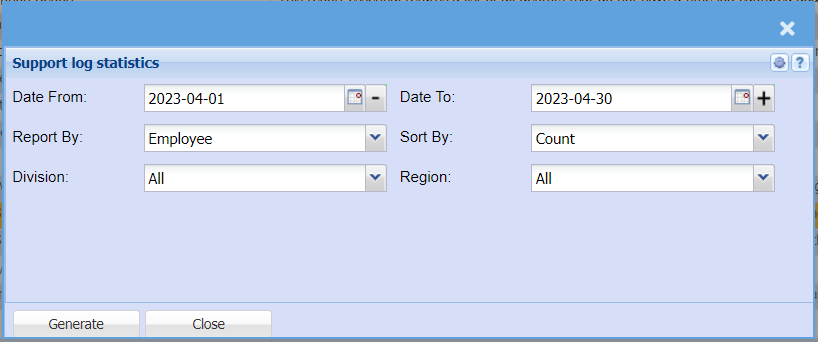
To Generate, double click on the report and enter the required criteria.
Click Generate
Provides statistics on support logs.
Report By: Choose between Employee, Task, Root cause, Status, customer or percentage complete
No Comments