
Capture an expense
Log into the expense app
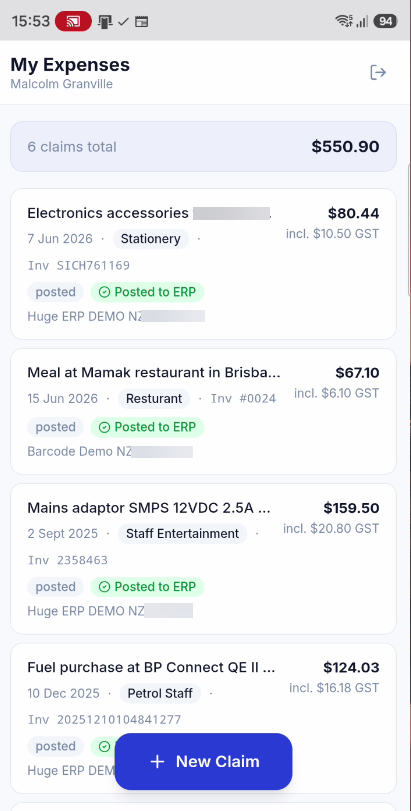
Click on New Claim
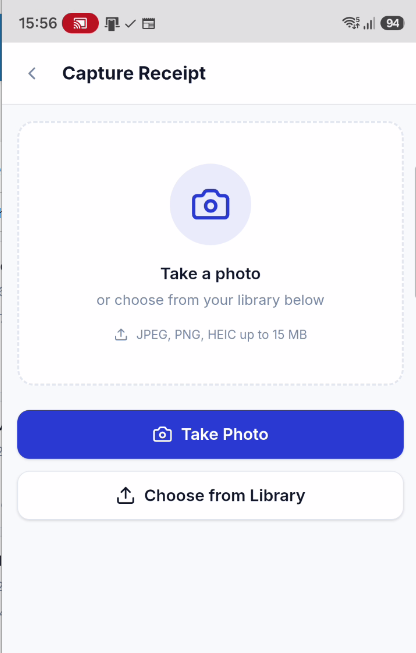
Take a Photo or select from Library
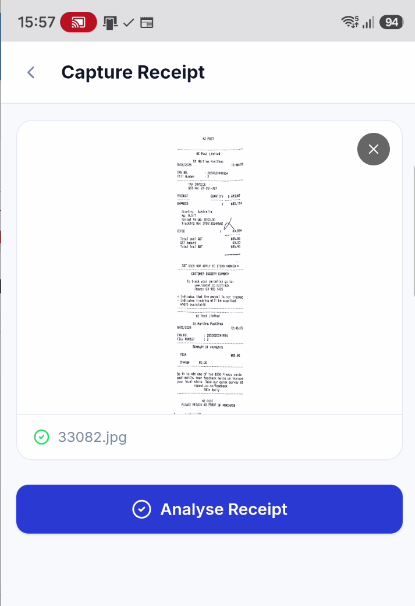
After photo or selection, image will display for expense
Click on Analysis Receipt
AI checks receipt and populates the expense
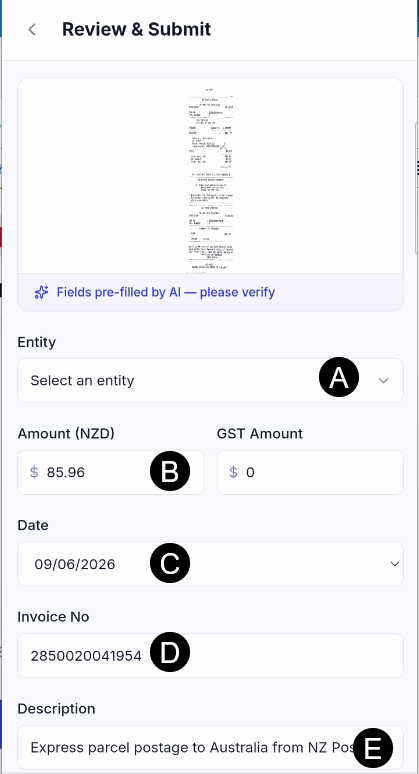
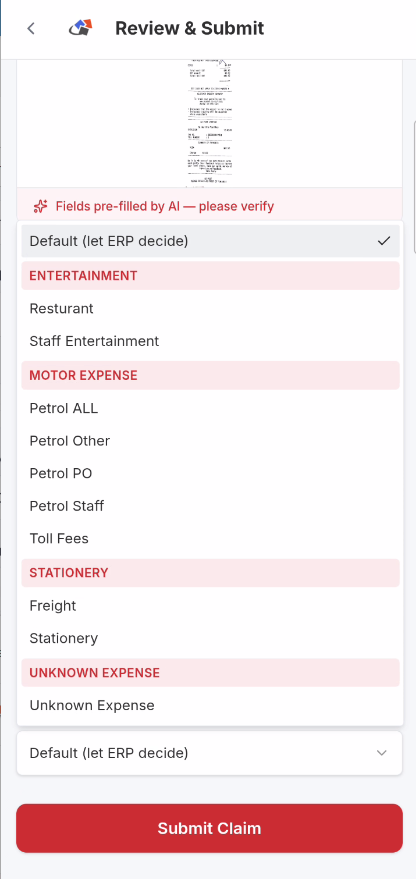
Select the Expense category and click on Submit claim
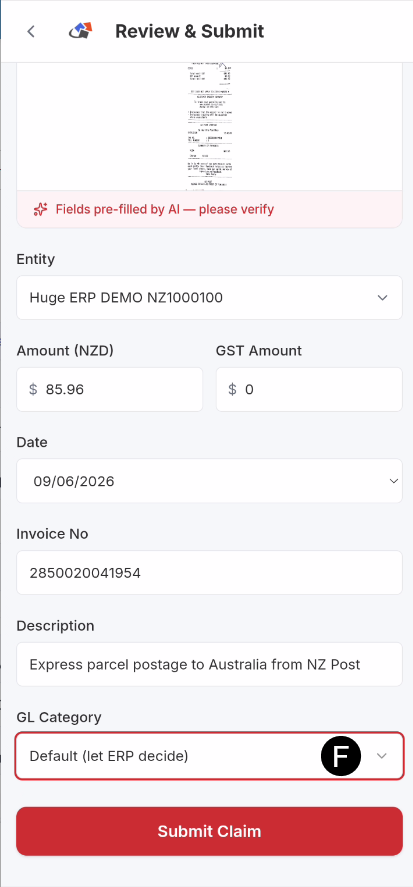
Expense claims pick up from the Huge ERP system
No Comments