
Change Item code on PO and GRV
This special function allows one to change an item code only without the selection changing all the details on the item to the new item code.
Mainly used for the email to PO and GRV function where the line item has been set to the default item.
This option is only available on the Purchase Order and GRV function.
The description, quantity and price are correct, but the item code is incorrect.
To only change the item code there are two ways to change:
- Click on the icon on the grid
- Click on the replace item code button
Click on the icon on the grid
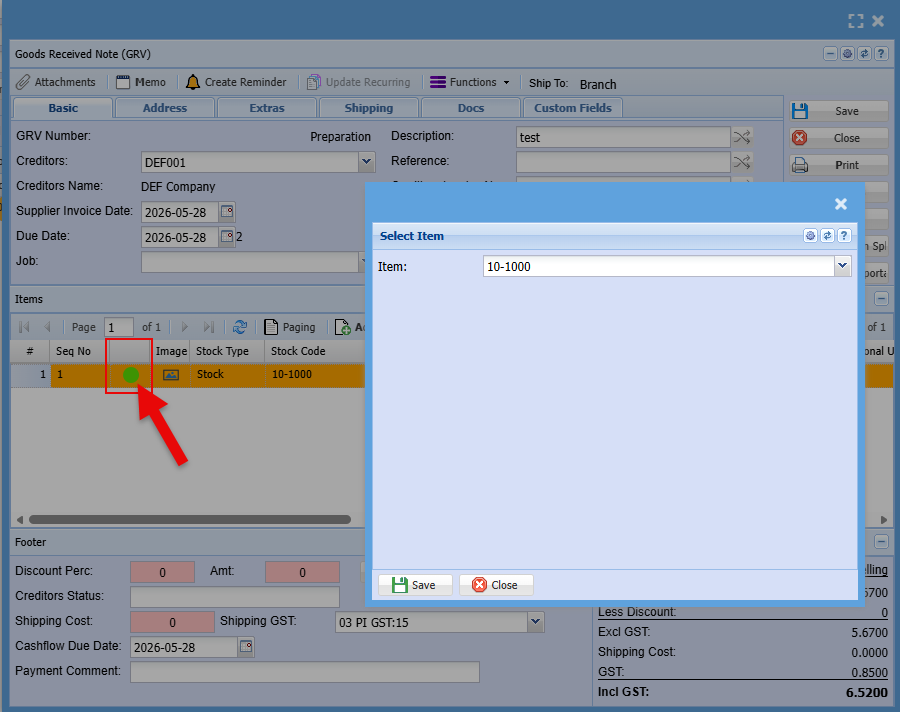
Item edited with replace button
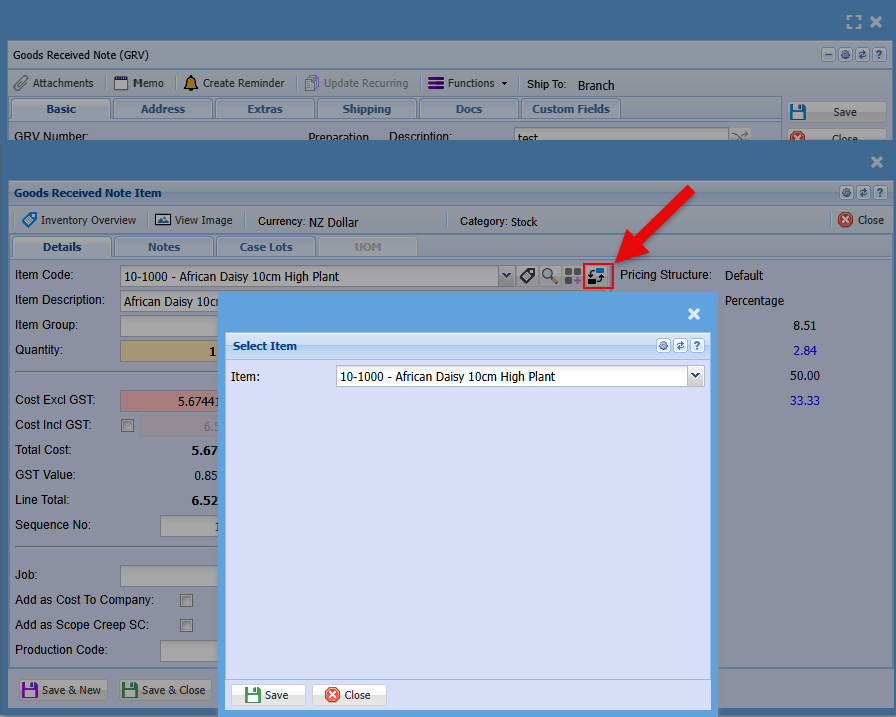
Rules:
- Cannot have a blank item code
- If document is completed or processed, one cannot change
No Comments