
Webatar Uploads
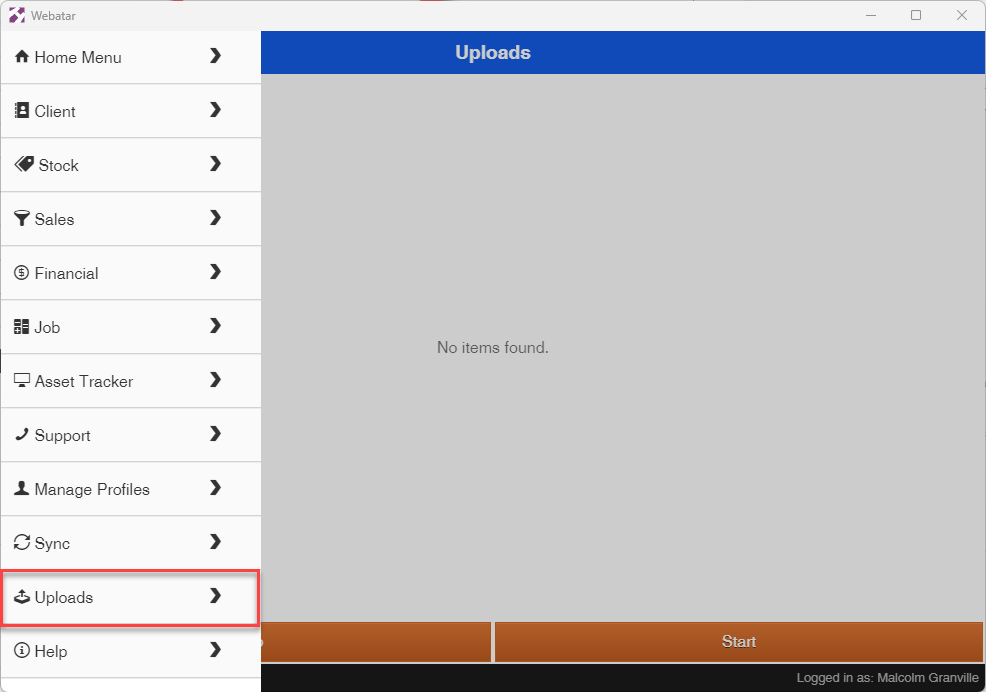
All uploads of images go through this section
If for some reason an image was not able to upload, it will be stored here for later syncing.
This can occur if you did not have internet access at the time of syncing
When data syncing, one can get a warning of stored uploads to be uploaded.
Click on Start button to start uploading your images
No Comments