
Webatar Move menu positions
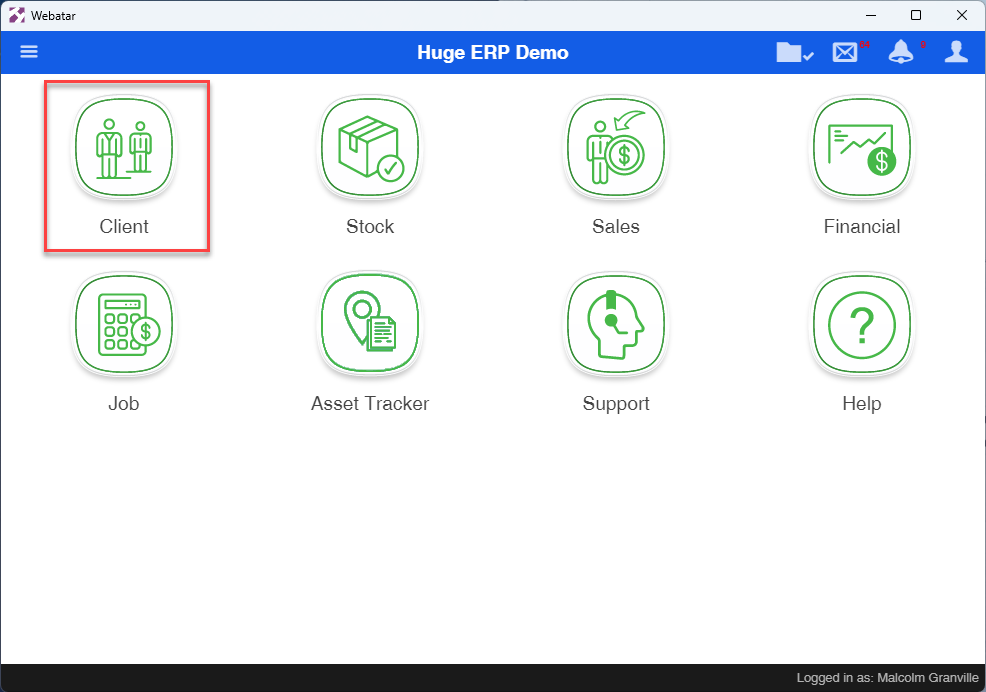
Webatar allows one to move icons closer to the top of the list for more frequent used menus.
This can be used for single menus or grouped menus
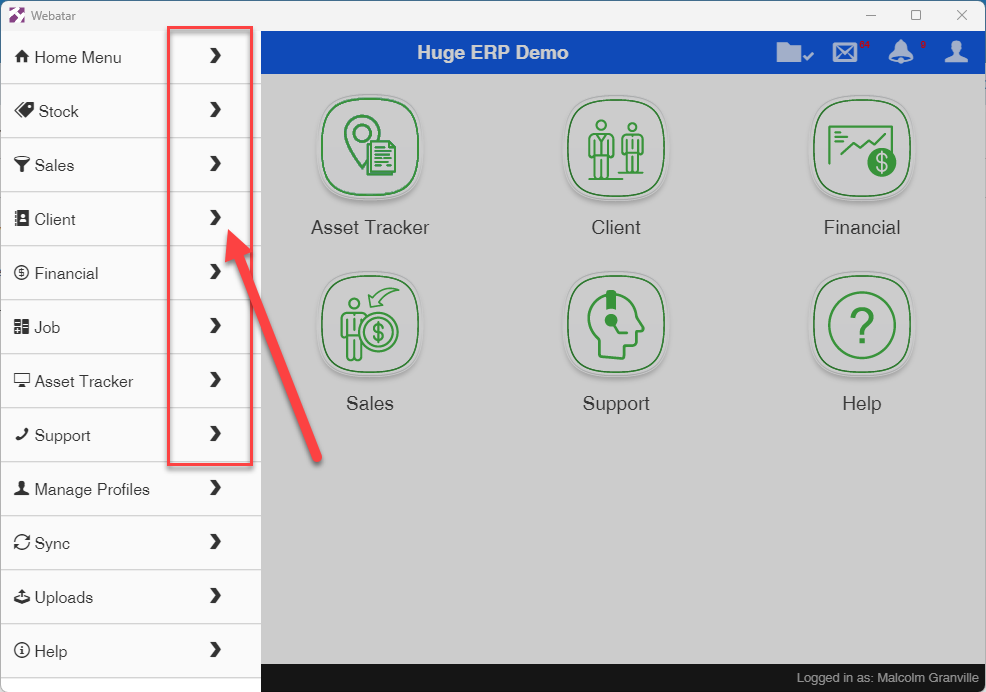
Open up the hamburger menu, notice the arrow next to each menu name
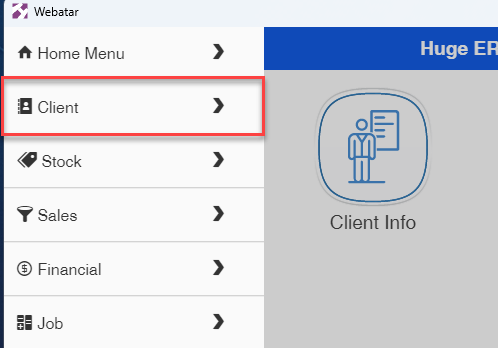
Click and hold on the menu arrow you want to move, when it changes to blue you can move
(Windows app may need a longer click to activate)
Drag to the position you want and let go.
No Comments