
BankIt Report
General Ledger>Reports>Report List
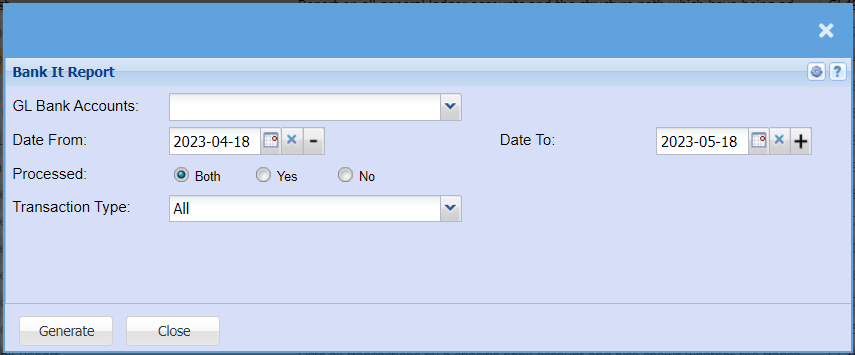
| GL Bank Accounts | Choose the account you want to run the report for. |
| Date From / To | Choose the date range for which you want to view the report from / Select a date range of when you want to see up to on the report. |
| Processed | Select weather you want to run the report for Processed or unprocessed transactions or both. |
| Transaction Type | Select the type of transactions you want to run the report for. |
No Comments