
Barcode Count App Menu
Click Here - Video
The Barcode Count App allows for a basic capture of stock items with barcodes.
The app is installed as an APK file downloaded to the device.
This is manually installed on the device. Any updates would require the user to visit the website and download the latest install file.
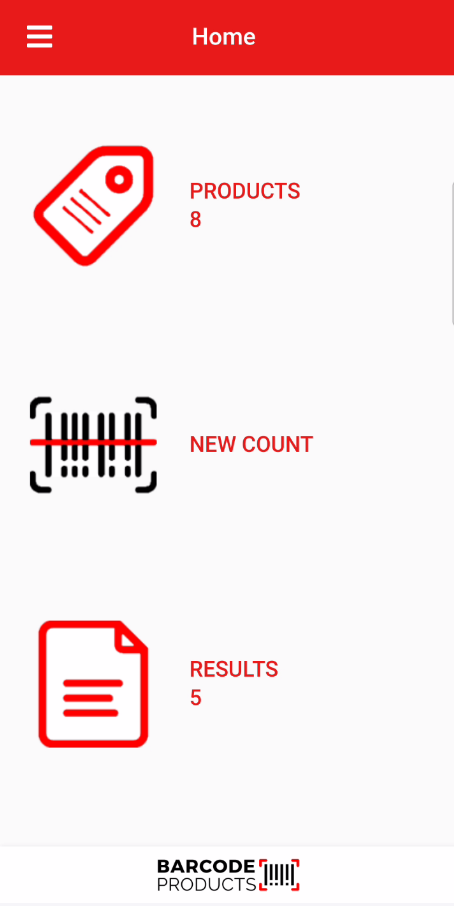
When first accessing the app, one is presented with the basic page.
| Products | Upload a file with all your stock items |
| New Count | Begin a new count batch |
| Results | View results of previous scans |
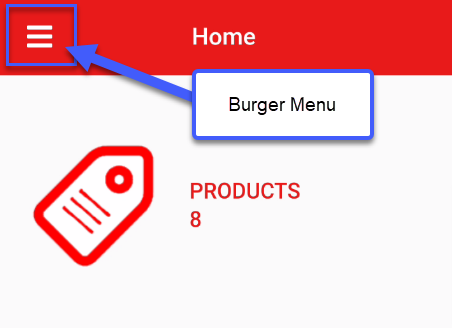
Menu defined
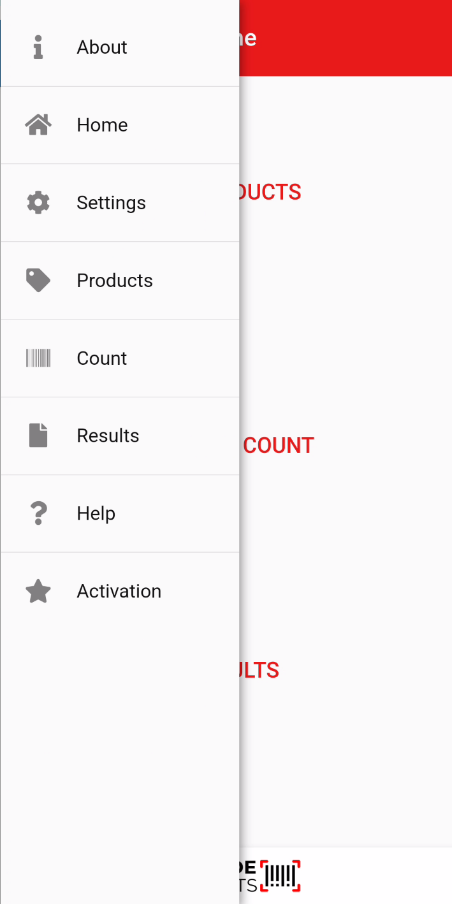
A list of options is available
| About | Gives information on the app, including the version number |
| Home | Takes one back to the home page where Products, New Count and Result icons |
| Settings | Setup basic settings for the app to navigate |
| Products | List of products that were imported |
| New Count | Ready to create a count batch |
| Results | View the results of counts |
| Help | View help on the app |
| Activation |
Activate the app Subscription is 1 year and bill per device |
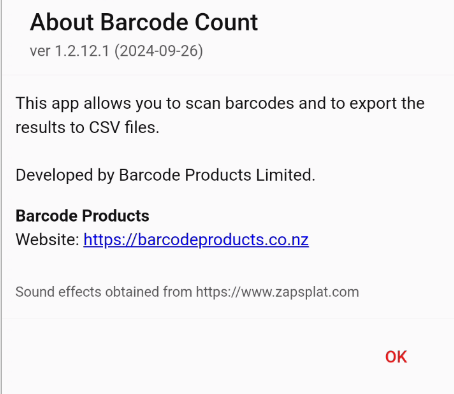
About
Displays information on the app
Version number is important
Settings
Set parameters for the app
| Reset to Defaults | Button to reset app back to defaults |
| Reset Grids | Resets the grids that the user has defined back to default |
| Show Buy | Displays the Buy price when scanning a new count |
| Show Sell | Displays the Sell price when scanning a new count |
| Quantity Decimals (0-4) | Set the Quantity decimal to up to four decimals |
| Quantity Trailing Zeroes | Hide, Collapse or Show items with zeros |
| Scan Products Only |
Tick this if verifying barcode against product list |
| Import Template |
Set the import template based on the system used Default, Infusion, Orion |
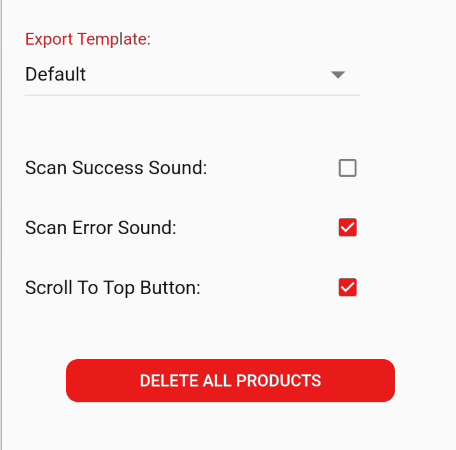
| Export Template |
Set the export template based on the system used Default, Infusion stock take, Orion, Kudos V2, txt (standard), txt (Details) |
| Scan Success Sound |
Change success scan sound from default scanner sound |
| Scan Error Sound |
Will sound an error sound if something is not valid when scanning |
| Scroll to Top Button |
Allow for Scroll to top of list button to appear |
| Delete All Products |
Delete all products list |

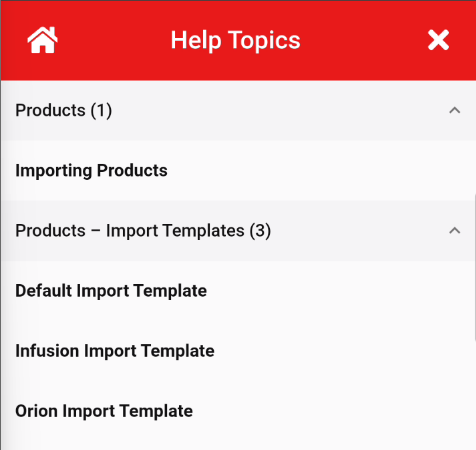
Help Topics
Shows some basic help files
The import templates are defined for Default, Infusion and Orion
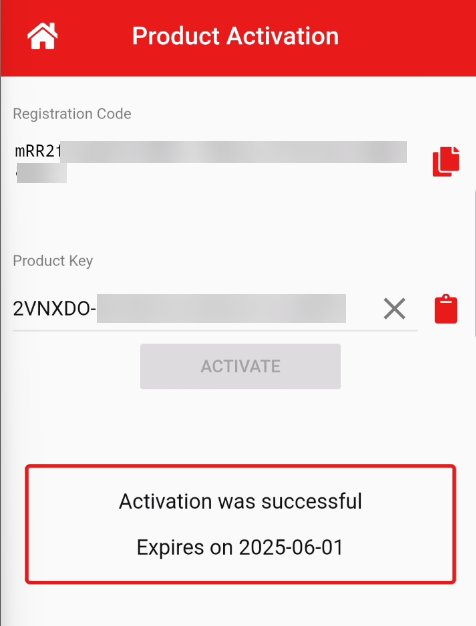
Production Activation
Register the product
No Comments