
Adding a New Stock Item
Adding New Items During a Stock Take or Coun
During a stock take or inventory count, you may come across items that aren’t yet listed in your system. The Barcode Count App makes it easy to add these new items on the spot, ensuring your records stay accurate and up to date. This section will guide you through the steps to add a new item directly within the app, whether you're mid count or reviewing stock.
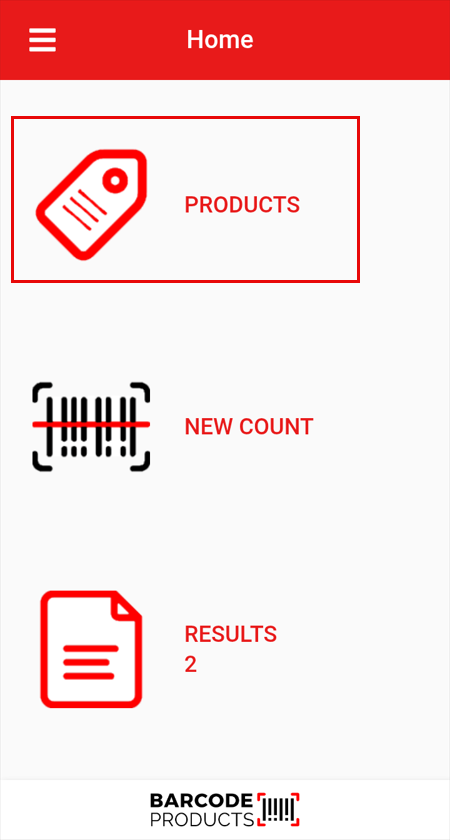
Select the add (+) icon at the top right of the screen
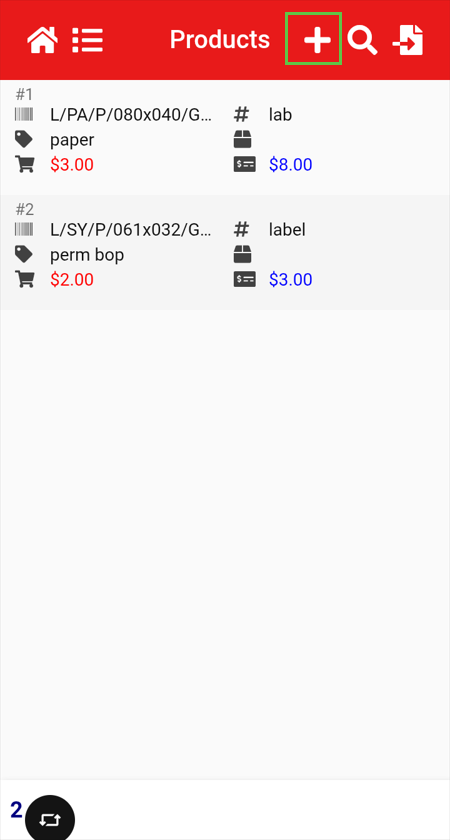
Here you will need to capture the information needed to record the item.
Barcode
Product Code
Description
Group
Unit of Measure
Supplier Code
Buy Price
Sell Price
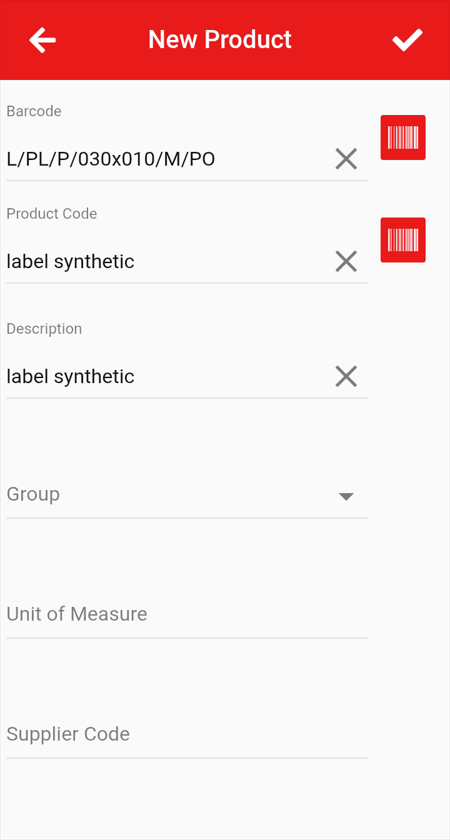
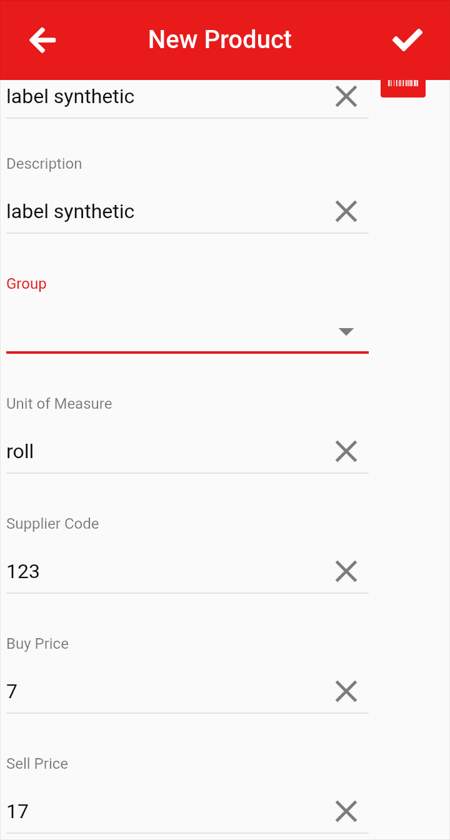
To save this item you will need to click the tick  at the top right of the screen.
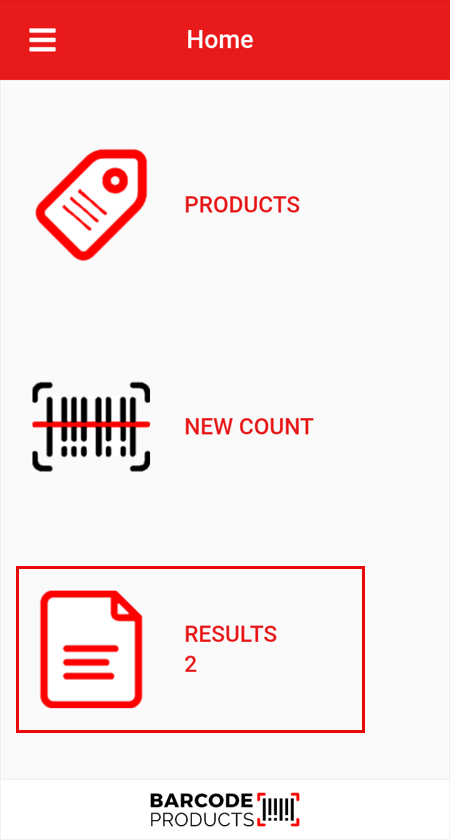
To update an existing stock count, navigate to Results, select the relevant count, and choose Update with Products.
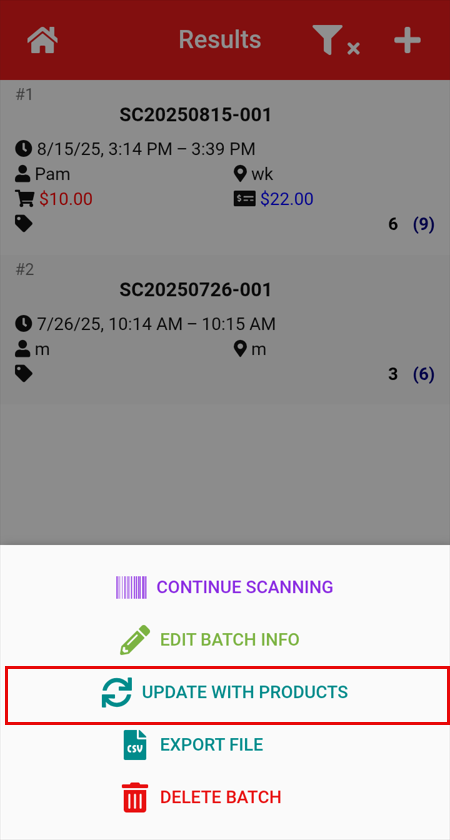
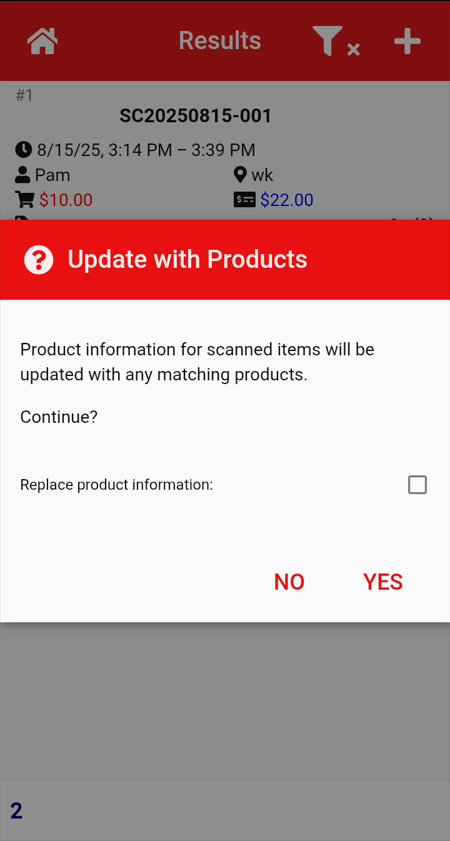
A confirmation window will appear asking if you wish to continue. Click Yes to proceed.
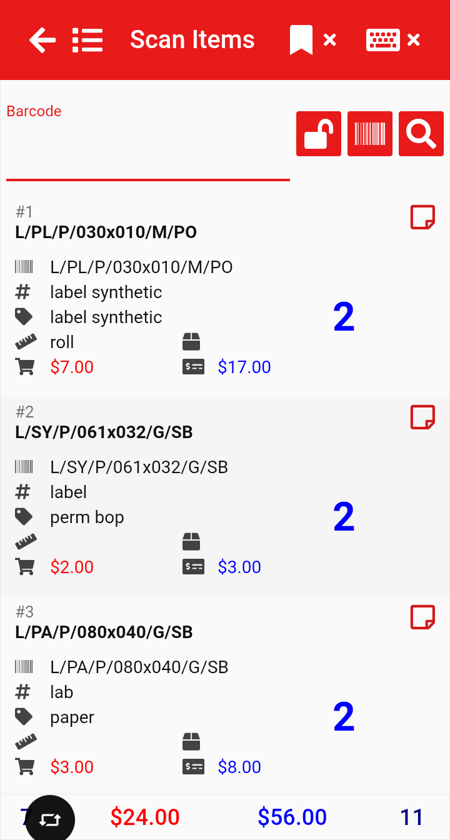
You will then be able to locate the items you updated and view the changes you made.
No Comments