
Add Contract
Billing Rate
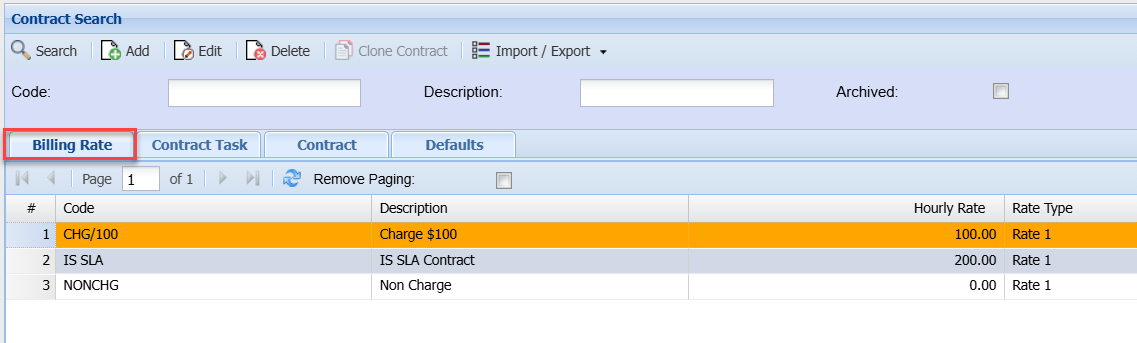
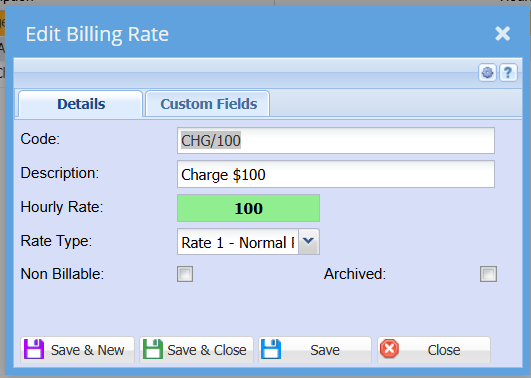
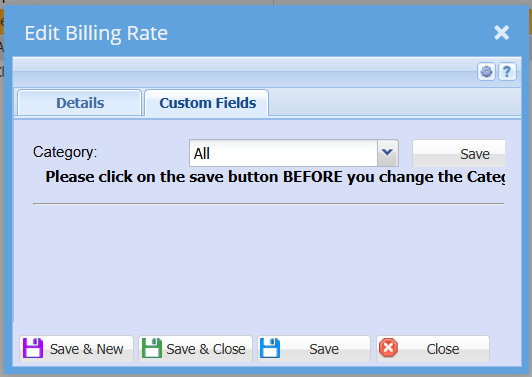
Adding Billing Rate
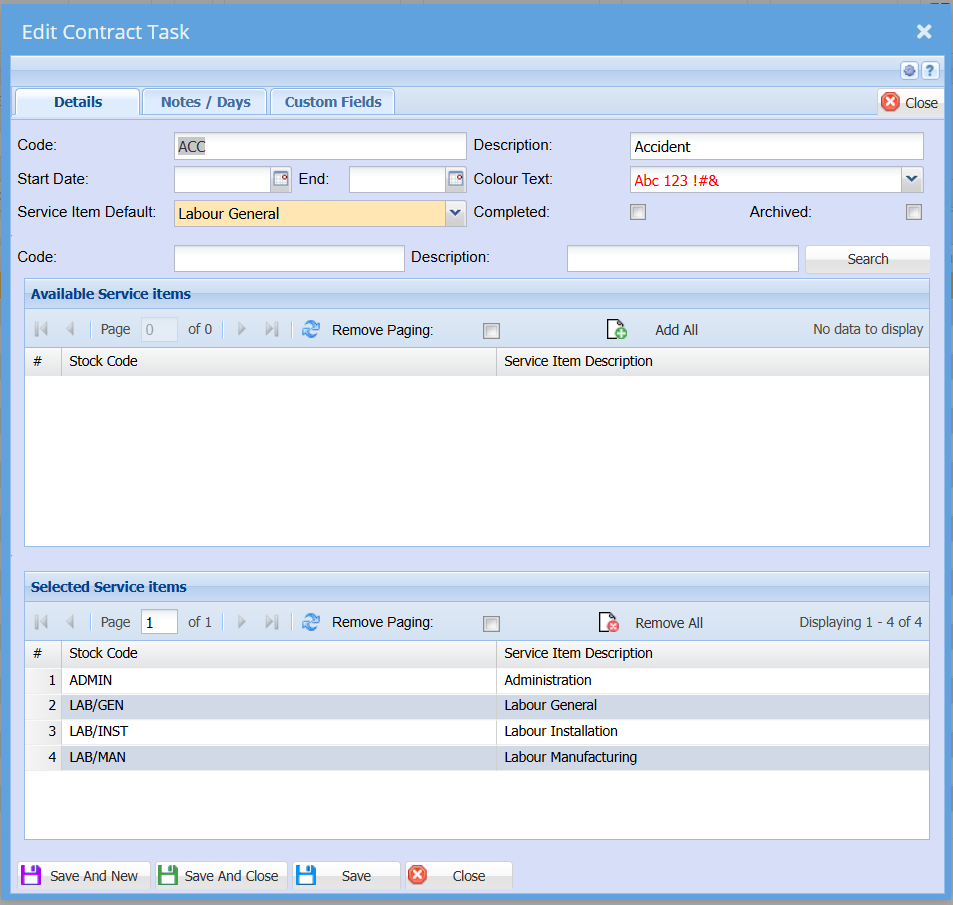
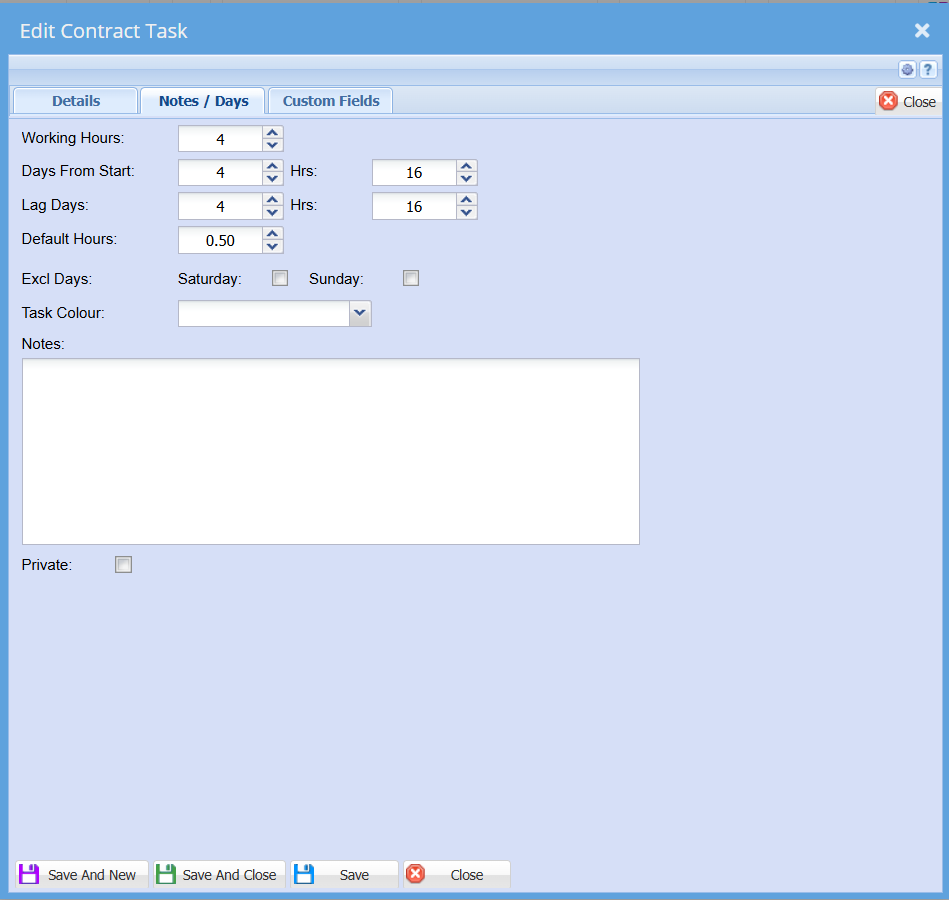
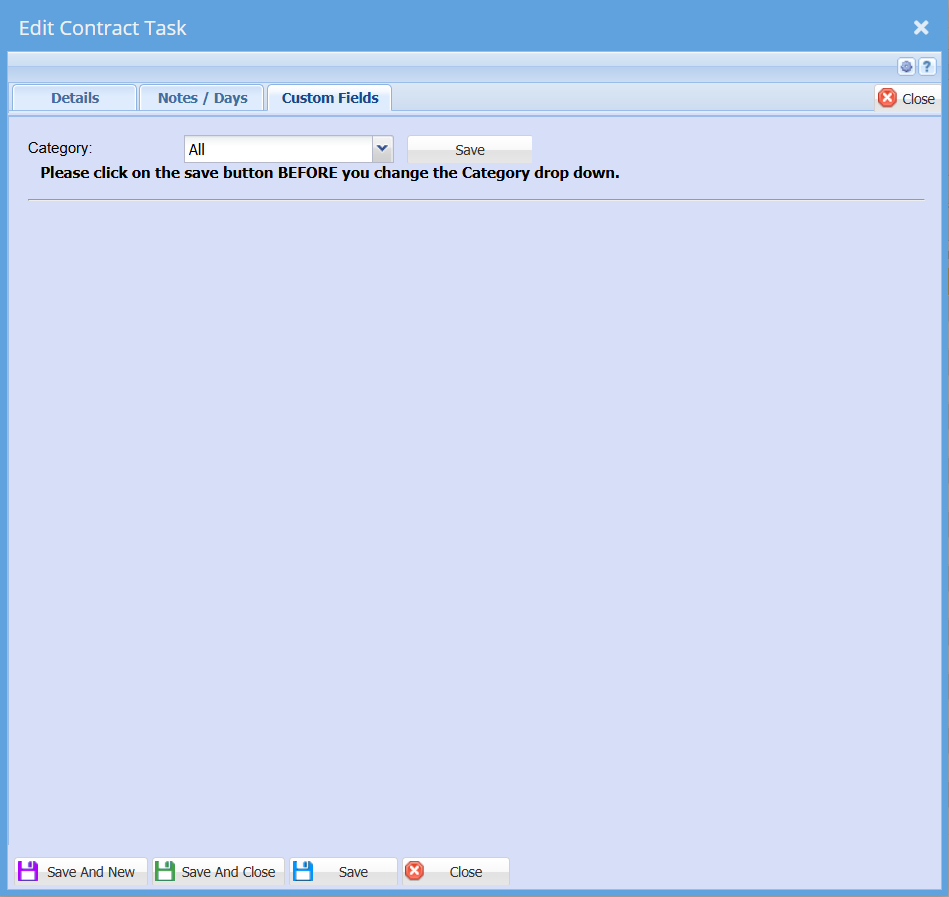
Contract Task
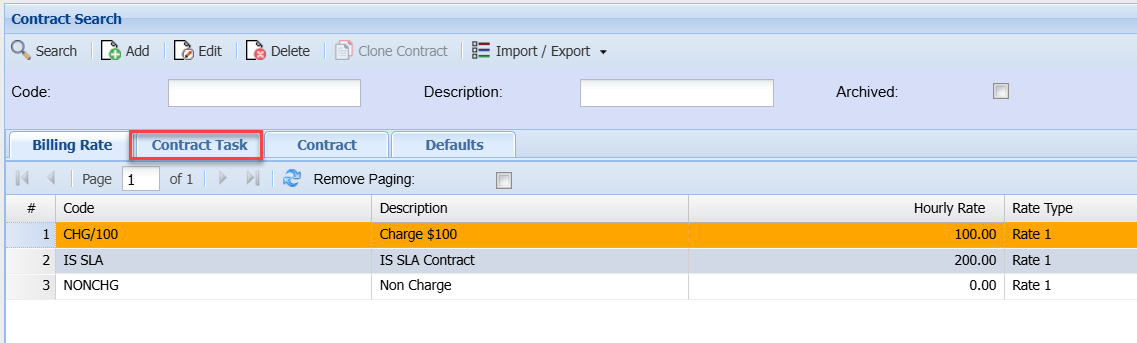
Adding Contract Task
Contract
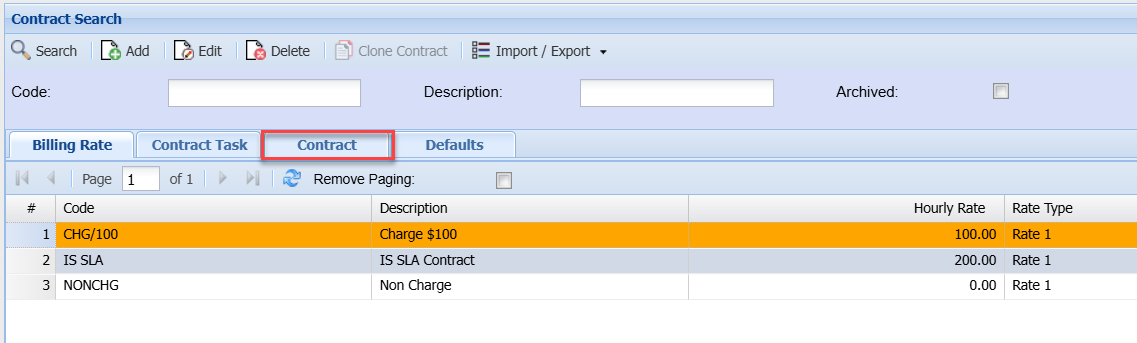
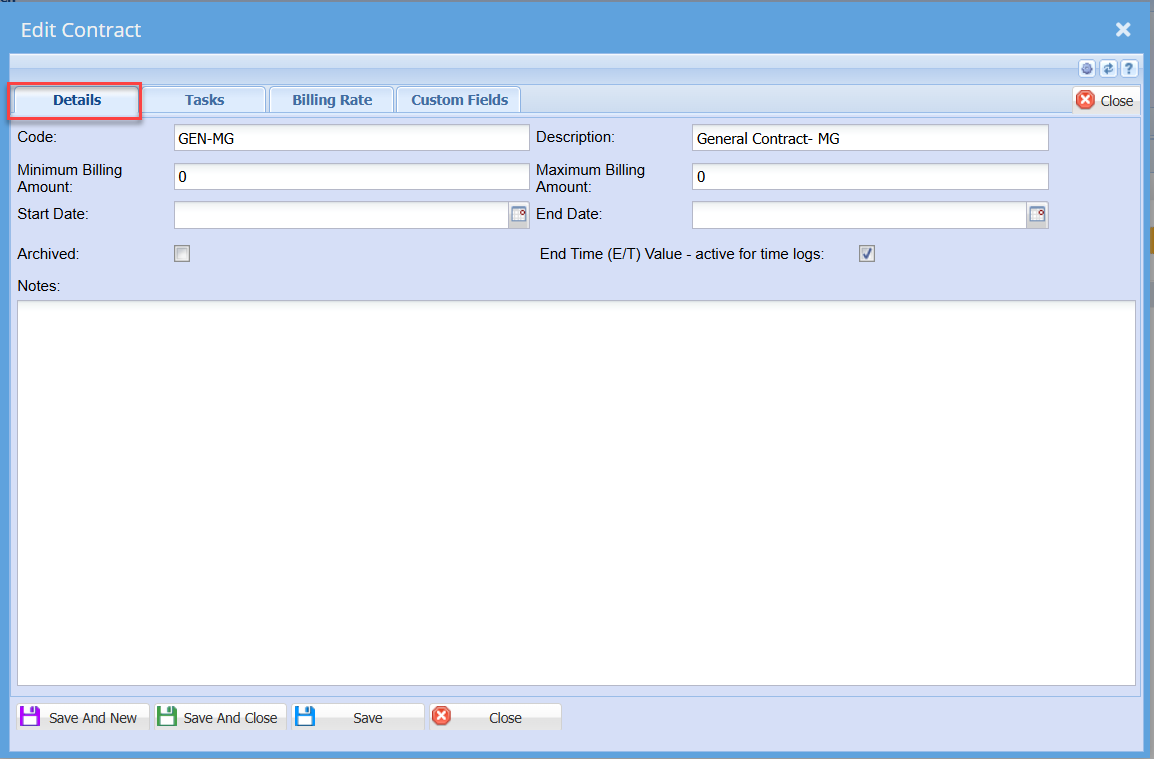
This is where the contract between the provider of a service and the user’ details is created.
It has five tabs and four buttons
Detail Tab – The code and description are important to fill in.
Code – Code of the SLA
Short Description – brief description of the SLA
Minimum Billing Amount – minimum amount the customer and the service provider agree upon
Maximum Billing Amount – maximum amount the customer and the service provider agree upon
Start Date – beginning of the SLA started
End Date – The end of SLA
Archived – SLA will go to archives if the box is ticked
Notes Tab – customer notes regarding SLA
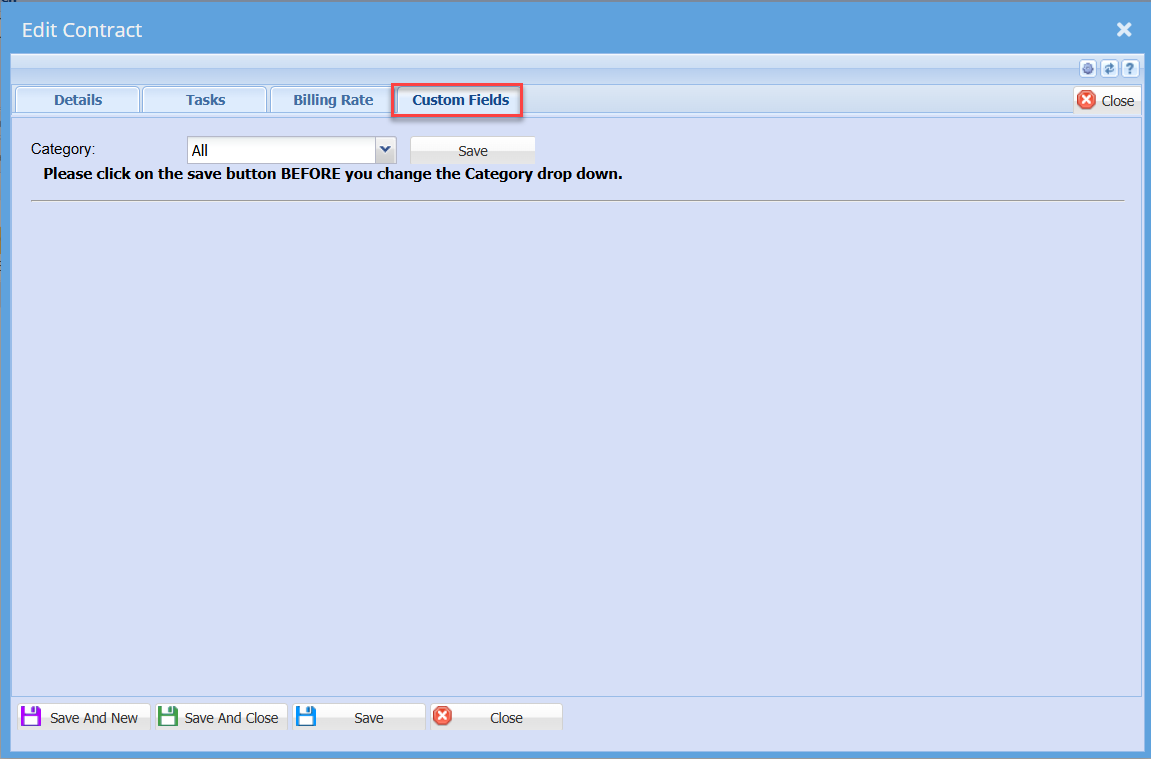
Custom Fields – a user can select from the category
Task Tab
This displays the list of tasks that can be selected for this user contract
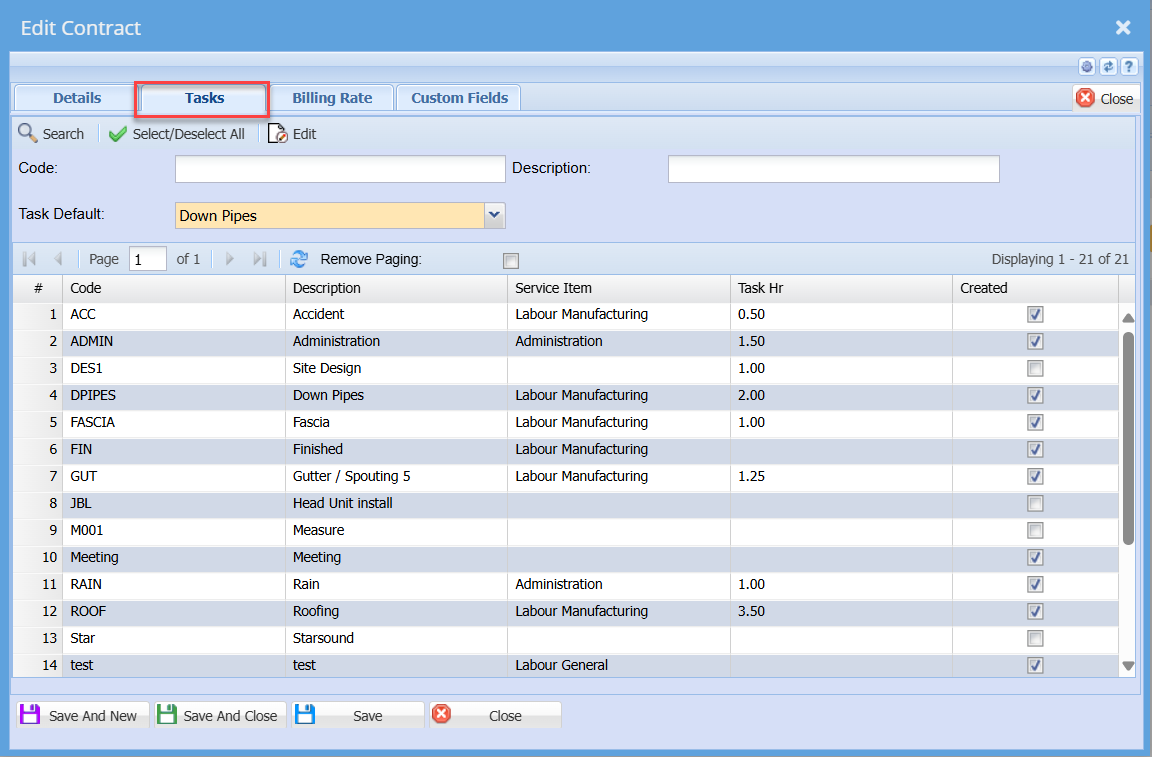
Select /Deselect All button – selects all available tasks or unselect all the tasks
Billing Rates Tab
SLA rates selection
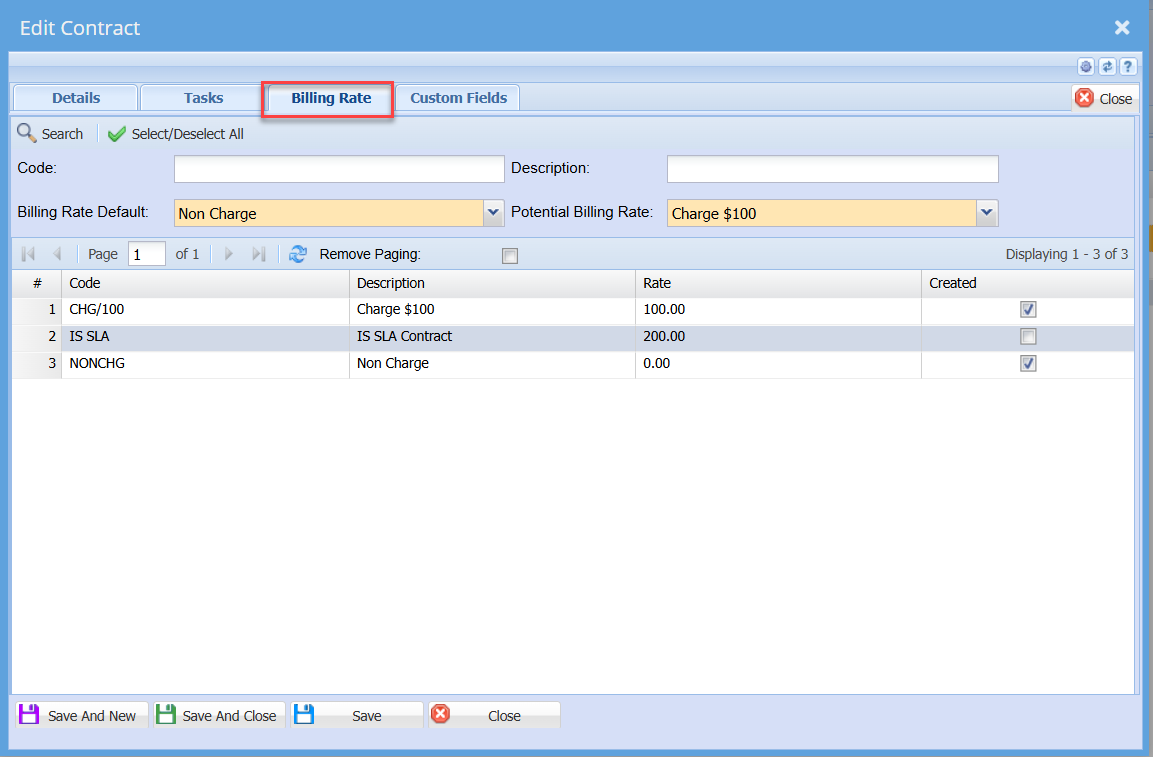
Select / Deselect All button – Selects all available billing rates or unselect all billing rates
Billing Rate Default - Select from the list the defaulting billing rate when this contract is selected
Potential billing rate - Select from the the list the defaulting potential billing rate when this contract is selected
Custom Fields Tab
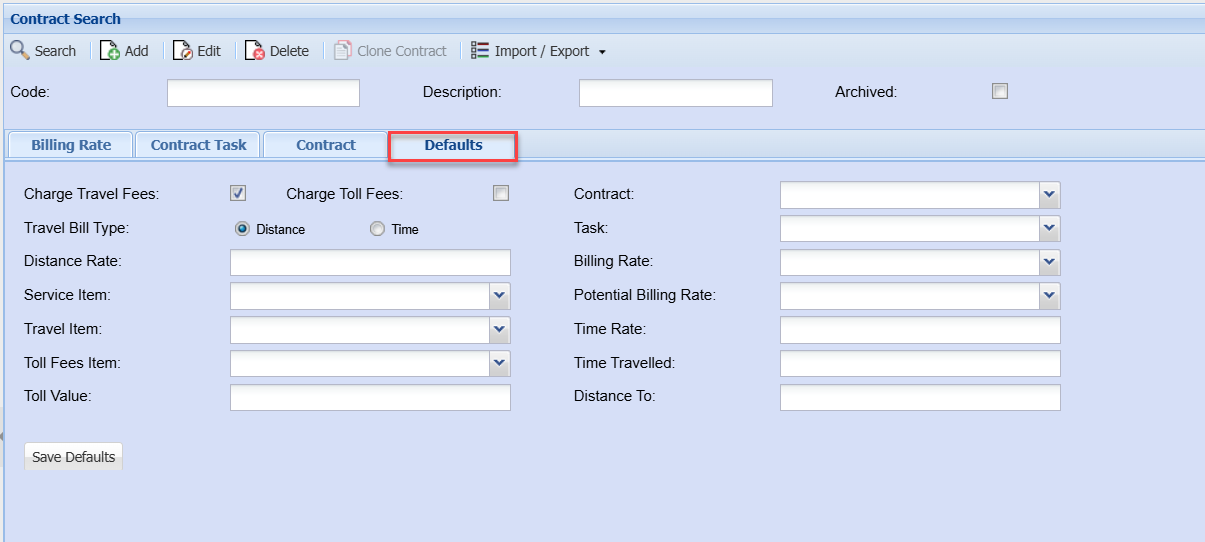
Defaults
No Comments