# Add Contract
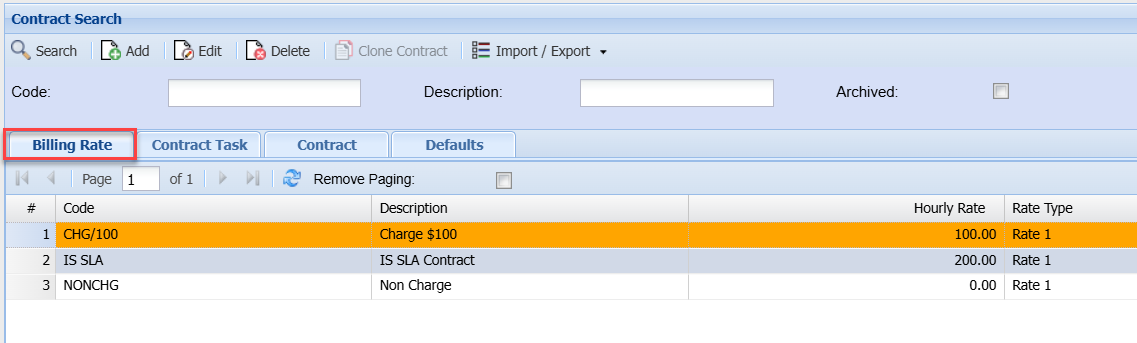
#### Billing Rate
[](https://hugeerp10.co.za/hsofmanual/uploads/images/gallery/2024-09/7rGimage.png)
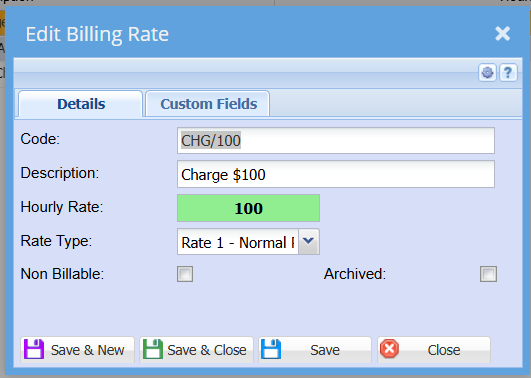
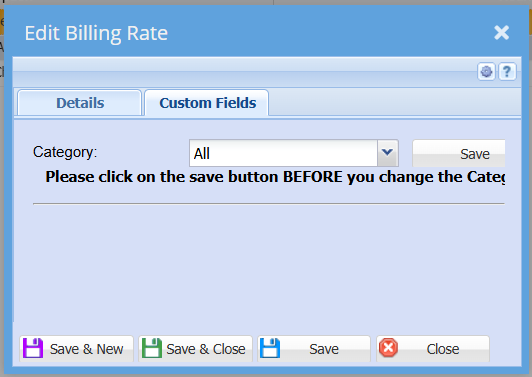
Adding Billing Rate
[](https://hugeerp10.co.za/hsofmanual/uploads/images/gallery/2024-09/owAimage.png)
[](https://hugeerp10.co.za/hsofmanual/uploads/images/gallery/2024-09/HKAimage.png)
---
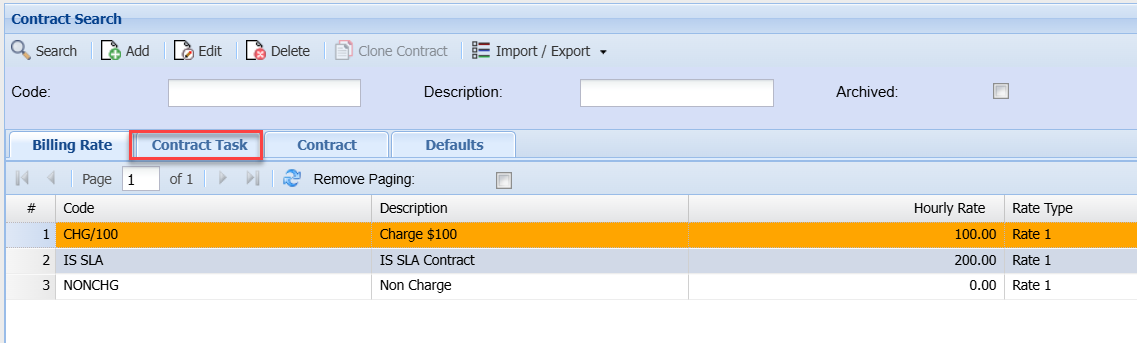
#### Contract Task
[](https://hugeerp10.co.za/hsofmanual/uploads/images/gallery/2024-09/0mVimage.png)
Adding Contract Task
[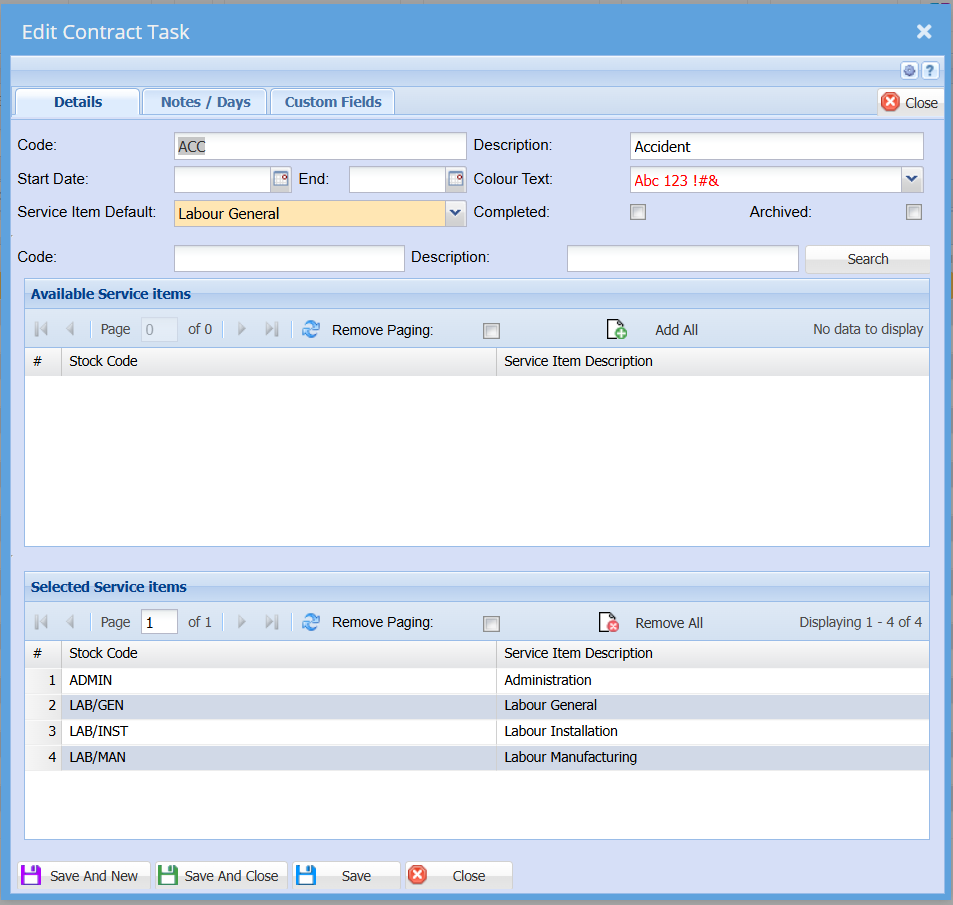](https://hugeerp10.co.za/hsofmanual/uploads/images/gallery/2024-09/OpOimage.png)
[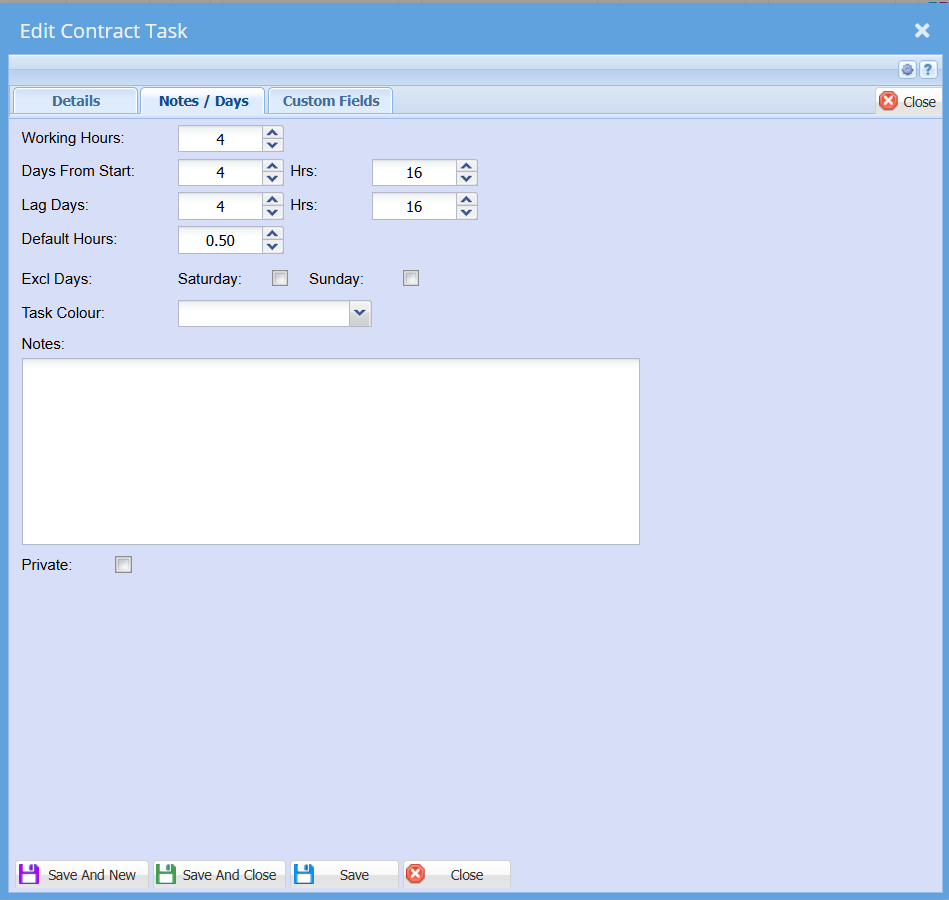](https://hugeerp10.co.za/hsofmanual/uploads/images/gallery/2024-09/9NHimage.png)
[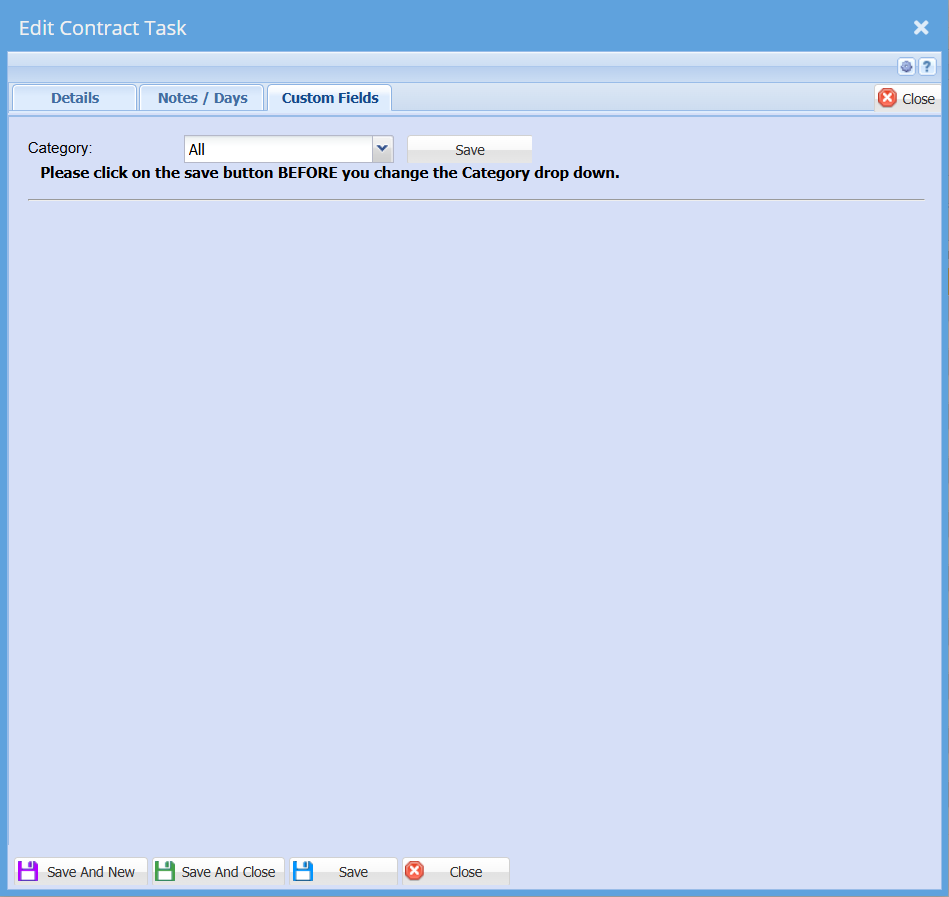](https://hugeerp10.co.za/hsofmanual/uploads/images/gallery/2024-09/Q7ximage.png)
---
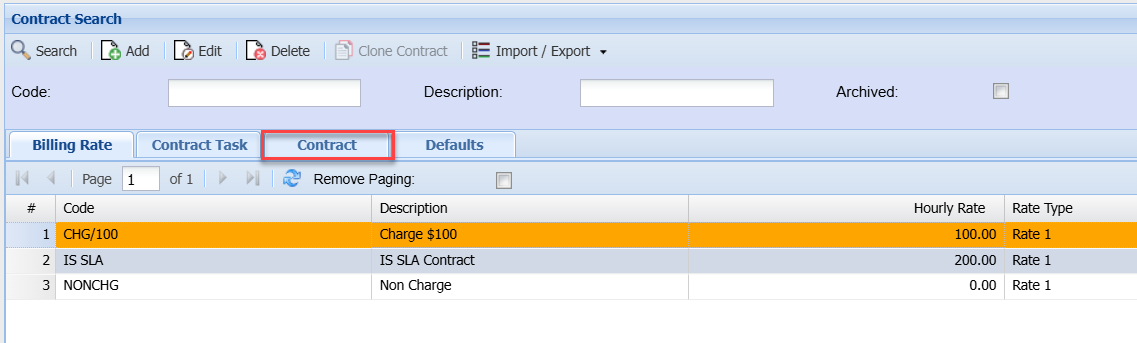
#### Contract
[](https://hugeerp10.co.za/hsofmanual/uploads/images/gallery/2024-09/dORimage.png)
[](https://hugeerp10.co.za/hsofmanual/uploads/images/gallery/2024-09/zK0image.png)
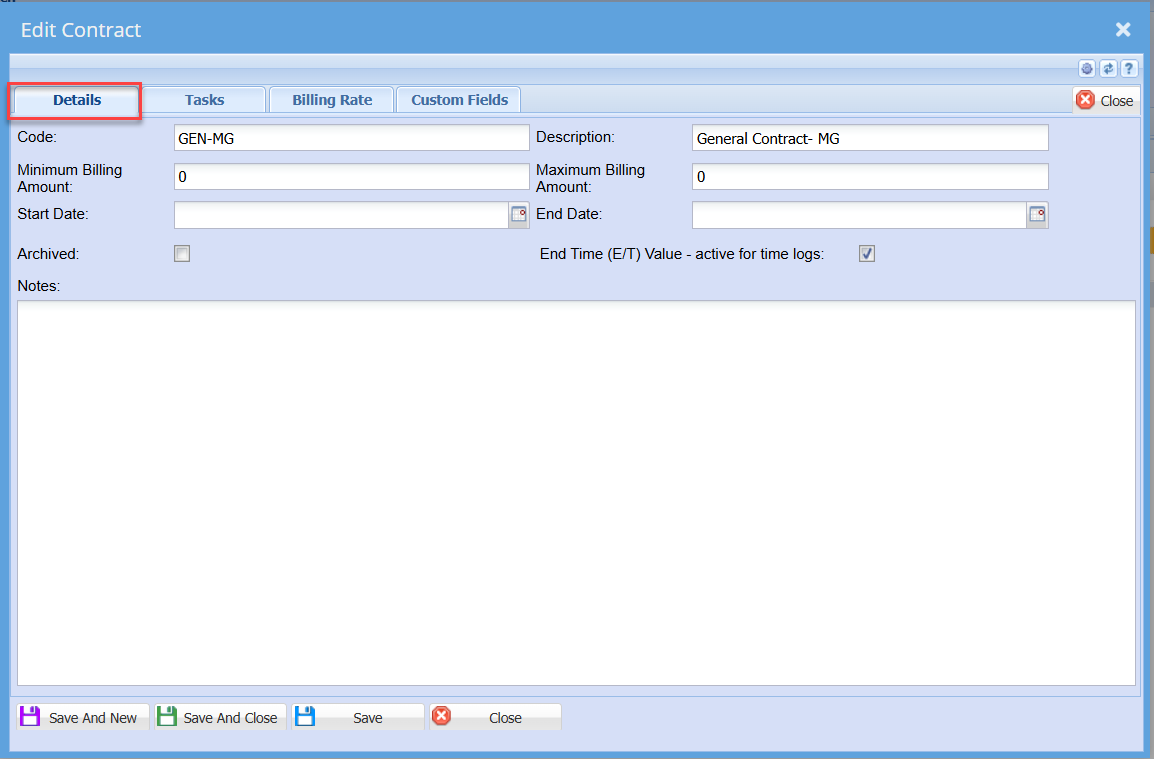
This is where the contract between the provider of a service and the user’ details is created.
It has five tabs and four buttons
Detail Tab – The code and description are important to fill in.
Code – Code of the SLA
Short Description – brief description of the SLA
Minimum Billing Amount – minimum amount the customer and the service provider agree upon
Maximum Billing Amount – maximum amount the customer and the service provider agree upon
Start Date – beginning of the SLA started
End Date – The end of SLA
Archived – SLA will go to archives if the box is ticked
Notes Tab – customer notes regarding SLA
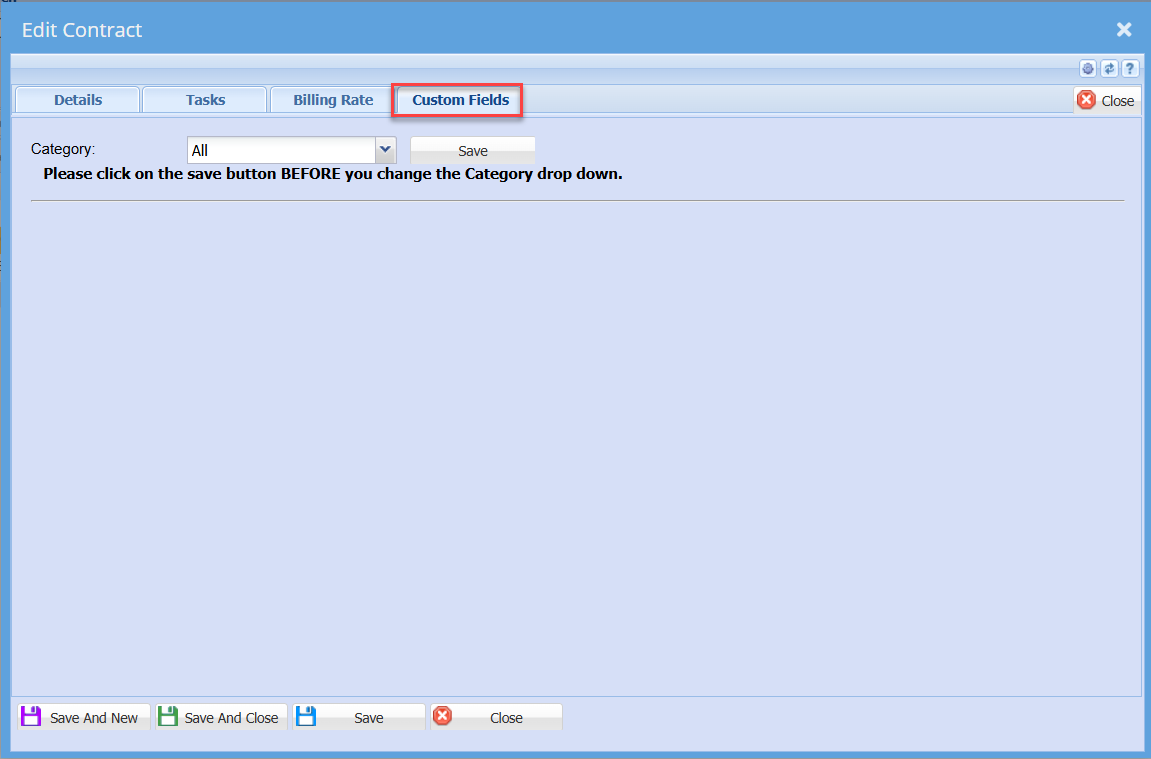
Custom Fields – a user can select from the category
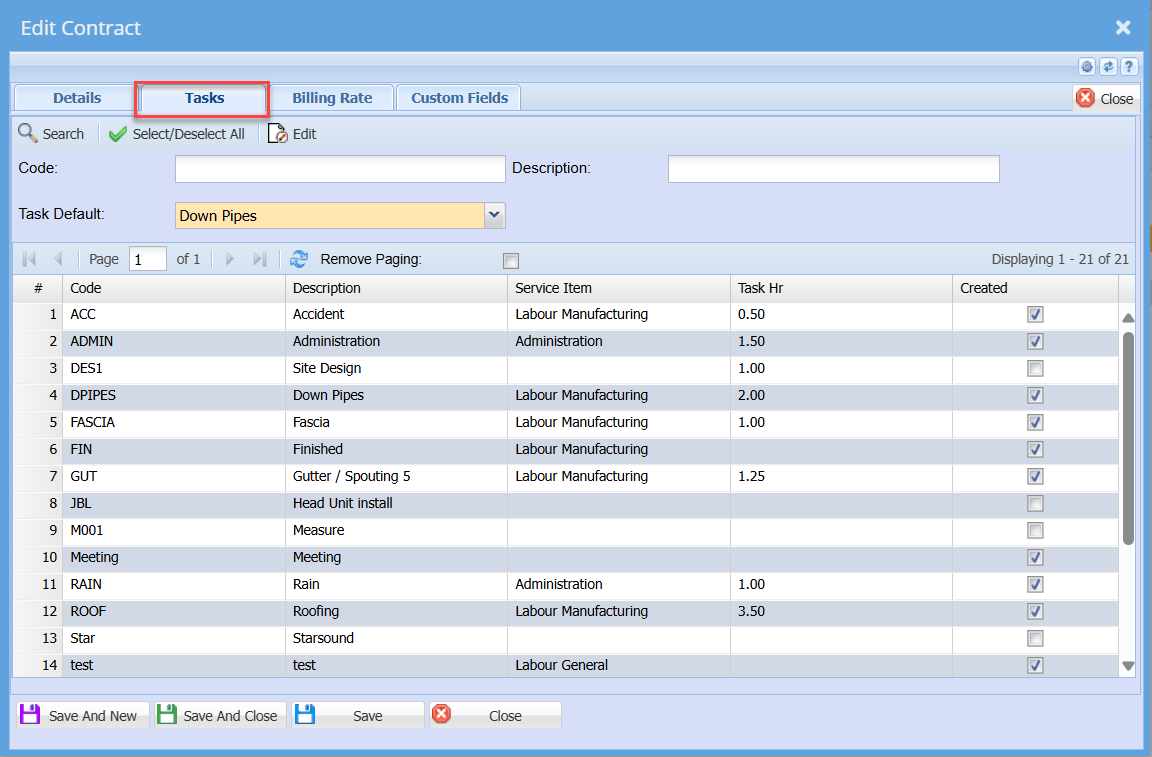
Task Tab
This displays the list of tasks that can be selected for this user contract
[](https://hugeerp10.co.za/hsofmanual/uploads/images/gallery/2024-09/biPimage.png)
Search button - to search for existing tasks
Select /Deselect All button – selects all available tasks or unselect all the tasks
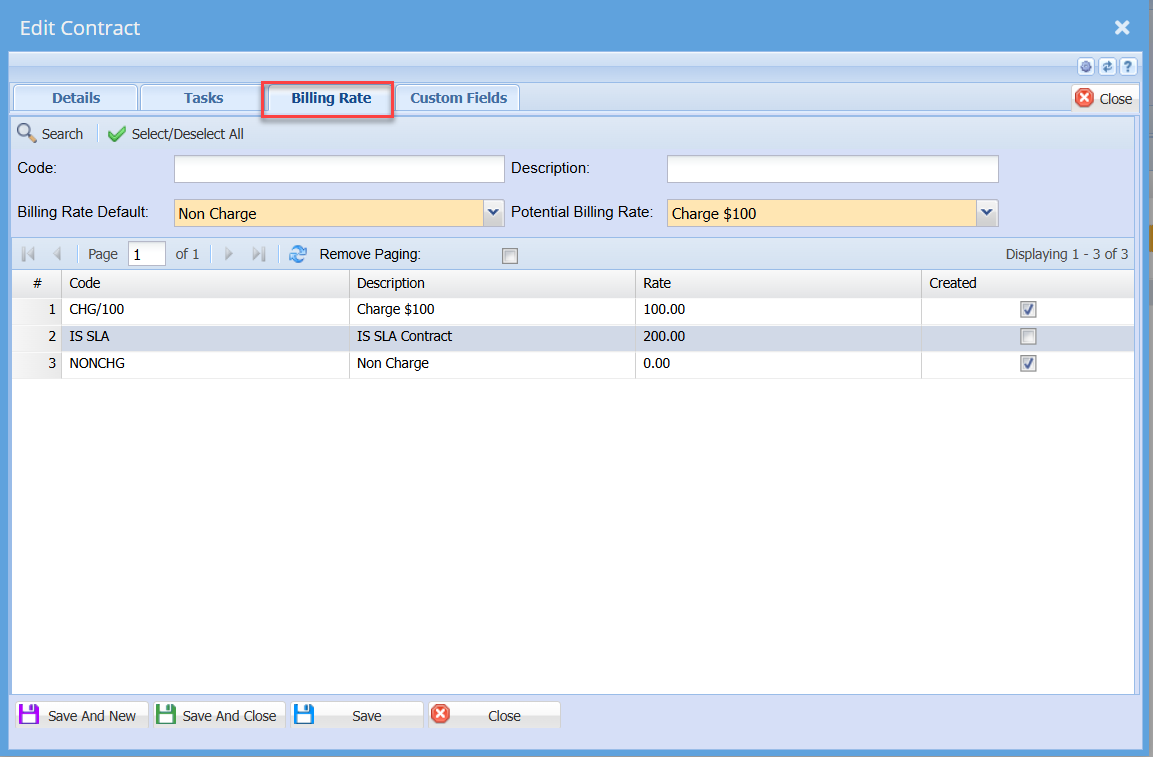
Billing Rates Tab
SLA rates selection
[](https://hugeerp10.co.za/hsofmanual/uploads/images/gallery/2024-09/BYLimage.png)
Search button - to search for existing billing rates
Select / Deselect All button – Selects all available billing rates or unselect all billing rates
Billing Rate Default - Select from the list the defaulting billing rate when this contract is selected
Potential billing rate - Select from the the list the defaulting potential billing rate when this contract is selected
Custom Fields Tab
[](https://hugeerp10.co.za/hsofmanual/uploads/images/gallery/2024-09/gMvimage.png)
---
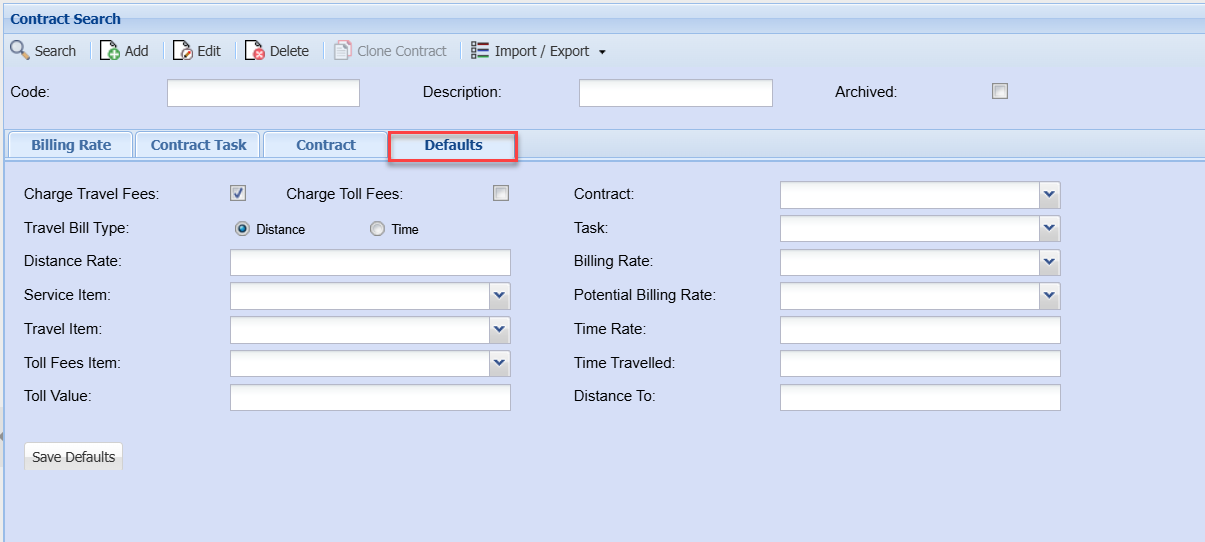
#### Defaults
[](https://hugeerp10.co.za/hsofmanual/uploads/images/gallery/2024-09/Dfyimage.png)