
Add Creditors Email Mailing List
Add Supplier Bulk E-mailing List
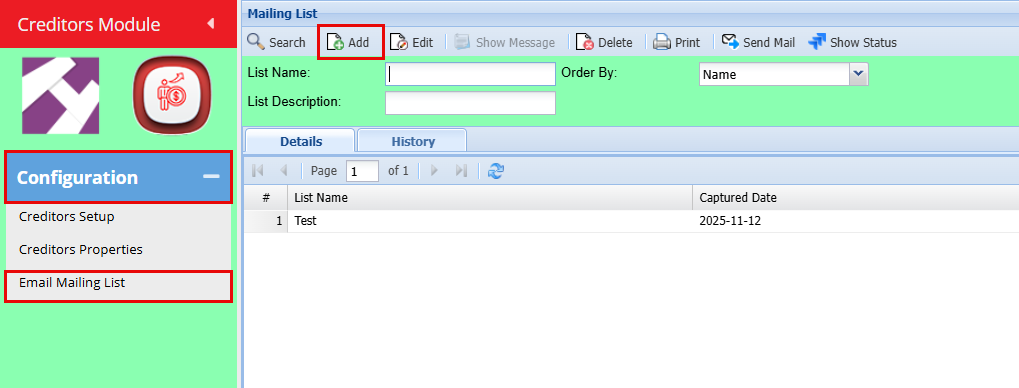
Creditors> Configuration> Email mailing List
- Click "Add"
- Add the Mailing List Name and a Description
- Click "Save"
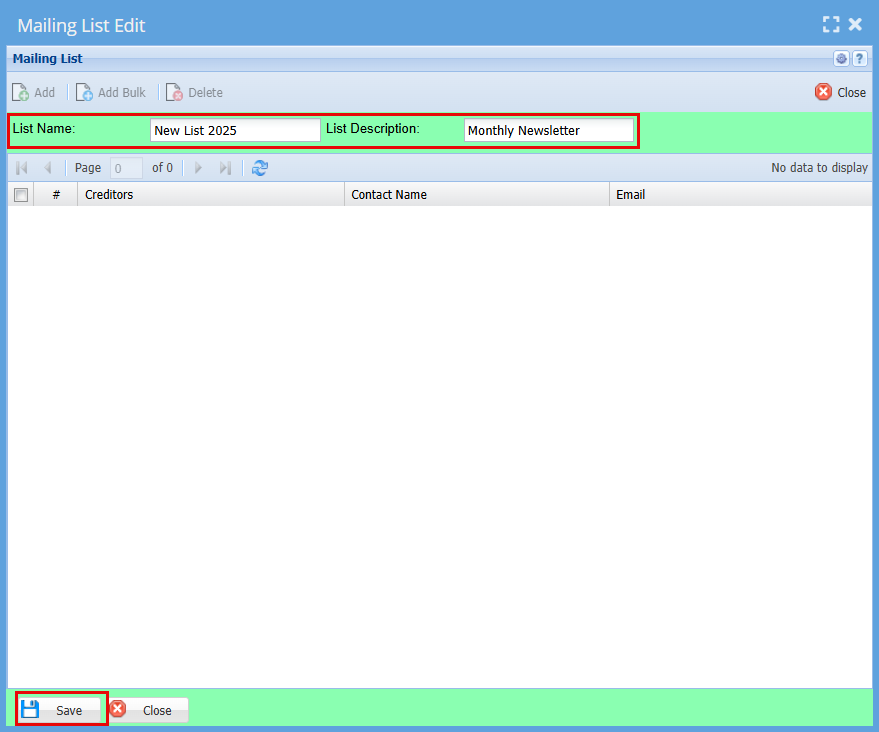
| List Name | Enter a name or code for your list |
| List Description | Enter a description for the list |
| Add | Add button opens up Creditors setup function that allows you to select from your supplier contact the email to add on the list. |
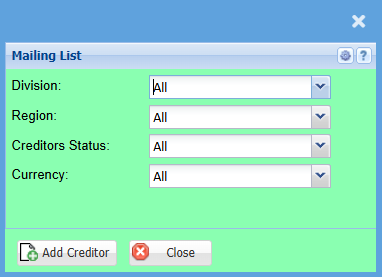
Once you click "Add" you will have the below screen open.
- Select your preferred Creditors you would like to email by using the drop-down menus, if you want to send it to all, leave the selection as "All"
- Click "Add Creditors"
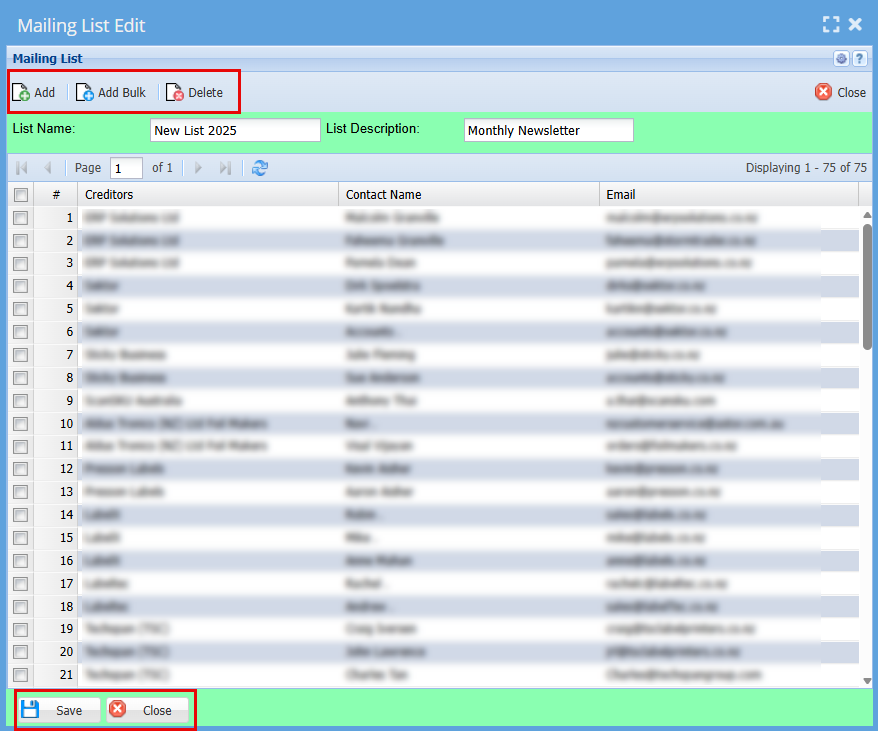
By clicking "Add Creditors" the system will create your mailing list.
Here you can "Add" more creditors and can "Delete" the ones you want to remove.
Click "Save"
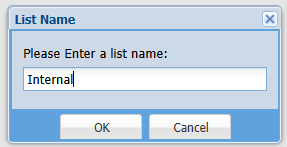
You will be prompted to Name this list
- Click "Ok"
- Click "Close"
No Comments