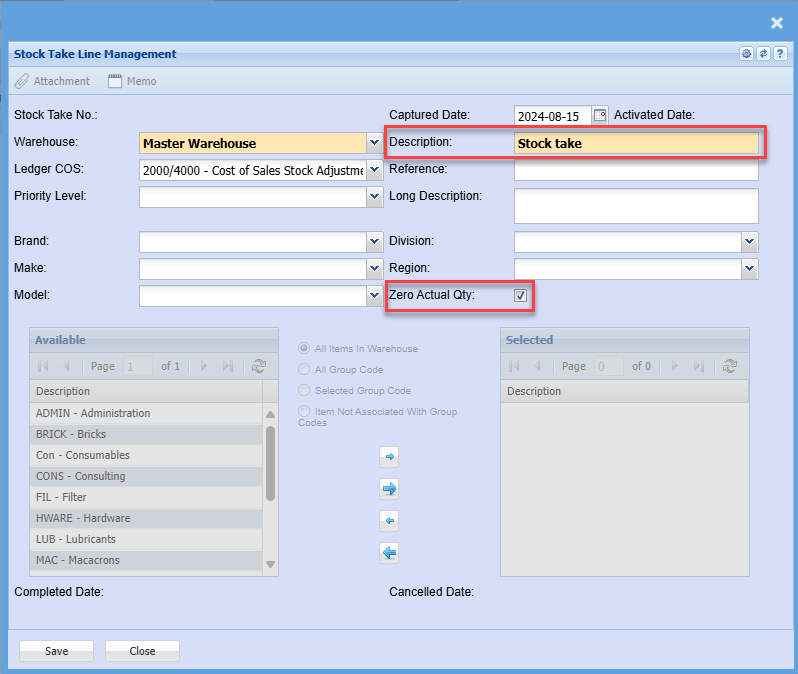
Stock Take
Running a Stock Take with the Webatar app
Video training manual 202311 - Stock_Take_Webatar.mp4
Some basic steps are required
- Create and activate a stock take
- Open up the Webatar app and sync
- Scan and count stock
- Complete stock take
- Close and Open the Webatar app and sync
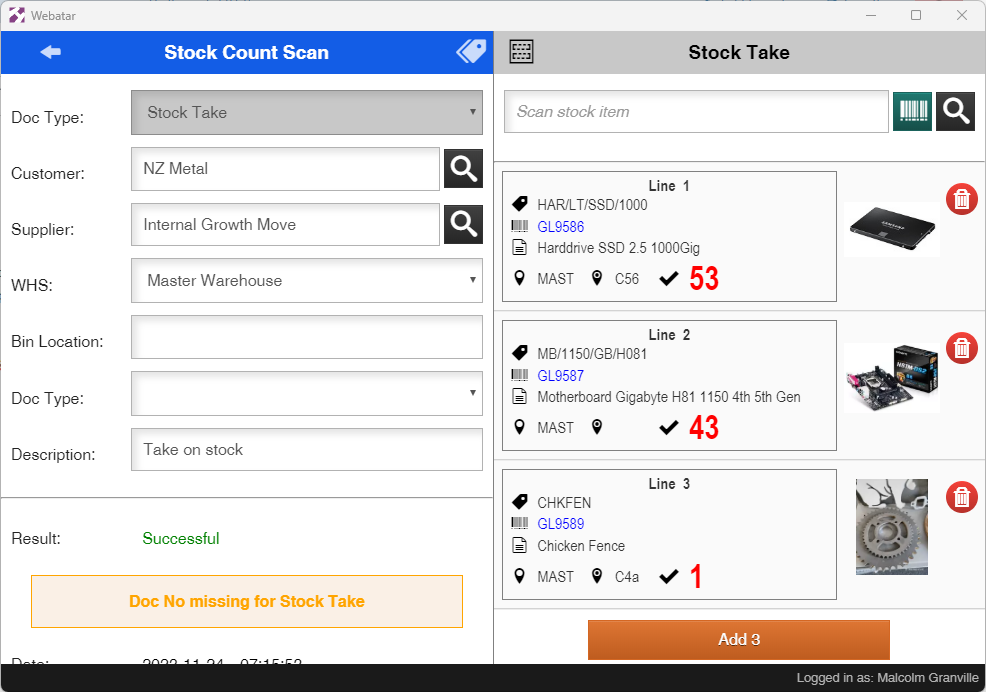
Stock Take procedure
When activating the stock take in main system, it is recommended to tick the zero actual Qty.
Zero actual quantity sets all stock to zero quantity forcing one to count all stock